Automatic Divider-rounder model Syncro
70/79
Use and maintenance manual (translation of the original instructions) - MASA6_en_2 of 23/03/2021
4.11 STARTING IN MANUAL MODE
All maintenance operations can be facilitated by the possibility of starting each single
movement independently without starting the complete automatic cycle. For example, it
is possible to start only the lower loaf moulder to thoroughly clean the moulding belts or
to detect and identify abnormal noise generated by the operation of this unit.
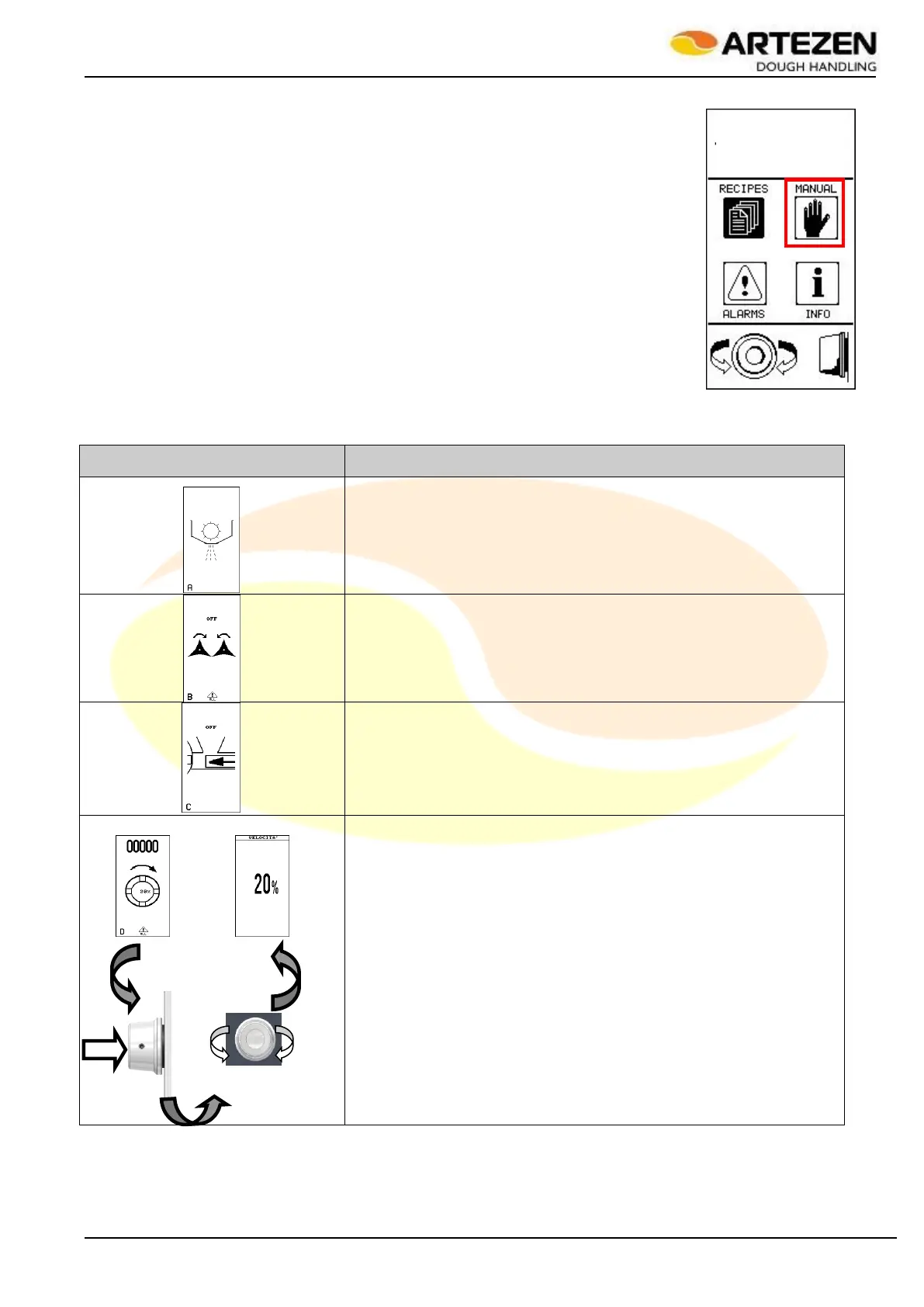
The manual movements are accessed via the main menu of the program list, by
pressing the "ESC" key Figure 4 ref. 7 then, within 5 seconds, press "I-DRIVE" Figure 4
ref. 9, select the “MANUAL” icon as highlighted in the image in Figure 41; finally press
“I-DRIVE to confirm the selection.
Each single movement can be started in manual mode by selecting the page relating to
the movement to be started, and pressing the "START / STOP" button Figure 4 ref. 8 to
initiate this movement.
Table 13 shows the list of operations that can be manually started.
Starting the flour duster (Figure 10 Pos. 3);
Starting the star dosing devices, near the hopper (Figure 10 Pos. 4);
Forward movement of the dough compression piston (Figure 10 Pos.
6);
Starting the dividing drum (Figure 1 Pos. 4). A numerical value is
shown at the top of the display which increases when the
corresponding device is rotated. Pressing “I-DRIVE” also shows the
next screen in which it is possible to select a different movement
speed after confirming the selection by pressing the same knob;
Figure 41 - Starting
in manual mode



 To Next Page