Reference
Envision EX5000 -88- 600-00151-001 Rev 01
9.1 Updating Your Databases
Avidyne allows you to upload the following types of data to your
EX5000:
l NavData—For the Map page, Avidyne uses NavData from
Jeppesen Sanderson, Inc. it is your duty as pilot in command to
ensure that the data you fly with remains up to date.
l CMax
¥
Chart Data—An optional Avidyne feature that allows you
to view JeppView chart data on your EX5000.
You can use a Zip Drive or USB Flash Memory Drive to move data
between your PC and the EX5000. For more information about the
databases, and about loading data from your PC to a Zip Drive or
USB Flash Memory Drive, see the Avidyne Data Update Guide.
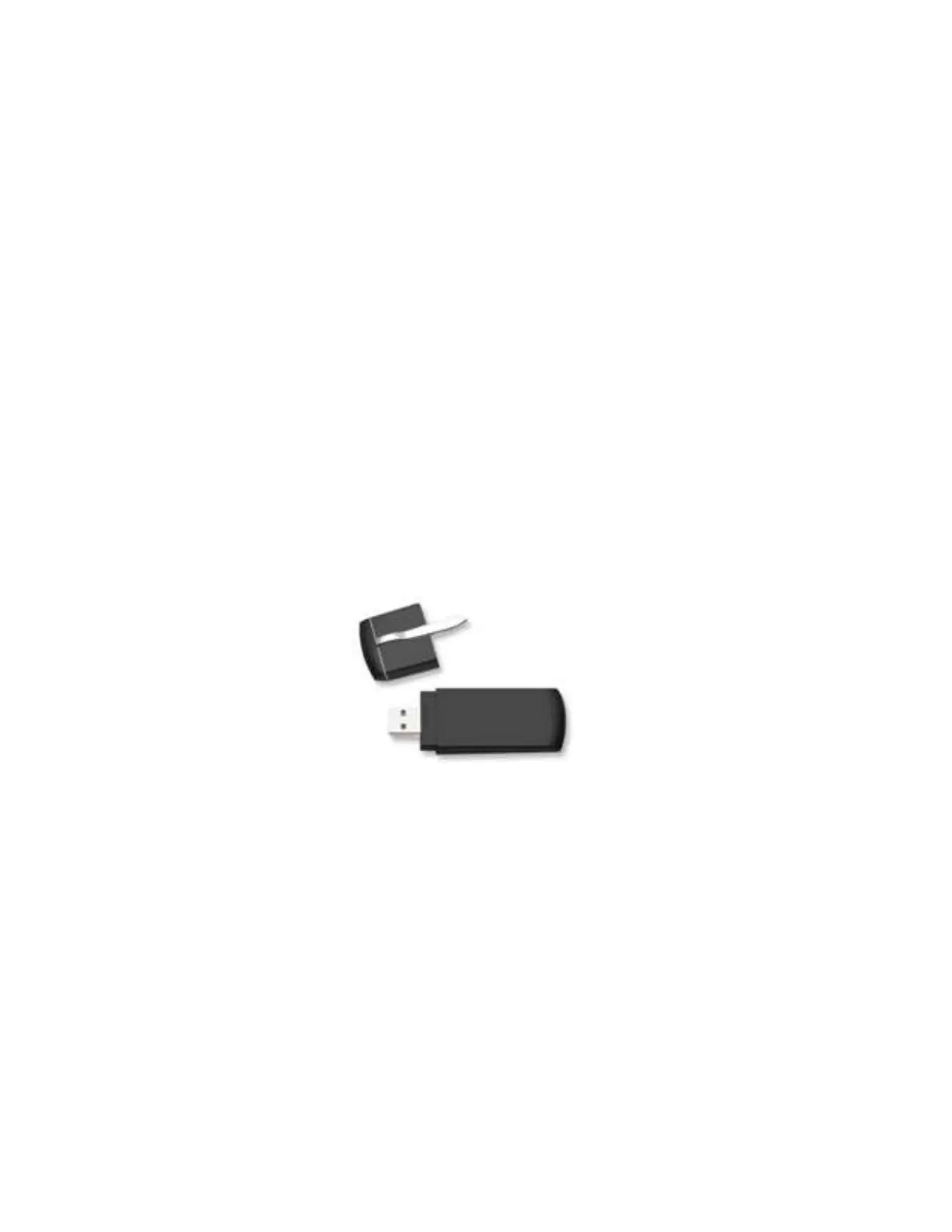
USB Flash Memory Drives come in many sizes and configurations. A
sample USB Flash Memory Drive is shown below. For a list of
approved USB Flash Memory Drives, see the Avidyne website at
www.avidyne.com.



 To Next Page