Datalink (Optional)
Envision EX5000 -82- 600-00151-001 Rev 01
8.2 Symbols Displayed using Datalink
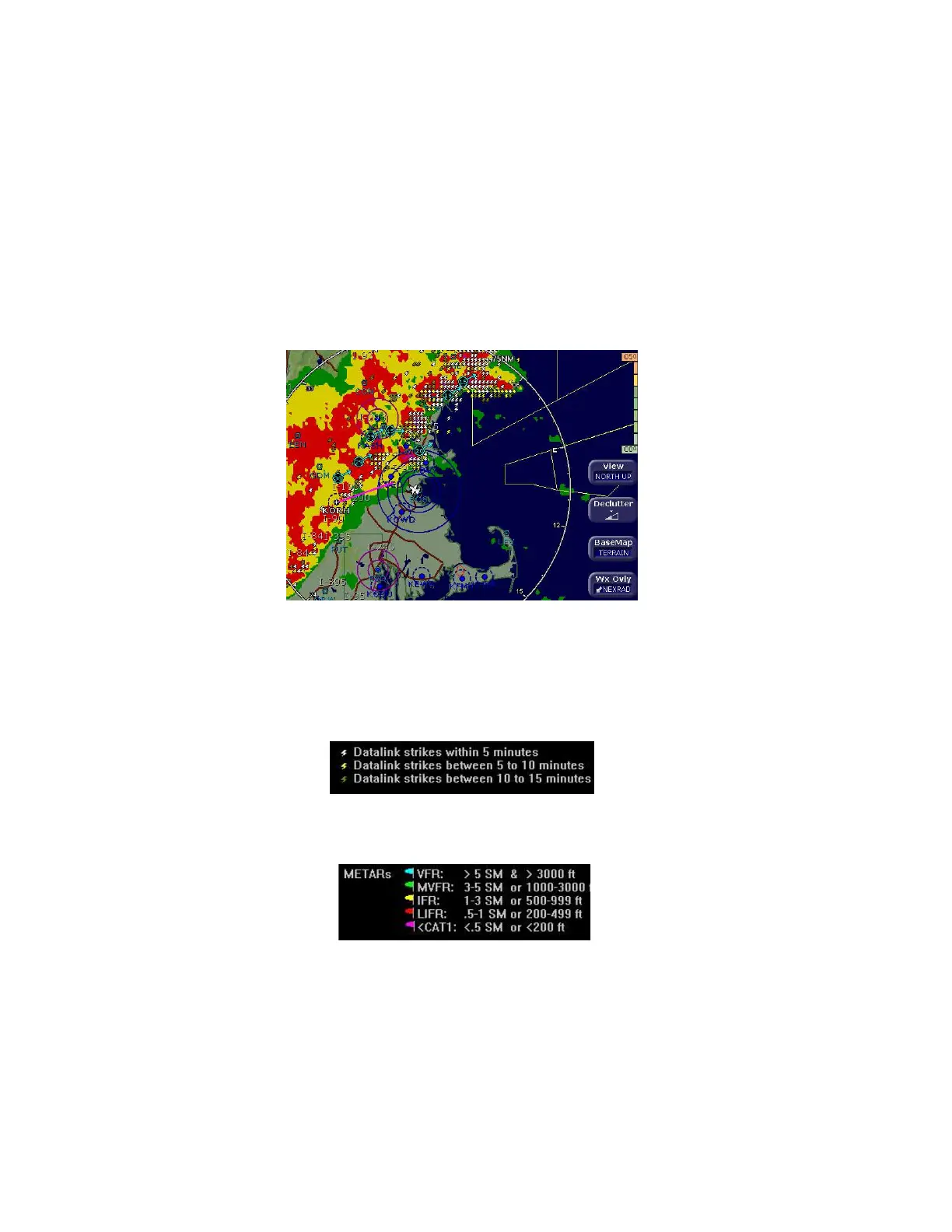
This section describes the symbols displayed using Broadcast
Datalink. Figure 8.2, below, displays many of the Broadcast Datalink
symbols (though one hopes you are not flying in similar weather). For
a complete list of Map symbols, see Chapter 2 "Map Page".”
Figure 8.2 Broadcast Datalink Weather
l Lightning strike symbols—Depending on your broadcast
service level, lightning information from the broadcast datalink
weather is matched to grid coordinates with a resolution of
approximately 2 NM. Overlapping lightning symbols may be
decluttered for clarity:
l METAR symbols—Each METAR reporting station shown on the
Map page will have a METAR condition flag displayed. The color
of the METAR flag indicates the current conditions at that airport:
l AIRMETs/SIGMETs—Depending on your broadcast service
level, AIRMETs and SIGMETs are shown as ribbed lines
enclosing the area of the advisory and are color coded and



 To Next Page