Map Page—Controls
600-00151-001 Rev 01 -13- Envision EX5000
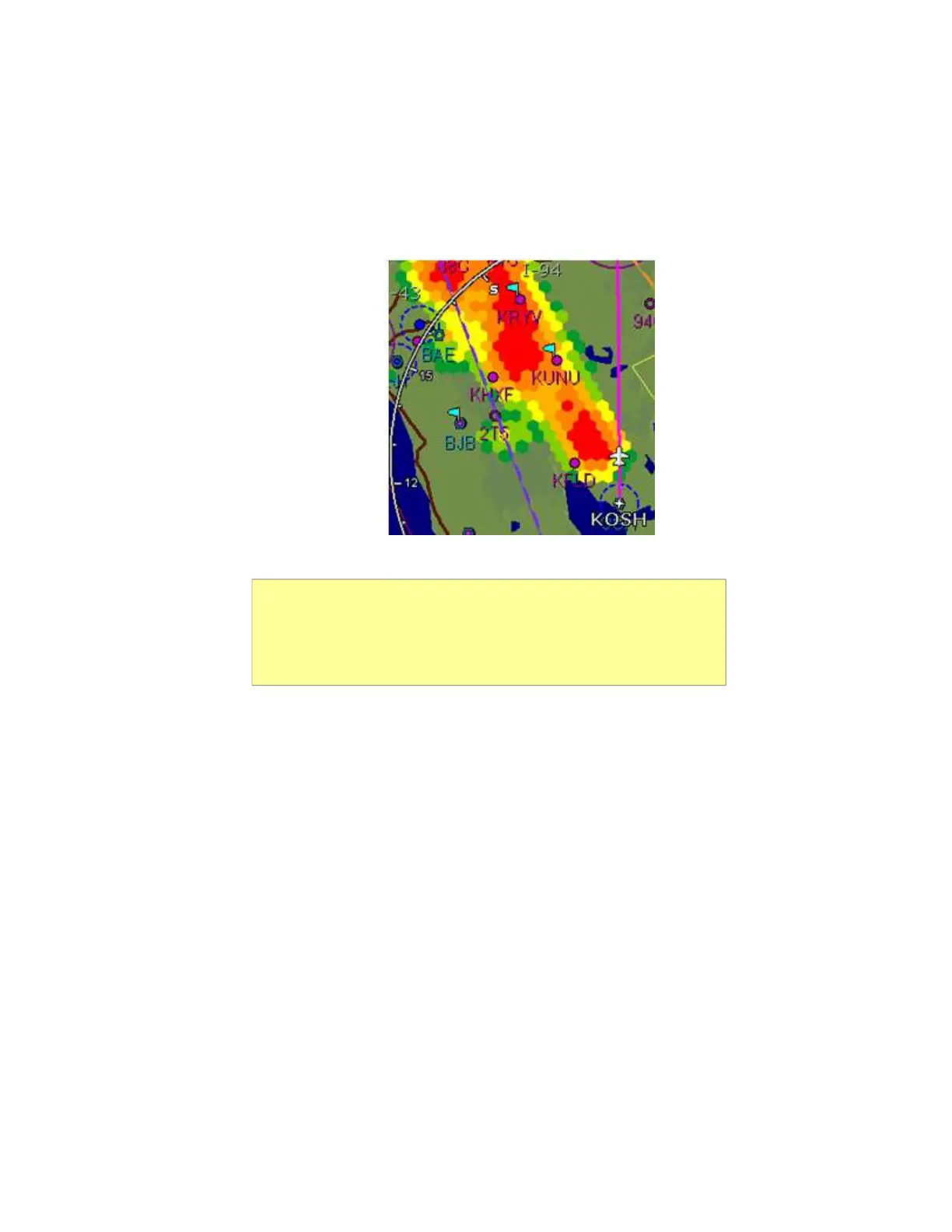
color. This mode shows dangerous convective areas that
you must avoid.
Figure 2.2 TWXCELL Mode Display
The TWX670 sensor outputs hexagons of varying widths
from 0.5 NM to 10.0 NM. Occasionally, as the MFD
display is zoomed, you may notice that the hexagon size
changes abruptly. This is normal as the MFD
consistently uses the highest fidelity TWX lightning data
available.
Note: If cells appear in the same location as navaids, obstacles, or TFRs,
the cells will cover part or all of the navaids, obstacles, or TFRs. To more
clearly view the navaids, obstacles, or TFRs, turn off the TWXCELL mode
by pressing WxOvly and selecting DSPLY OFF or one of the other options.
When desired, you can switch back to CELLMODE to see the storm cells.



 To Next Page