Map Symbols
600-00151-001 Rev 01 -99- Envision EX5000
9.5 Map Symbols
The EX5000’s Map uses symbols contained in its navigational
database, based on your navigational mode and flight situation. Map
can display the following database items:
l Airports
l Navaids (VORs, NDBs and Waypoints)
l Airways (Victor and jet)
l Intersections, waypoints and other named fixes
l Class B and Class C controlled airspace
l Tower Zone Airspace
l Obstacles (>200’ AGL)
l Certain classes of special use airspace (Prohibited, Restricted,
Warning, Alert and Military Operating Areas)
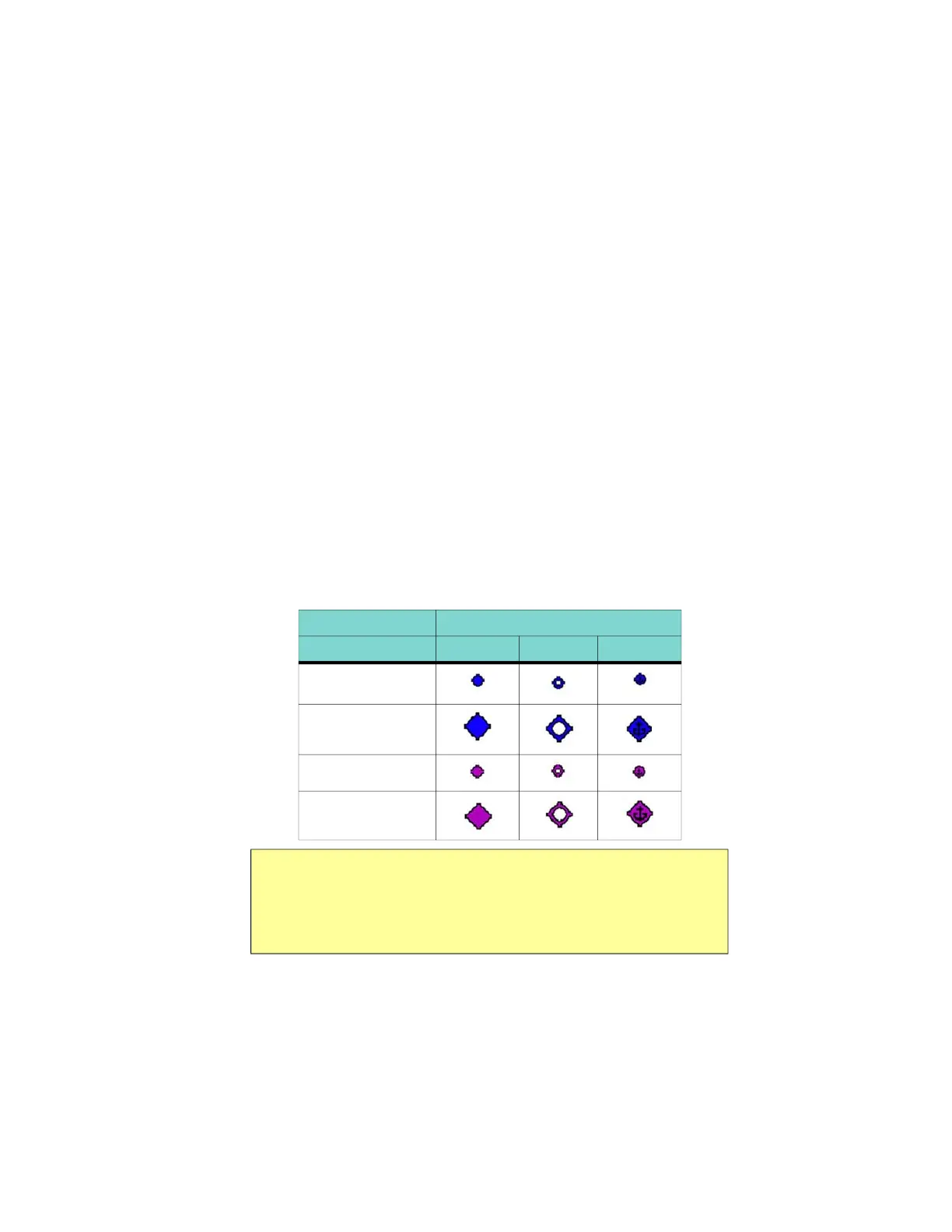
Navigational symbols used by Map are shown in this section.
Table 9.3 Map Symbols – Airports
Airport Type Surface
Hard Soft Water
Towered
Towered
Non-Towered
Non-Towered
Notes:
• The larger airport symbols are displayed as the map scales are reduced
to the smaller ranges.
• Airport types are derived directly from the Jeppesen navigation database.



 To Next Page