Introduction
Envision EX5000 -2- 600-00151-001 Rev 01
1.1 Using the Envision EX5000 MFD
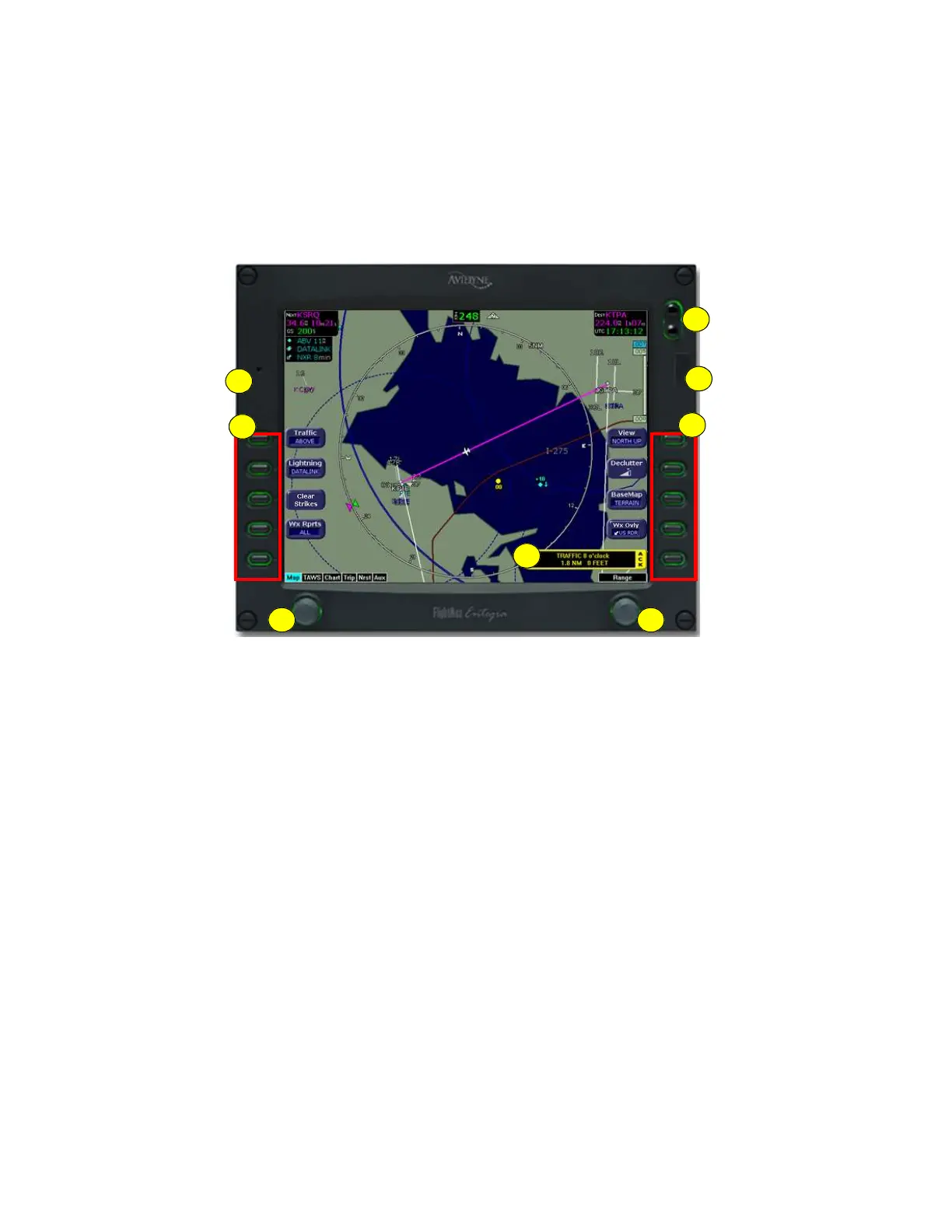
Figure 1.1 Envision EX5000 MFD
The controls on the bezel of the Envision EX5000 are placed to allow
you quick and intuitive access to the information you need, when you
need it.
1) PhotoCell Light Sensor—Automatically compensates display
brightness for varying lighting conditions.
2) Brightness Control—Allows you to override the default display
brightness and adjust the brightness level. Press the top button to
brighten the display; press the bottom button to dim it.
3
5 6
2
1
7
4
4



 To Next Page