Airport Info Page
600-00151-001 Rev 01 -65- Envision EX5000
6.2 Airport Info Page
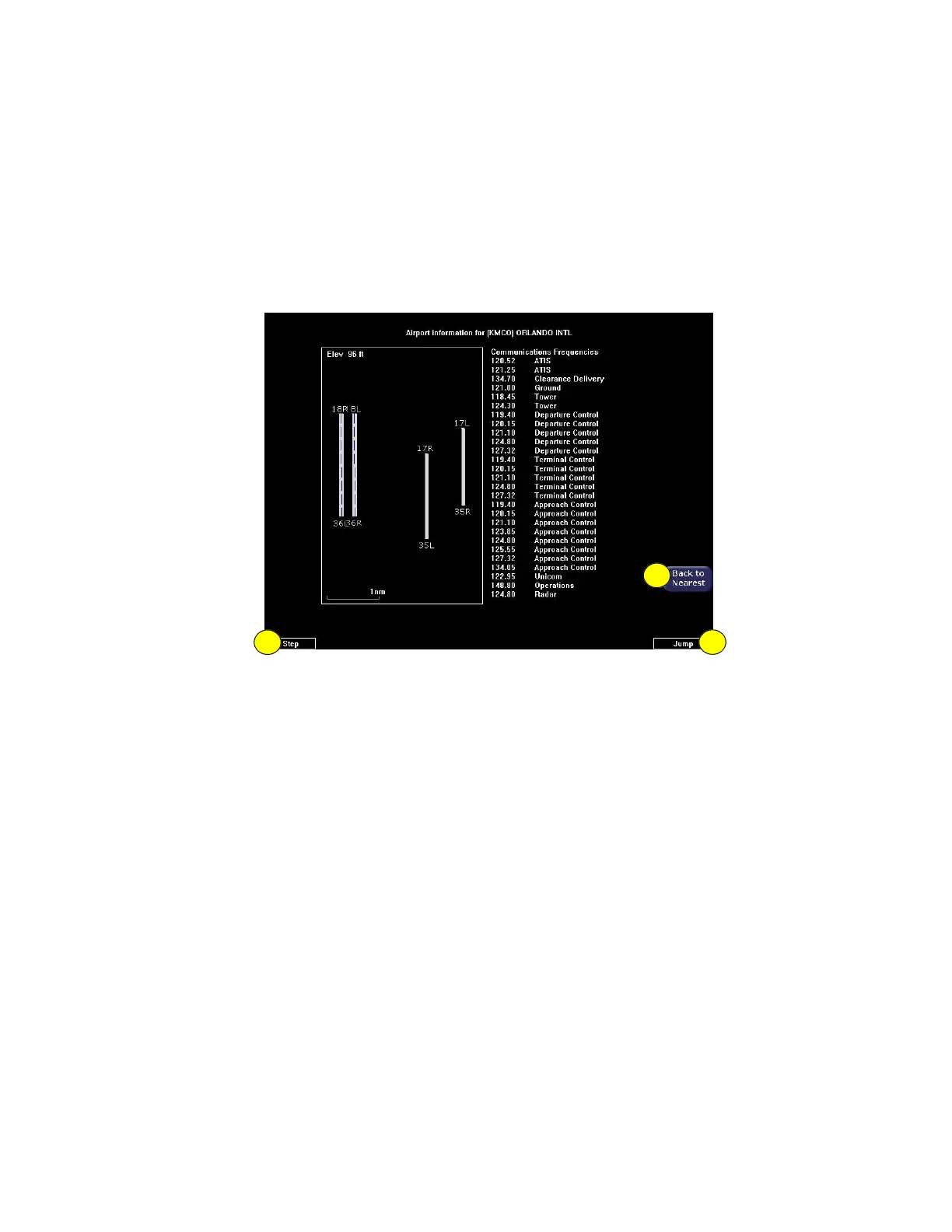
When you press Airport Info from the Nearest page, the Airport
Information page displays for the selected Airport, as shown:
Figure 6.2 Airport Information Page
1) Back to Nearest—Returns to the Nearest page.
2) Step and Jump knobs—If the communications frequencies list
is long enough so that it does not fit on a single page, the Step
and Jump labels appear on the left and right knobs:
n Step—Scrolls the page one line.
n Jump—Scrolls an entire page (or to the end of the list).
1
22



 To Next Page