Map Page
Envision EX5000 -14- 600-00151-001 Rev 01
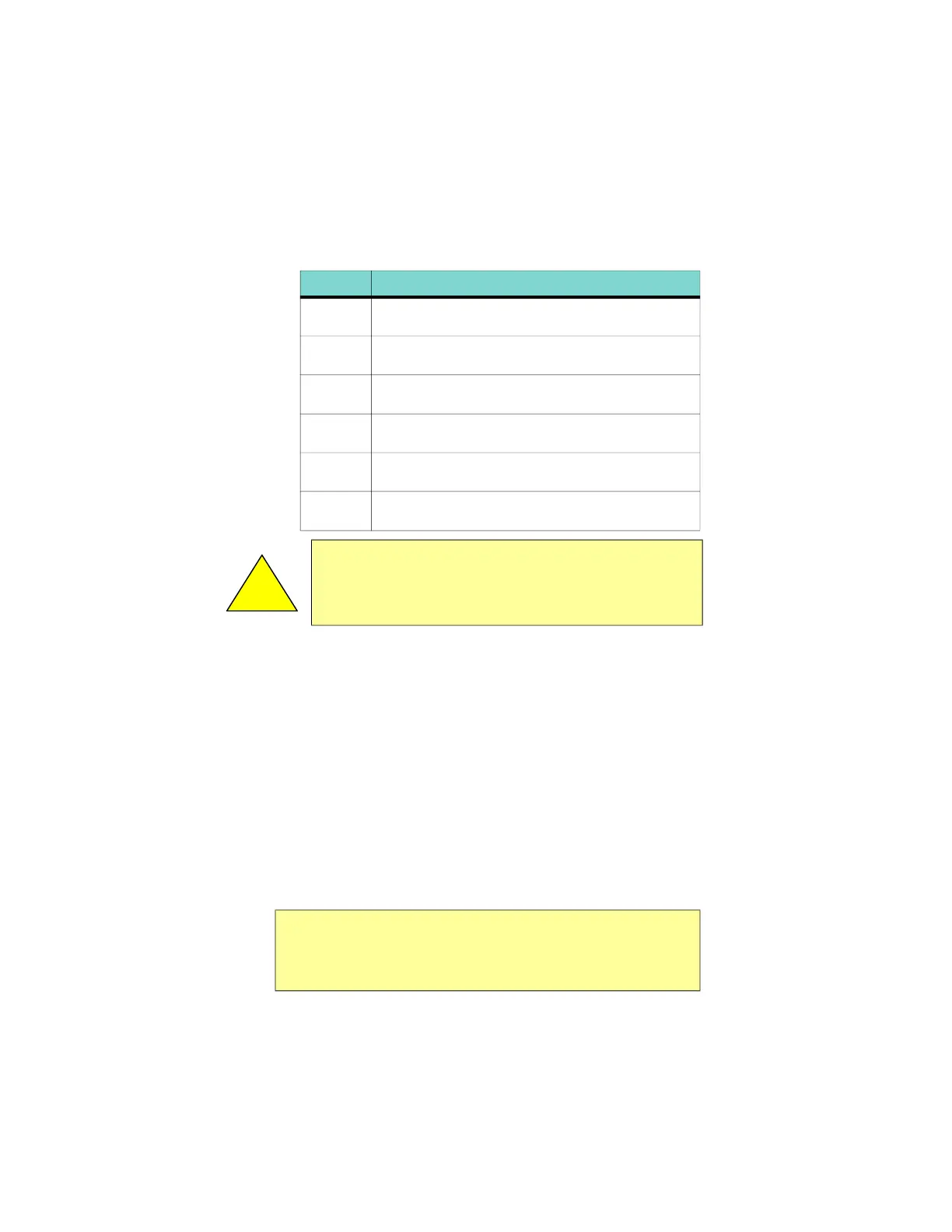
Table 2.1 describes the colors displayed by the EX5000.
The TWX670 detects thunderstorm cell activity up to a
200 nm range. The range control on the EX5000 enables
you to zoom in or out to see the distribution of convective
activity.
If both datalink weather and TWX670 are installed in the
aircraft, you can use both to determine the best course of
action to avoid dangerous weather.
u RADAR - Displays on-board weather radar returns on
the map. This choice does not appear if the EX5000 is
not configured with an aircraft heading source, or if
aircraft heading is currently unavailable.
u DSPLY OFF - Removes all onboard and datalink radar
data from the map display.
Table 2.1Thunderstorm Activity (Cell) Colors
Color Interpretation
Red Intense thunderstorm activity - presence of
hazardous atmospheric conditions is certain.
Orange Weather conditions are approaching intense
thunderstorm activity.
Orange-
Yellow
Heavy thunderstorm activity - high likelihood of
hazardous atmospheric conditions.
Yellow Weather conditions are approaching heavy
thunderstorm activity.
Green-
Yellow
Moderate thunderstorm activity - severe turbulence
and unsettled atmospheric conditions likely.
Green Weather conditions are approaching moderate
thunderstorm activity.
!
Color representing less intense thunderstorms does not imply
that it is acceptable or safe to fly in those areas. Always
avoid areas of indicated thunderstorm activity,
regardless of color displayed.
Note: The boundary of the available datalink radar data is
shown by an area with gray diagonal stripes. If datalink
radar is unavailable in a particular area, hatched lines
appear in that area.



 To Next Page