Envision EX5000 -67- 600-00151-001 Rev 01
7 Aux Page – Configuring the
EX5000
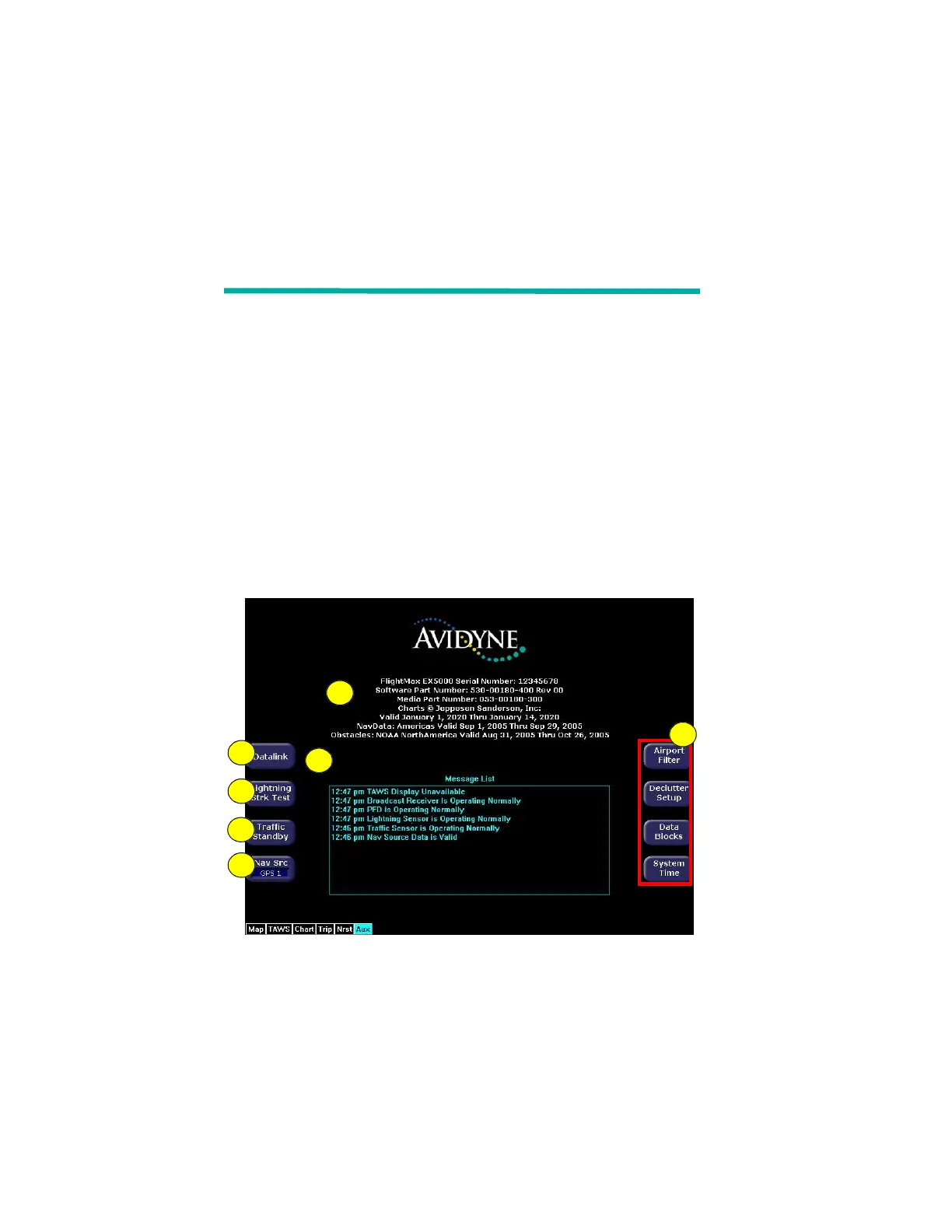
Use the Aux page to configure a number of options on your EX5000.
From the main Aux page, you can view informational messages and
select the options you want to configure.
This section discusses the following topics:
l Aux Main Page, page 67
l Airport Filter Setup Page, page 69
l Declutter Setup Page, page 71
l Data Block Edit Page, page 73
l System Time Page, page 75
l Datalink Configuration page:
l Aux Main Page
Figure 7.1 Aux Main Page
6
3
2
4
1
7
5



 To Next Page