Selecting an Airport
600-00151-001 Rev 01 -43- Envision EX5000
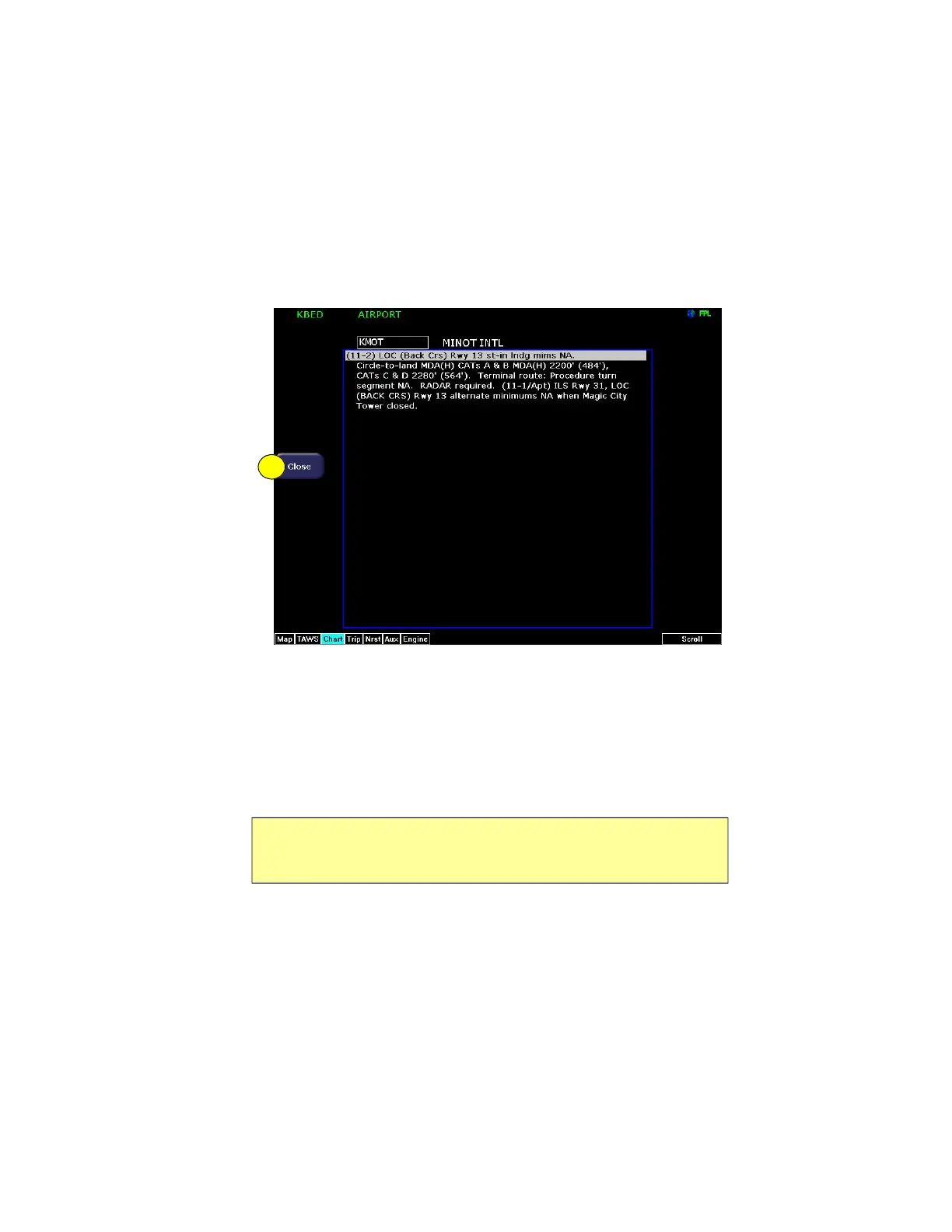
3.8.1 Chart NOTAMs Page
Displays the chart NOTAMs associated with the currently displayed
airport.
Figure 3.9 Chart NOTAMs Page
1) Close—Press Close to close the Chart NOTAMs window and
return to the Selection page.
Press the Chart NOTAMs button from the Selection page to display
the chart NOTAMs associated with that airport. Chart NOTAMs
specific to that airport are listed first, followed by any general chart
NOTAMs.
Note: Chart NOTAMs address changes to information contained on the
charts, and do not include local or regional operational NOTAMs. Always
obtain local and regional NOTAMS before any flight.
1



 To Next Page