A 24
650 -xx Terminal assignment (from version 1.03.08 and up)
xx= 00 Out1
xx= 01 Out 2
xx= 02 Out 3
xx= 03 Out 4
xx= 04 Rel 1
xx= 05 Rel 2
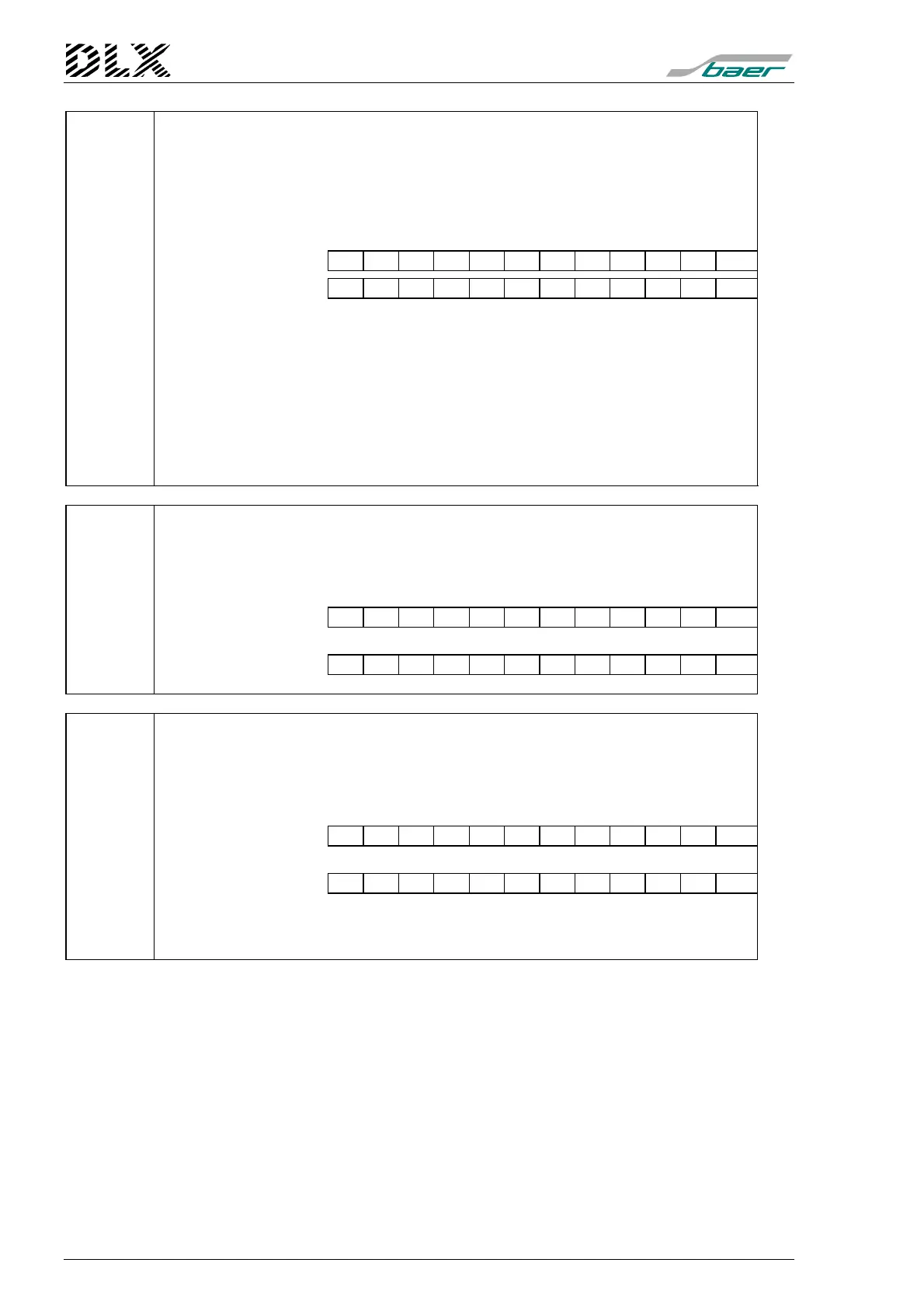
Table value: N N N N N N N N N N N N
Example: R E L 2 : M P A 1
Note: The following values are possible:
S1+, S2+, S3+, S4+ positive pulse output for totaling unit 1 to 4
S1-, S2-, S3-, S4- negative pulse output for totaling unit 1 to 4
MPA1, MPA2 outputs for registration periods MP1 and MP2
RSTA reset output
AL1, AL2 alarm output 1, 2
TRA1, TRA2, TRA3, TRA4 rate control output 1 to 4
Log1, Log2, Log3, Log4 logic outputs
In1, In2,... to In16 pulse input forwarded directly to output
.... no function
660 - nn State of logic inputs
nn: logic input
00 logic input 1
01 logic input 2
... etc.
Table value: b
b: state of the logic input (0 or 1)
Example: 0
Expl.: The state of the logic input is 0
661 -nn State of logic outputs
Condition: the logic output is assigned to a terminal
nn: 00 for the 1. logic output
01 for the 2. logic output
02 for the 3. logic output
03 for the 4. logic output
Table value: Z
Z : State of the logic output (0:=off or 1:=on)
Example: 0
Expl.: The state of the logic output is 0 (the output is inactive or switched off).
Note: Use the command TABSET1 (S1) to set the state of a logic output
during remote data retrieval or remote programming



 To Next Page