Baumer_EAx_EtherNetIP_EN_MNL 58/81 www.baumer.com
02.20
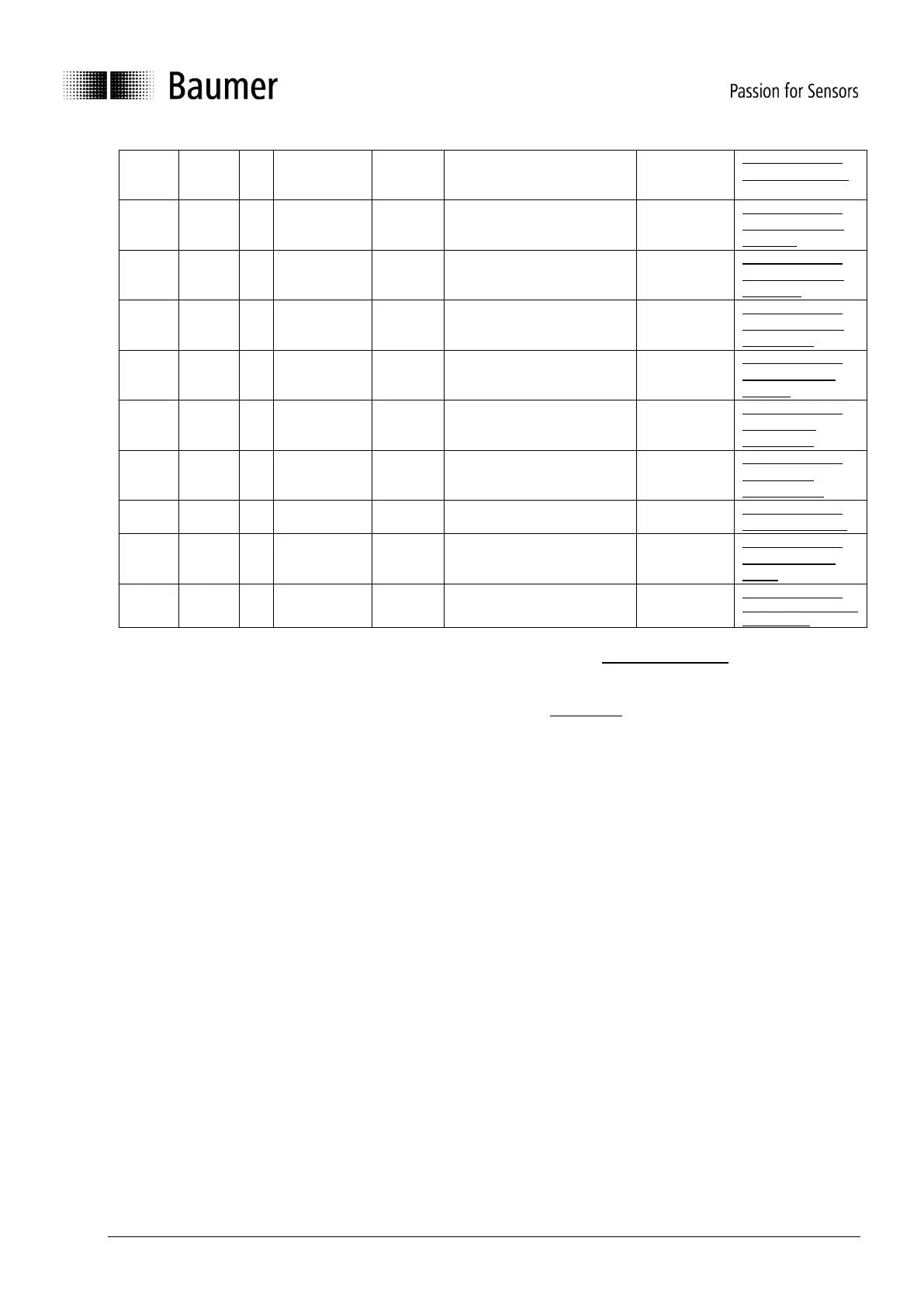
Number of measurements for
the calculation of the moving
average
Instance Attribute
101 - Velocity Filter
Enables or disables the gear
factor functionality
Instance Attribute
102 - Gear Factor
Activation
Adaption of the Gear Factor
Numerator
Instance Attribute
103 - Gear Factor
Numerator
Adaption of the Gear Factor
Denominator
Instance Attribute
104 - Gear Factor
Denominator
Returns the diagnostic logbook
Instance Attribute
105 - Diagnostic
Logbook
Returns the current
temperature
Instance Attribute
106 - Device
Temperature
Preset Request Value (Preset
button)
Instance Attribute
107 - Preset
Request Value
Instance Attribute
108 - Raw Position
Instance Attribute
109 - Number of
Spans
Set Parameter
Non-Volatile
Controls the kind of setting
parameters
Instance Attribute
110 - Set Parameter
Non-Volatile
(C)
Attributes are mapped in Configuration Data Assembly Instance, see Configuration data.
Editing the value of any attribute has to be applied by “Apply Service” to be effective.
(I)
Attributes are mapped in Input Data Assembly Instances, see Input Data.
The minimum, maximum and default values can be found in the EDS files.



 To Next Page