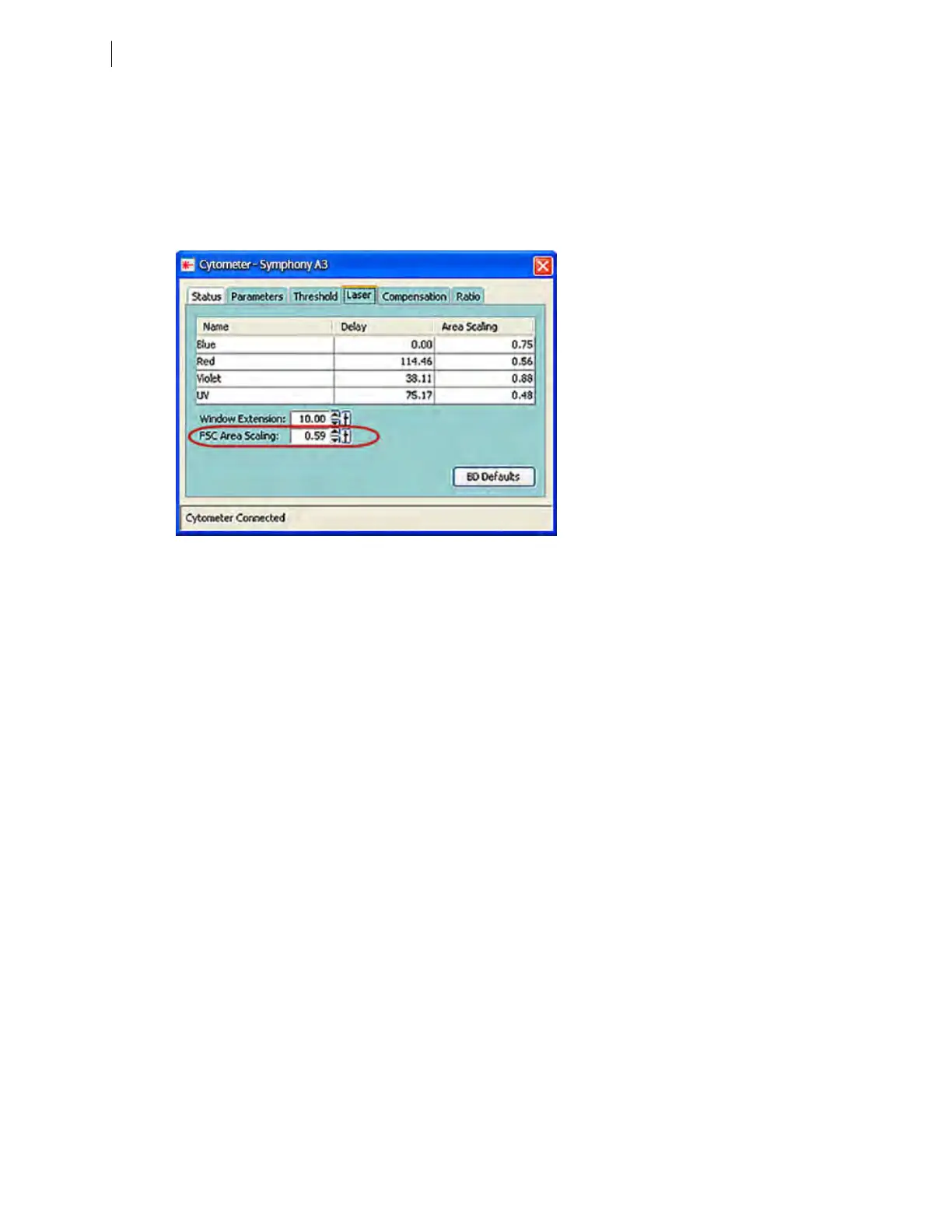
11. Adjust the FSC area scaling.
a. Click the Laser Tab in the Cytometer window.
b. Adjust the FSC area scaling factor until the FSC-A signal matches the FSC-H signal:
l
Increase the area scaling factor if the FSC-A signal is lower than FSC-H.
l
Decrease the area scaling factor if the FSC-A signal is higher than FSC-H.
c. View the result of your change in the histograms and statistics views.
12. Adjust the blue laser area scaling factor until the FITC-A signal matches the FITC-H signal, if needed.
13. Unload the FITC-positive control tube, then load the APC-positive control tube.
100 BD FACSymphony™ A5 SE User's Guide











 To Next Page