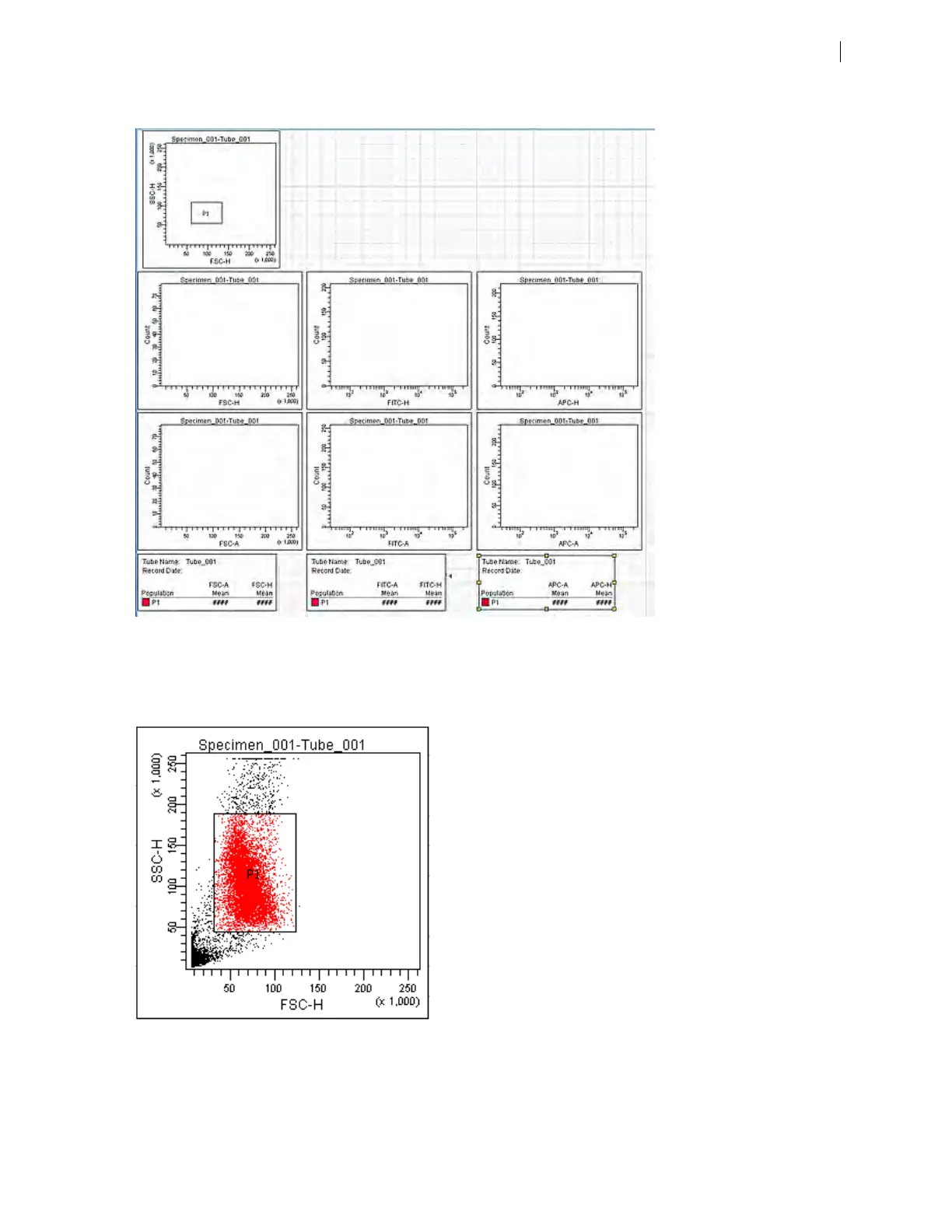
Your worksheet should look similar to the following figure.
7. Expand the new specimen, then set the current tube pointer to tube_001.
8. Install the FITC-positive control tube onto the loading port and click Load in the Acquisition Dashboard.
9. Adjust the FSC and SSC voltages to place the particles on scale.
10. Adjust the P1 gate around the population of interest.
Chapter 8 Manual settings 99











 To Next Page