Chapter 2 Operation
Mini-Switch LB 471
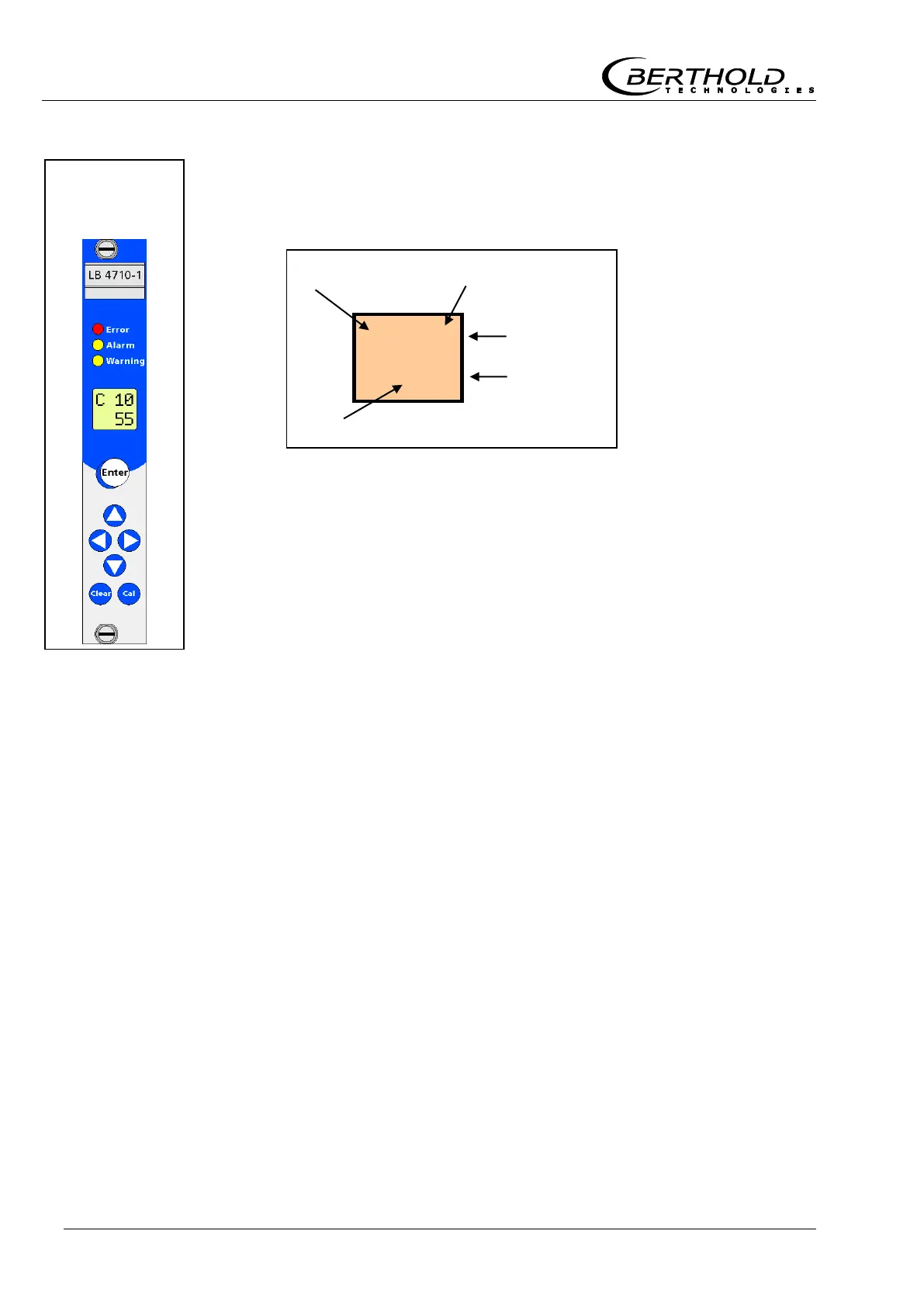
2.1.2 Display
The display is located on the front panel of the evaluation unit.
The display shows in the top row the code number of the parame-
ter and in the bottom row the value of that parameter.
Our example shows a reading of 55% in code 10.
2.1.3 Status LED’s
Error LED (red)
Lights up whenever an error is detected.
Whenever the error LED lights up, the error relay indicates an
alarm.
See error list on page 66.
Alarm LED (yellow)
Lights up when the monitoring level is exceeded.
Whenever the alarm LED lights up, the alarm relay indicates an
alarm.
Depending on the setting, it may follow the error LED.
See code 9.
Warning LED (yellow)
The warning LED can be used in a variety of ways.
See also the following parameters in chapter 3.4:
code 8, 42, 43, 44 and 47.
Whenever the warning LED lights up, the warning relay indicates
an alarm.
Front panel
of
evaluation unit



 To Next Page