Chapter 6 Water Cooling
Mini-Switch LB 471
6.1.2 Water Cooling for NaI Detector
with Collimator
1
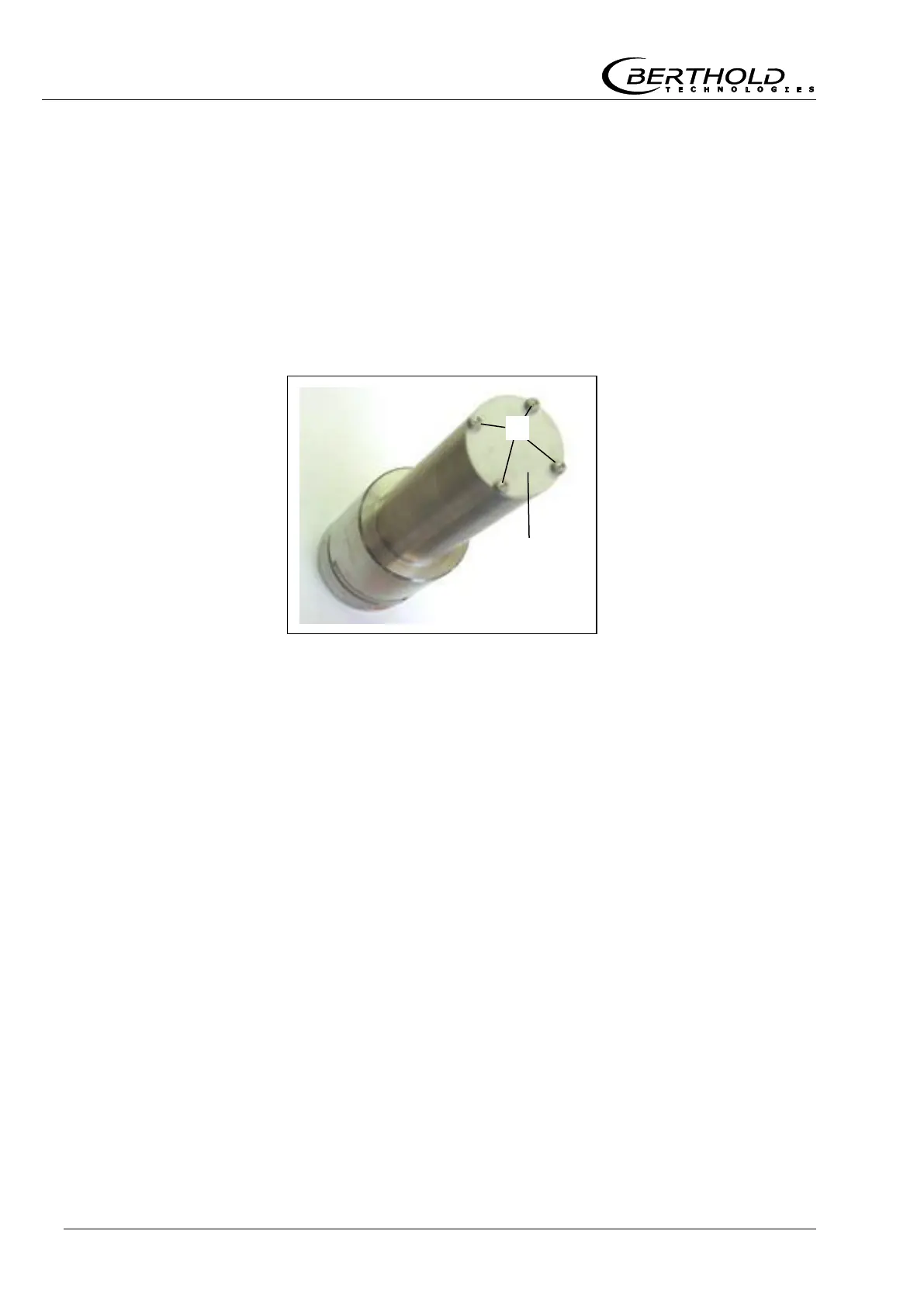
Open the four frontal screws
of the cover plate
. Leave
the cover plate and the lead plate below it in their position.
In order to install the water cooling to the detector, you need
four screws which are 5 mm longer than the original screws
(not included in delivery).
2
Push the cooling jacket over the detector.
3
Position the water cooling on the pitch circle of the detector.
Make sure that the position of the cooling nozzle is such that
you later have unimpeded access to install the water feed
pipes.
4
Now fix the collimator with the four screws which are 5 mm
longer than the original screws.
Installing the
water cooling
Figure 28:
NaI detector
without collimator



 To Next Page