Chapter 6 Water Cooling
Mini-Switch LB 471
3
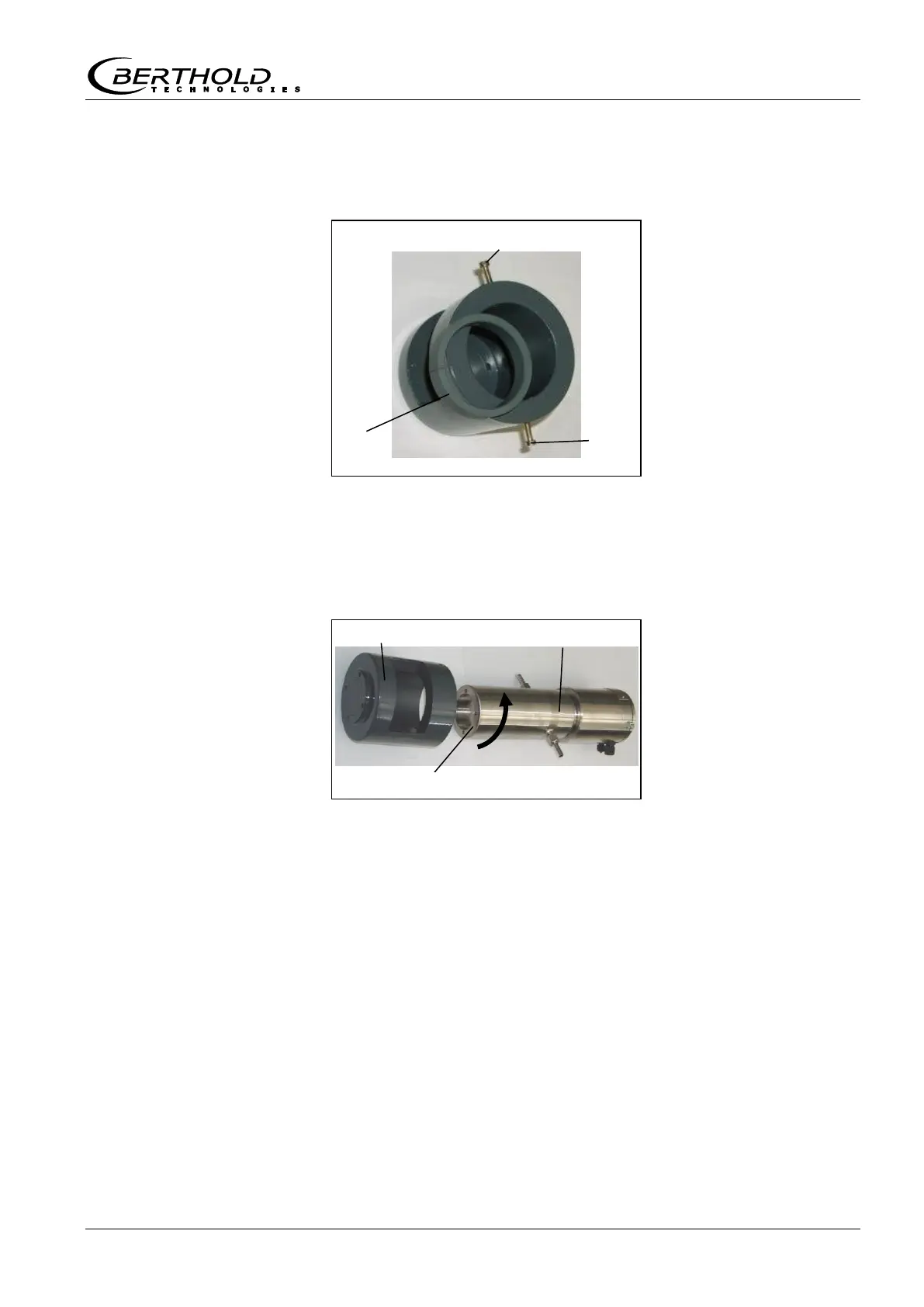
Remove the plastic ring
from the collimator by opening the
screws
on the side of the collimator.
4
Push the collimator over the water cooling so that the radiation
window is facing the source. Position the collimator and water
cooling towards the pitch circle of the detector. Make sure that
the position of the cooling nozzle is such that you later have
unimpeded access to install the water feed pipes.
Detector with water
cooling
5
To install the collimator and the water cooling on the detector,
you have to use the 5 mm longer screws mentioned above.
Figure 26:
Collimator for
NaI detector
Figure 27:
NaI detector with water
cooling and collimator
Positioning the pitch circle



 To Next Page