Chapter 8 Electrical Installation
Mini-Switch LB 471
8.1.2 Installing NaI Detector or Super-Sens
The connection box for the Super-Sens detector is the same as for
a detector with NaI detector with 50/50, 40/35, or 25/25 crystal.
1
Install cable between evaluation unit and detector. For maxi-
mum cable length see the technical data on page 105.
2
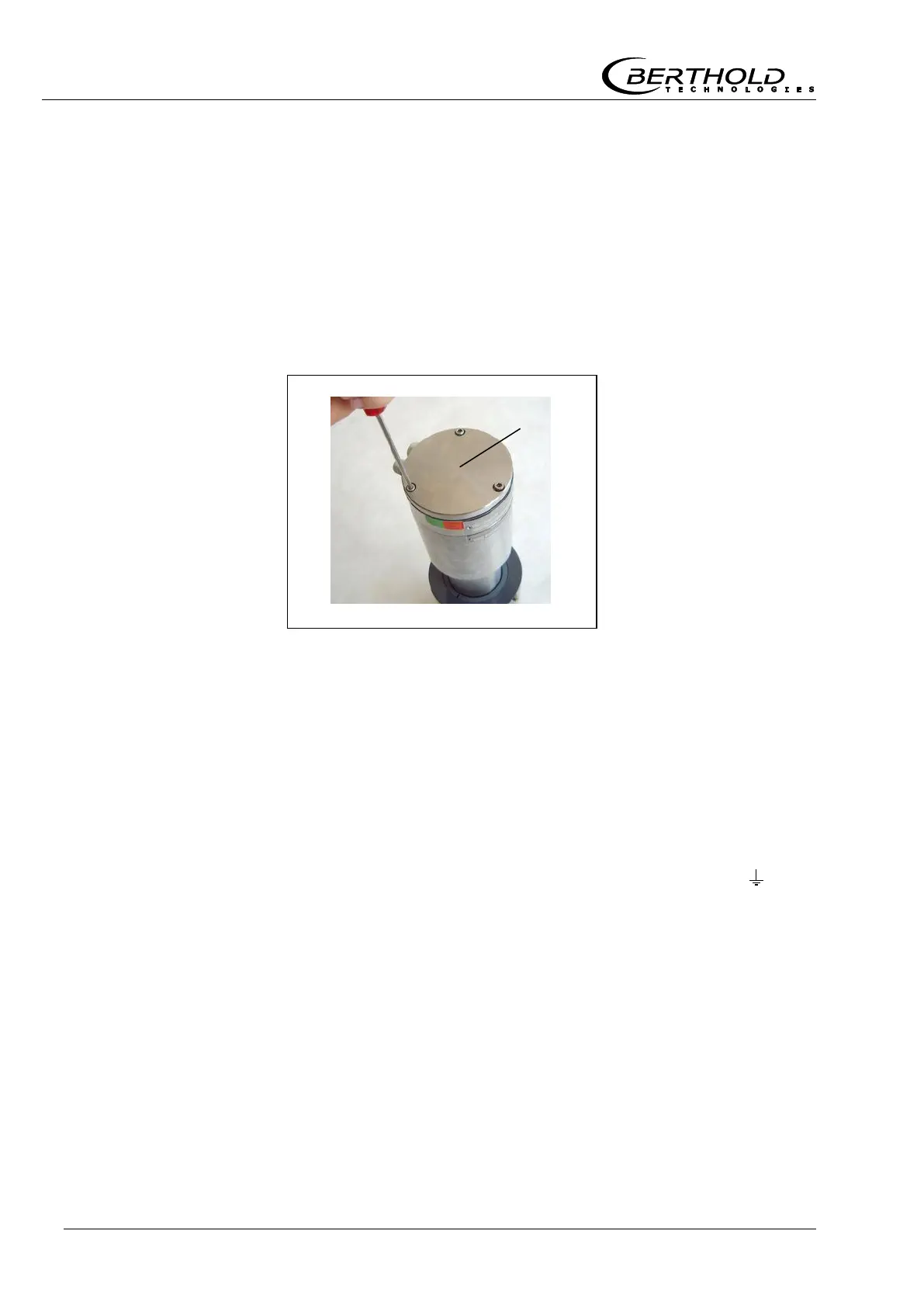
Unscrew three screws at the detector cover.
3
Take off cover.
4
Insert line.
Cable bushing (M 16) for cable Ø 8...10 mm. Cable bushing has
to face down in order to prevent water from penetrating. For
detectors with collimator please keep in mind that the radiation
entry window always has to face the source. If necessary, open
the collimator at the four frontal screws and adjust the position.
5
If necessary, place screen separately on terminal 5 ( ). The
screen cable must be insulated to avoid a short-circuit with
other terminals.
6
Connect line to terminals 1 (+) and 2 (-).
Figure 36:
NaI detector cover



 To Next Page