Chapter 2 Operation
Mini-Switch LB 471
2.2.2 Automatic and Manual Mode
The following parameters can be set to automatic or manual
mode:
Code 12, 17, 18, 19, 31, 53, 55 (see chapter 3.4).
Manual mode
In the manual mode, the above parameters are set to a fixed value.
Automatic mode
Enter -1 to enable the automatic mode.
The value of the respective parameter is calculated automatically
in the automatic mode.
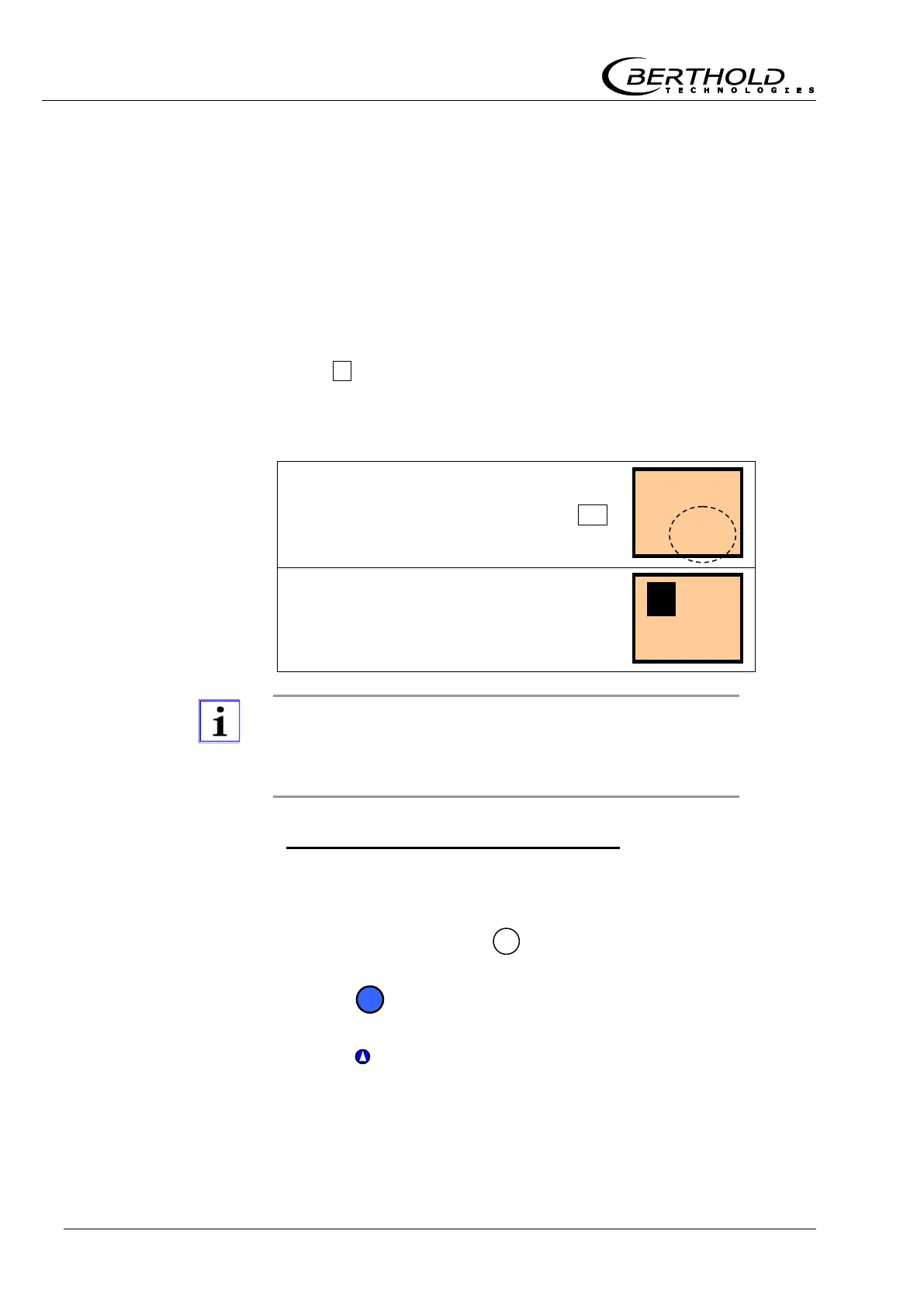
Example with code 17, switching threshold in %:
After you have pushed the Enter button,
an automatically calculated value ap-
pears in the second row. The inverted C
shows that this parameter calculates its
value automatically.
To rule out that you change from automatic operation to
manual operation by mistake, a manual input value must
always differ from an automatic value.
Set parameters to automatic mode
1
Select the respective parameter.
2
Enable edit mode with
3
Push to delete value, if there is any
4
Push to set first digit to the right to „1“.



 To Next Page