Chapter 3 Parameters
Mini-Switch LB 471
Reading-in the empty count rate:
Select code 30.
Push "Enter" to get to the edit mode
Push the „Cal“ button.
As soon as the counting time is over, the new count rate is
stored. The counting time can be set in code 37.
See page 12 for more information on reading in count rates.
The empty count rate will be used for measurement only after you
have set all necessary parameters and have performed a calibra-
tion with code 36. The calibration value will then be transferred to
code 20. See page 60 for further information on empty calibration.
Full count rate (cps)
Read in, enter or automatically calculate full count rate
(Only in the professional mode)
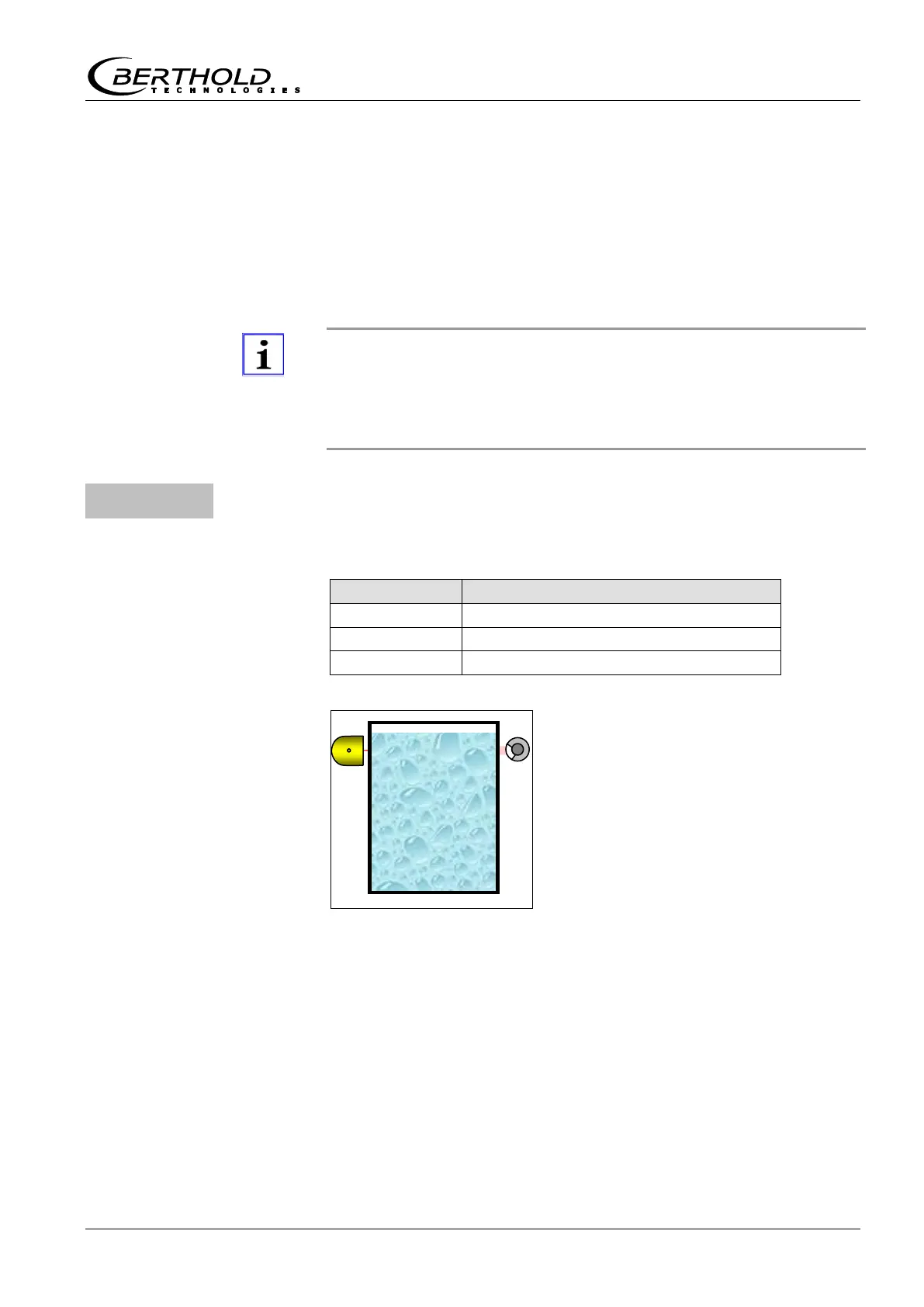
Carry out full calibration at a level
above the monitoring height. Read in
the count rate at this level.
Reading-in the full count rate:
Select code 31.
Push "Enter" to get to the edit mode
Push the „Cal“ button.
As soon as the counting time is over, the new count rate is
stored. The counting time can be set in code 37.
See page 12 for more information on reading in count rates.



 To Next Page