105
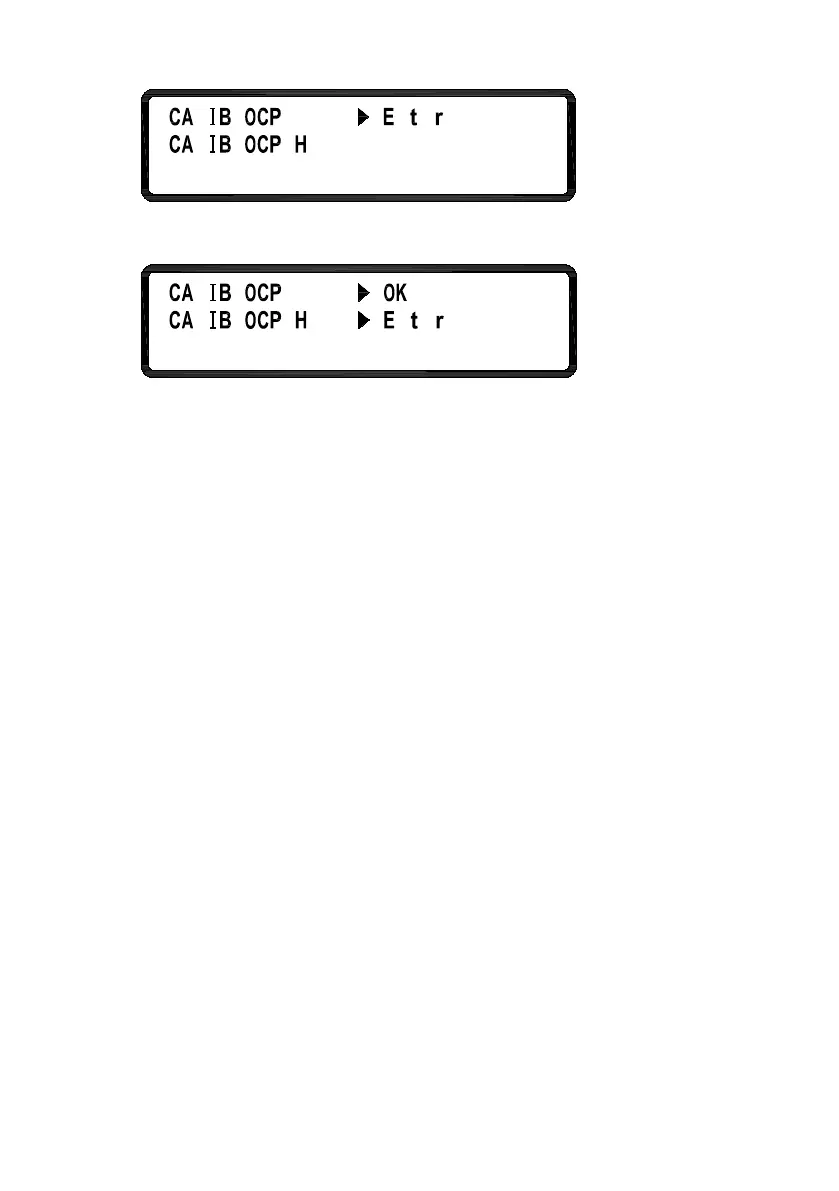
3. Wait until it is finished. It will indicate “OK”. Now, do the
same for OCP “Hi”.
4. Once completed, the calibration values will be stored into the
internal flash memory and return to the calibration page. If it is
not completed within 10 seconds from the start of the calibration,
there may be issues with the OCP protection circuit and will need
to be inspected by a trained technician.












 To Next Page