5 Operation
90 Operating Manual ARC 400 BOWA-IFU-11779-ARC400-V2.1.0-S0-EN
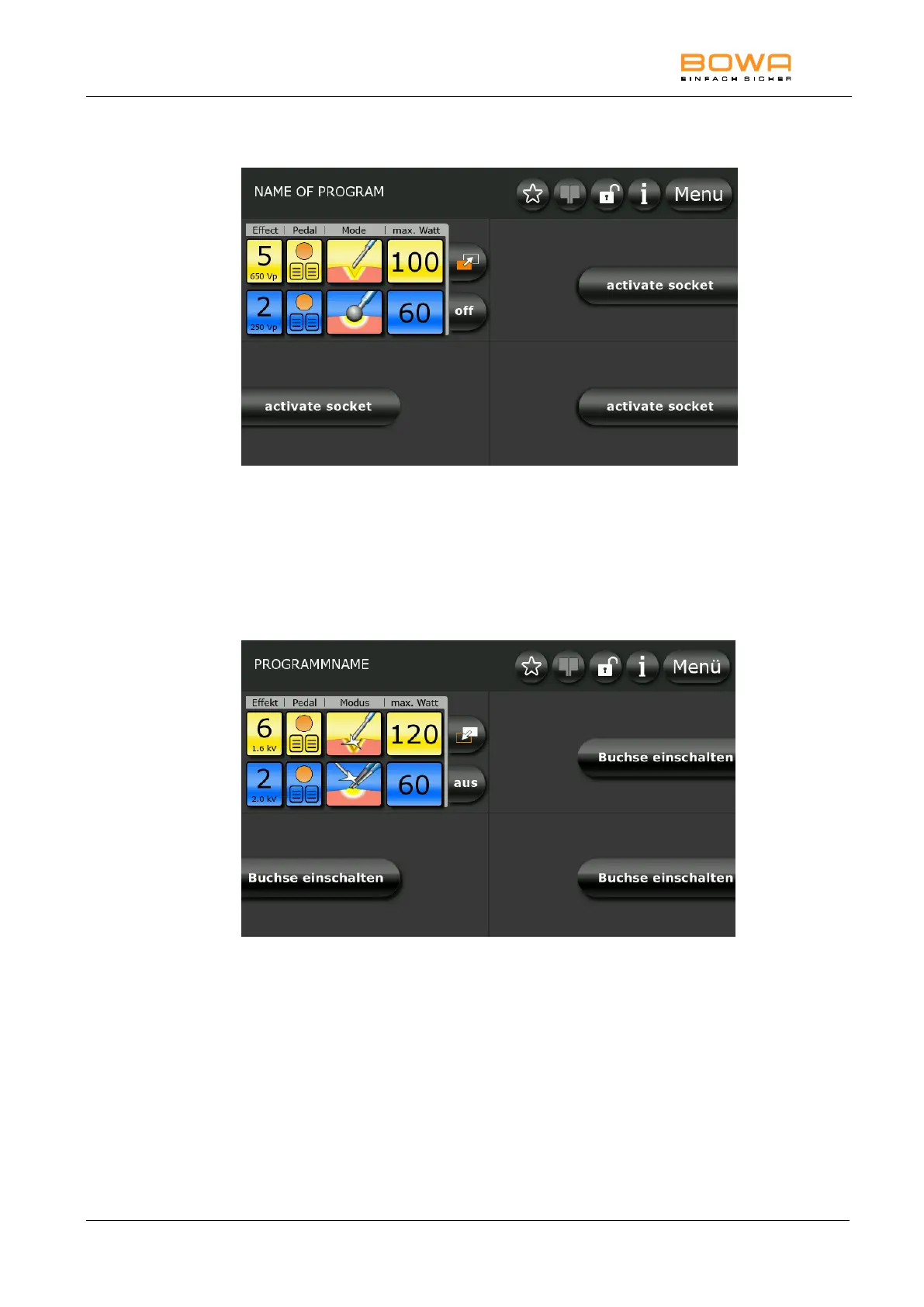
Bild 5-32: Top monopolar socket in Zap Mode
To configure the second socket setting, touch the Zap Mode symbol above
the “Off” button.
The colour of the symbol changes from orange to white and the current
settings are copied.
Now you can edit the parameters for the second socket setting as desired.
Bild 5-33: Top monopolar socket in Zap Mode Change
Touching the Zap Mode symbol again takes you back to the previous
socket setting.
In addition to the described option for switching the setting on the main
screen, the setting can be switched with the handle or the foot switch.



 To Next Page