148
Chapter 5 Practical programming examples
Programmer
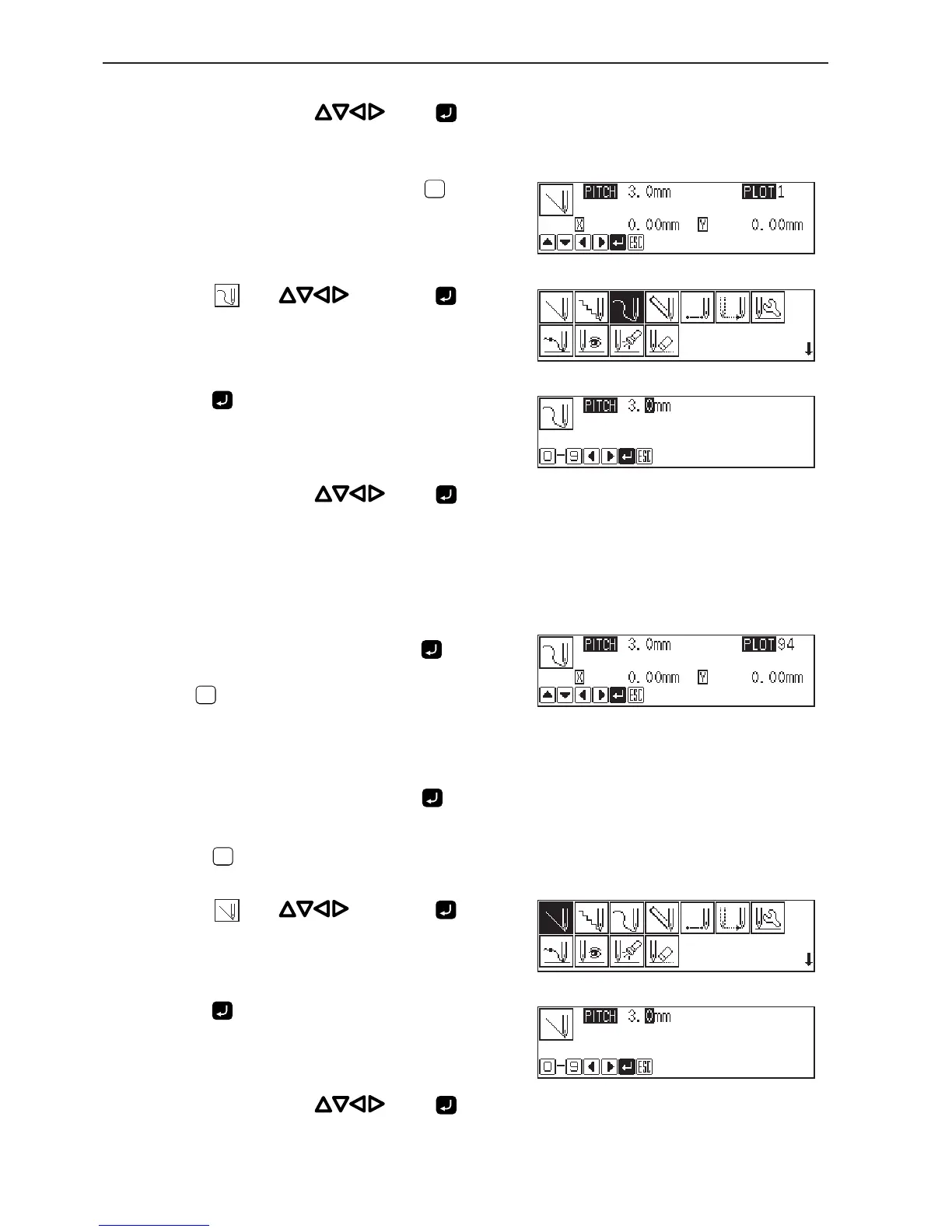
33. Move the needle with . Press when
the needle point is at point O of the pattern.
34. When point O is programmed, press
ESCESC
twice.
35. Select with , then press .
36. Press .
37. Move the needle with . Press when
the needle point is at point P of the pattern.
38. Repeat step 37 and create the program to point
T.
39. When point T is programmed, press again.
Point T is programmed to be a corner. To change the stitch length,
press
ESCESC
to set it again.
40. Create the program to point Y.
41. When point Y is programmed, press again.
42. Press
ESCESC
twice.
43. Select with , then press .
44. Press .
45. Move the needle with . Press when
the needle point is at point Z of the pattern.



 To Next Page