8.9 Error History
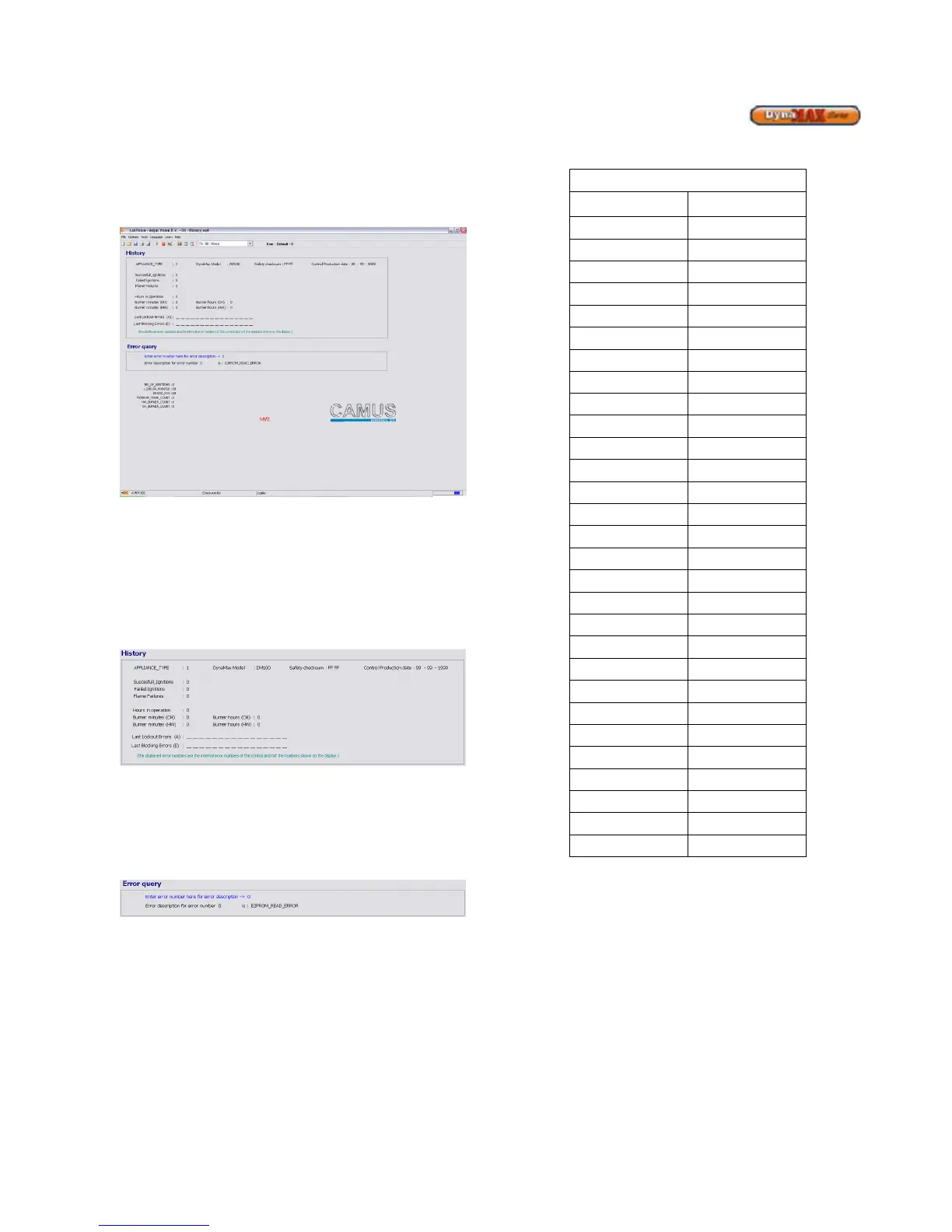
LabVision has the ability to record past blocking (E) and
lockout (A) errors. To access this feature use the pull down
menu and select History.
Figure 50: Error History
The blocking and lockout errors are separated into their own
respective rows and are identified by their respective error
codes. This assists with diagnostic and service work as the
behaviour of the boiler can be tracked.
This screen also provides information of the number of
Successful Ignitions, Failed Ignitions and Flame failures due
to a lost flame signal.
Figure 51: History and Diagnostic Information
Due to a large number of error codes that can be presented,
LabVision comes complete with a feature in which to provide
a description of each error code. Double click on the phrase
‘Enter error number here for description’ and a window will
appear allowing the installer to identify the error.
Figure 52: Error Query
Table 28: Temperature Conversion
Temperature Quick Reference
o
C
o
F
-40
-40
-35
-31
-30
-22
-25
-13
-20






 To Next Page