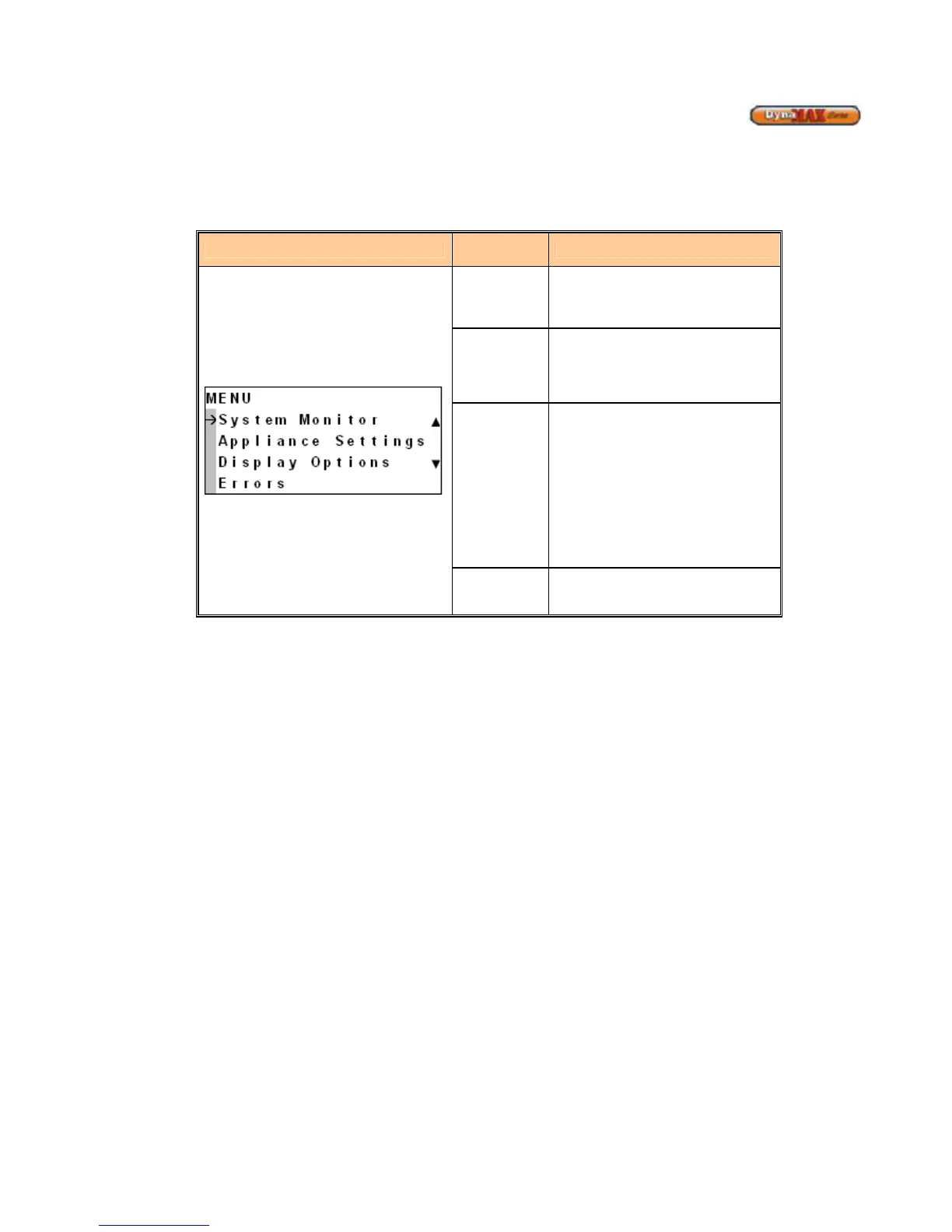
System
Monitor
Monitor Central Heating and DHW
settings, if equipped. System Monitor
will be open to all levels of access.
Display
Options
Changes to Languages, Date and
Time, and Units of measurement. The
default setting is English, Fahrenheit
and Imperial. ‘Display Options’ will be
Appliance
Settings
Changes boiler characteristics. The
User level will have access to the first
screen inside Appliance Settings
which allows for changes in Central
Heating setpoint. A 4-digit personal
identification number (PIN) needs to
be entered before moving further into
the controller. If an incorrect PIN# is
entered this will result in an error
displayed on screen.
Errors
Displays the lockout or error code
along with a description of the error.






 To Next Page