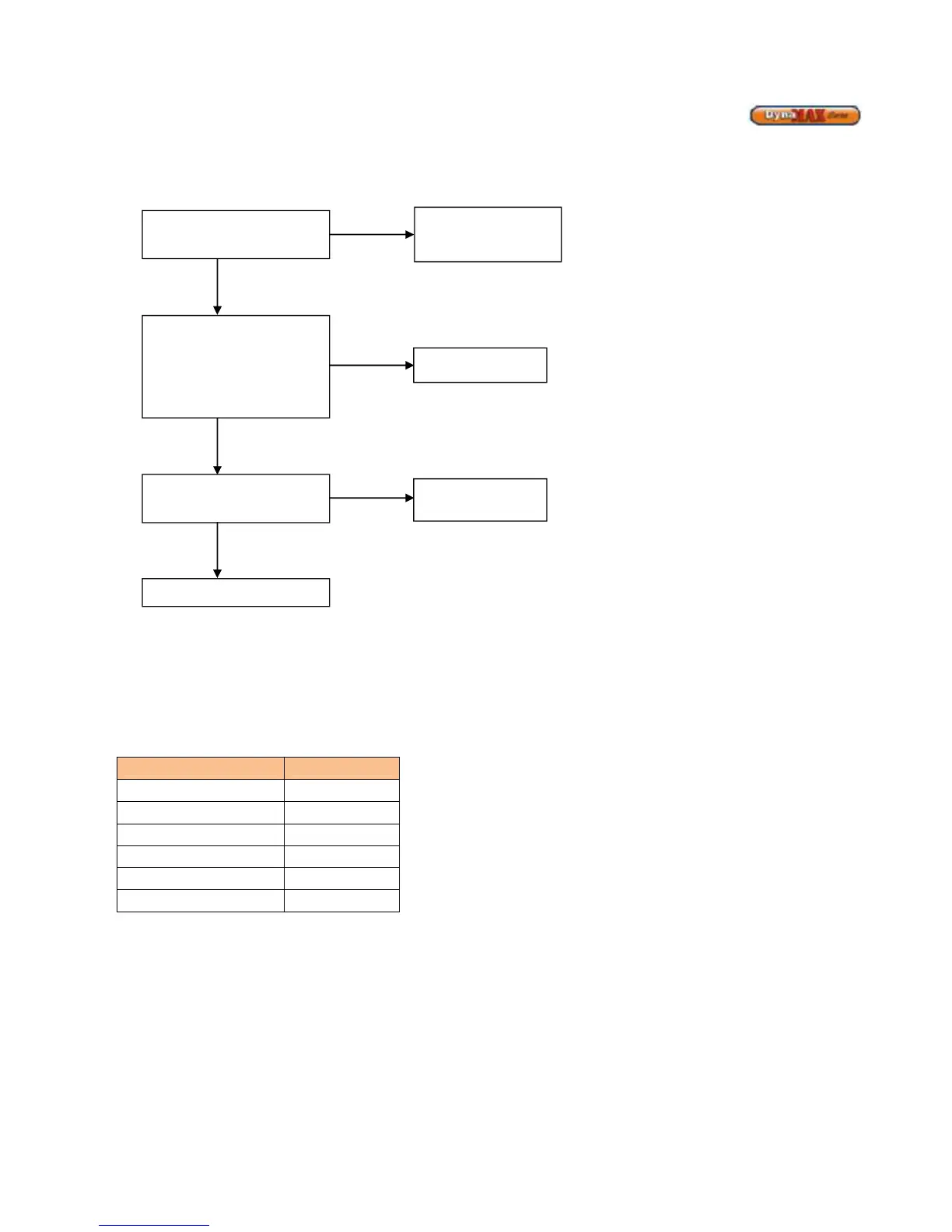
Fan Error displayed on screen
A fan error is displayed when the difference between the target and actual fan speed is greater than 300 RPM apart for over a
minute. This is a manual reset error where the technician must press RESET to clear the error.
Replacement of ignition module:
- Software update does not match those listed above
- [0FB4] release date: April 2009
- [F371] release date: December 2010
Replacement of blower:
- Blower runs continuously when boiler is in “OFF” mode or target fan speed is 0
- Blower attempts to rotate and stops
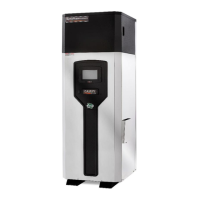
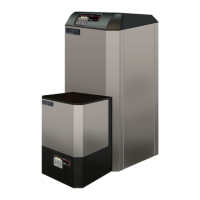
DynaMax Model Blower Part #
DM80, 100 55667.11221
DM 150 55667.21120
DM 200, 210, 250, 260 55667.21080
DM 299, 399 55667.21200
DM 500 55667.14002
DM 600 - 800 G1G170
Check software version on
display. [0FB4], [F371]
NO
Replace ignition
module (848-MN) and
YES
Check wiring between J9
and 4-pin fan Molex fan
connection. Check for any
loose sockets in the plastic
connectors, if any repair
immediately
NO
Replace wiring
YES
Measure constant 14-15Vdc,
at J9-4 (+Vdc), J9-6 (-Vdc).






 To Next Page