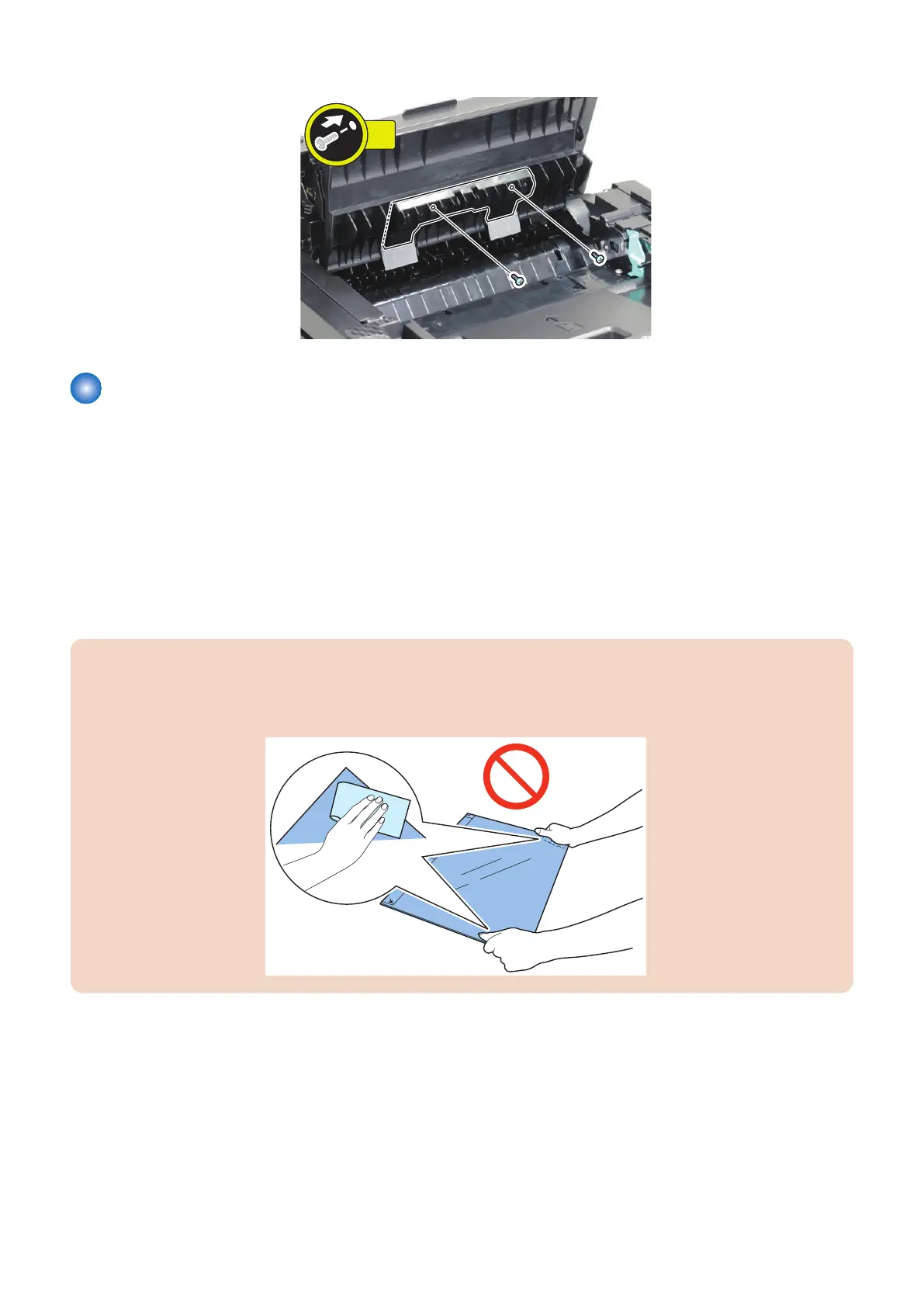
5.
Removing the Copyboard Glass (DADF Model)
■ Preparation
1. “Removing the Cartridge” on page 77
2. “ Removing the Left Cover” on page 80
3. “Removing the DADF Unit + Reader Unit” on page 93
4. “Separating the DADF Unit + Reader Unit” on page 96
■ Procedure
CAUTION:
• Be sure to place the removed Copyboard Glass on a cloth, etc. to avoid damaging the bottom sheet.
• When removing the Copyboard Glass, be careful not to touch the glass surface.
• If the surface becomes dirty, clean it with lint free paper.
4. Parts Replacement and Cleaning
115










 To Next Page