Test Print
Engine Test Print
This machine has an engine test print function to check whether the printer engine is operating normally.
NOTE:
In the case of engine test print, a test print can be performed by using only the Engine Controller.
CAUTION:
When performing an engine test print, use A4/LTR size paper.
1. Place the paper on the Pickup Tray.
2. 1-sided print is executed when the Toner Cover is opened and closed for 4 times in 5 seconds. Open/close the Toner
Cover 4 times or more within 5 seconds to execute 2-sided print.
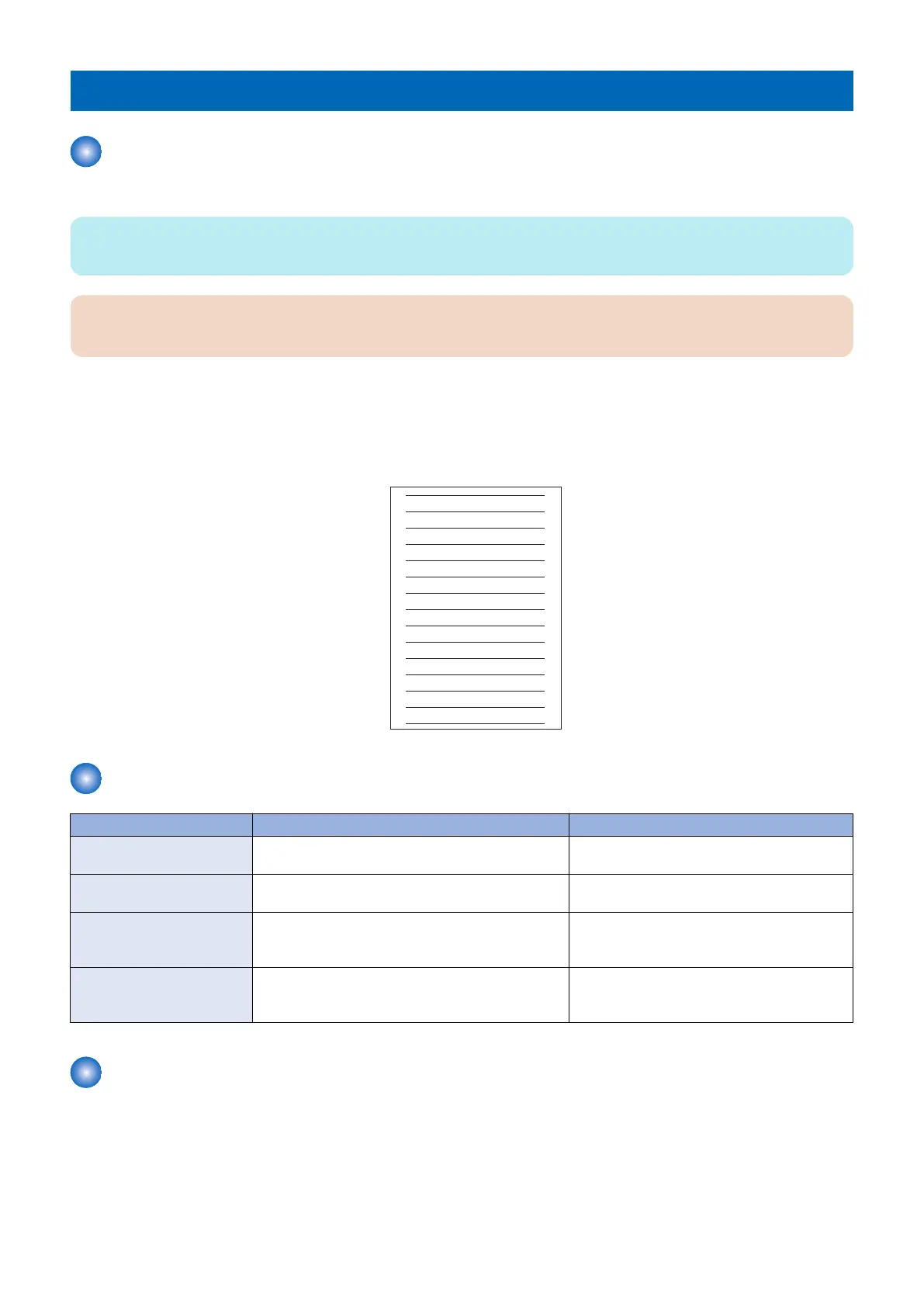
3. An engine test print is executed, and the test pattern as shown below is printed.
Table of Report
Name Output Procedure Description
Counter report COPIER > FUNCTION > MISC-P > OUTPUT > CNTR To output number of printed and/or scanned
sheet and number of jam occurrence.
JAM/ERR HISTORY RE-
PORT
COPIER > FUNCTION > MISC-P > OUTPUT > ERR-
LOG
To output jam log and error (error code) log.
Spec report COPIER > FUNCTION > MISC-P > OUTPUT > SPEC To output the current machine specifications in-
cluding country, model information, ROM ver-
sion.
Cartridge Log Report COPIER > FUNCTION > MISC-P > OUTPUT > CRG-
LOG
To output logs such as types and replacement
history of the Toner Cartridge and the Drum Car-
tridge.
Cartridge Log Report
Logs such as history of cartridge replacement are output as a report.
6. Troubleshooting
223










 To Next Page