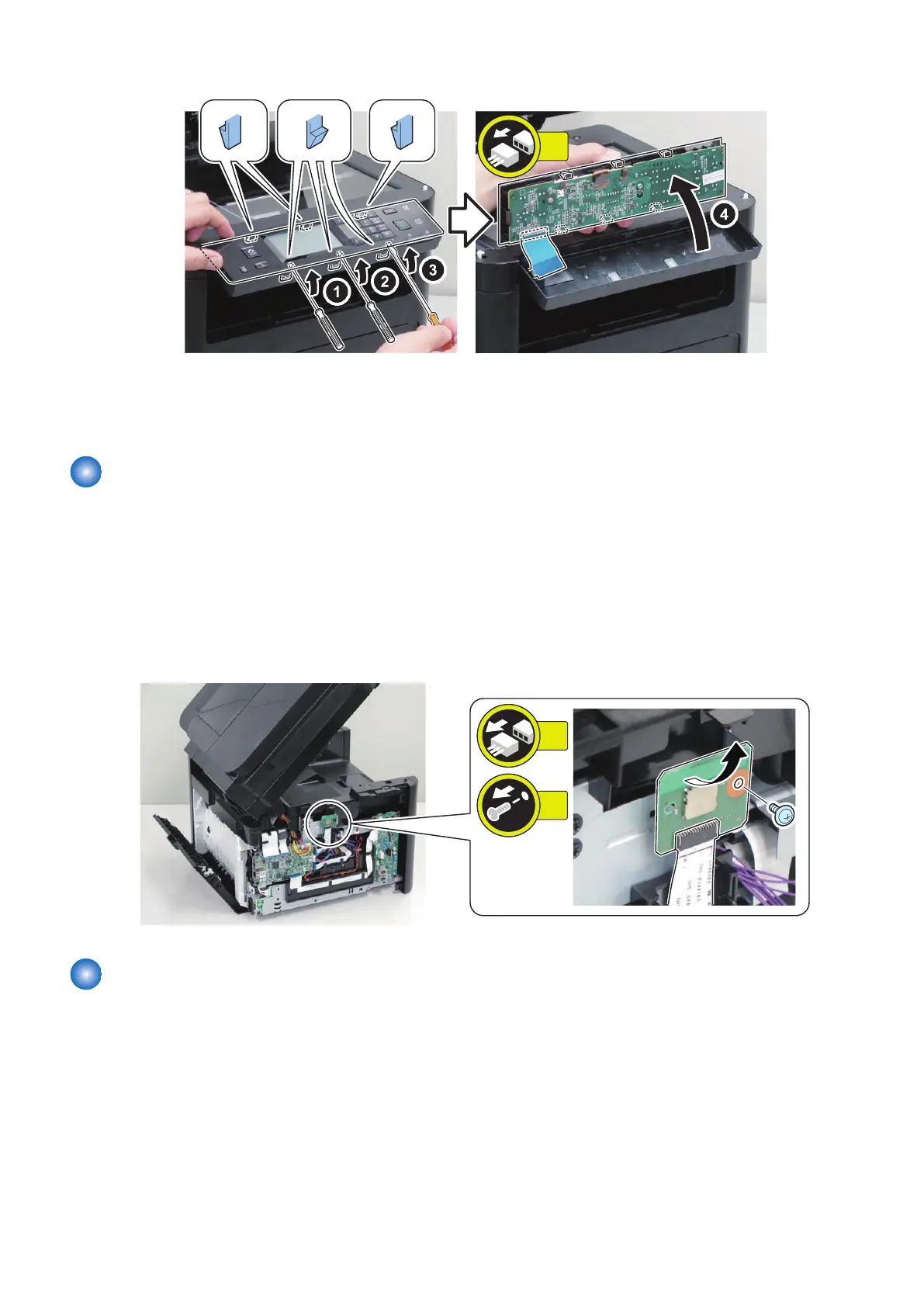
4.
5. Actions after Parts Replacement for Touch Panel Model
“Adjustment at Parts Replacement” on page 221
Removing the Wireless Lan PCB
■ Preparation
1. “Removing the Cartridge” on page 77
2. “ Removing the Left Cover” on page 80
■ Procedure
1.
Removing the Main Controller PCB
■ Preparation
1. “Adjustment at Parts Replacement” on page 221
2. “Removing the Cartridge” on page 77
3. “ Removing the Left Cover” on page 80
4. Parts Replacement and Cleaning
173










 To Next Page