Laser Exposure System
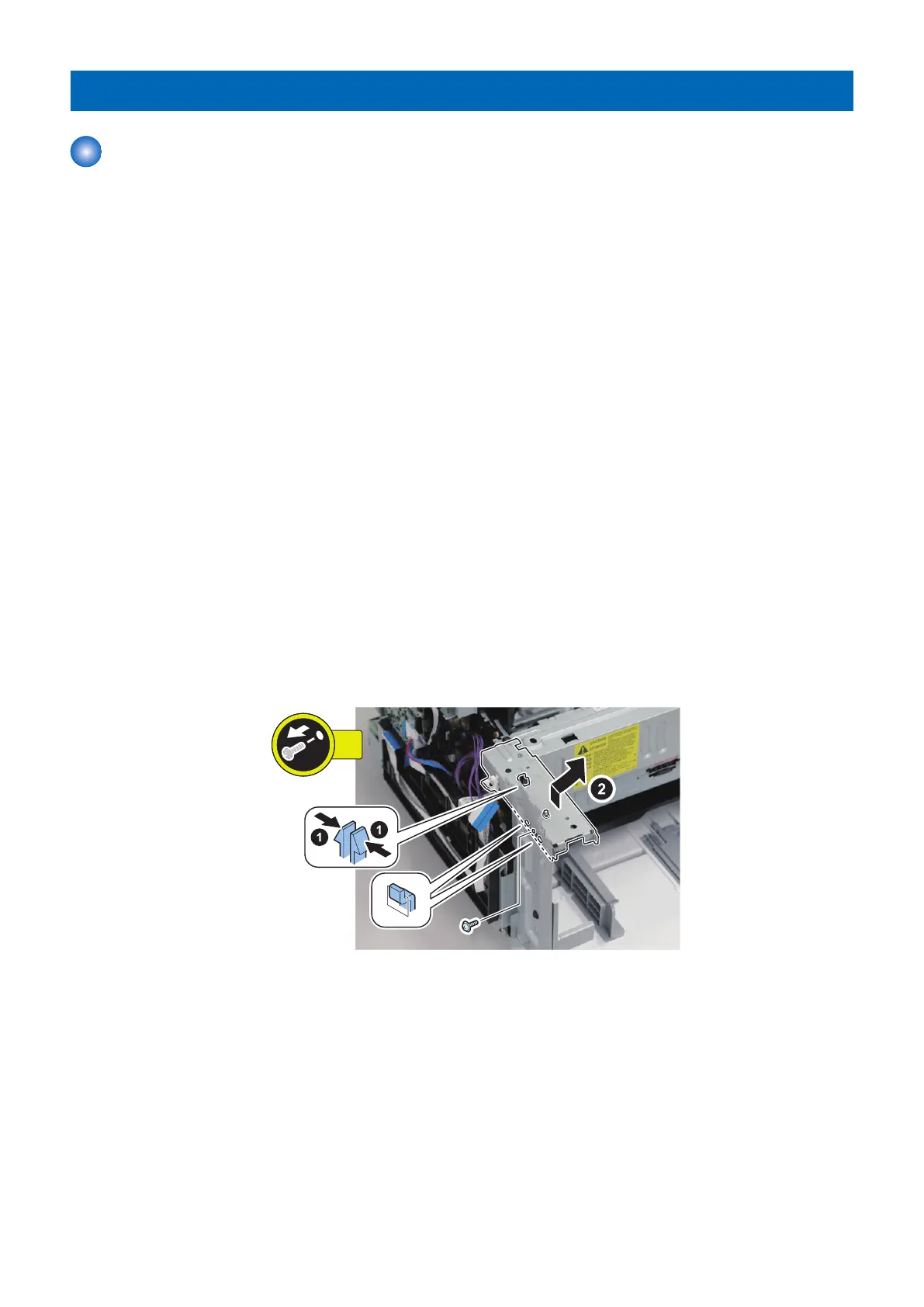
Removing the Laser Scanner Cover
■ Preparation
1. “Removing the Cartridge” on page 77
2. “Removing the Right Cover” on page 78
3. “ Removing the Left Cover” on page 80
4. Depending on the model, perform one of the following operation.
• “Removing the DADF Unit + Reader Unit” on page 93
• “Removing the SADF Unit + Reader Unit” on page 126
• “Removing the Copyboard Cover + Reader Unit” on page 157
5. “ Removing the Speaker (Fax Model)” on page 188
6. “Removing the Front Cover” on page 83
7. “ Removing the Toner Cover” on page 86
8. “ Removing the Upper Cover” on page 91
9. “ Removing the Main Fan” on page 187
10. “ Removing the NCU PCB (Fax Model)” on page 190
■ Procedure
1.
<If the Fax is installed>
4. Parts Replacement and Cleaning
192










 To Next Page