Debug Log
Function Overview
The debug log is a log that analyzes the program behavior of the machine to enable developers to identify problems.
When a problem that is difficult to reproduce occurs, collecting a Sublog immediately after the problem has occurred on site can
increase the efficiency of analyzing the problem and reduce the time it takes to deal with the problem.
Be sure to collect the debug log when the Support Dept. of sales company so instructs.
Note that there is no need for service technicians to check the content of collected debug log.
Type of log that can be collected Remarks
Firmware log Use the log collection tool
Cases in which collection of debug log is effective
• Neither the Support Dept. of sales company nor CINC can reproduce the trouble that occurred at the customer site
• When the error frequency is low
• When the failure is suspected to be due to firmware rather than a mechanical/electrical failure
NOTE:
If the procedure for reproducing the failure is clear and the Support Dept. of sales company and CINC can reproduce it, collection
of debug log is not necessary.
Firmware Log Collection Using Log Collection Tool
■ Overview
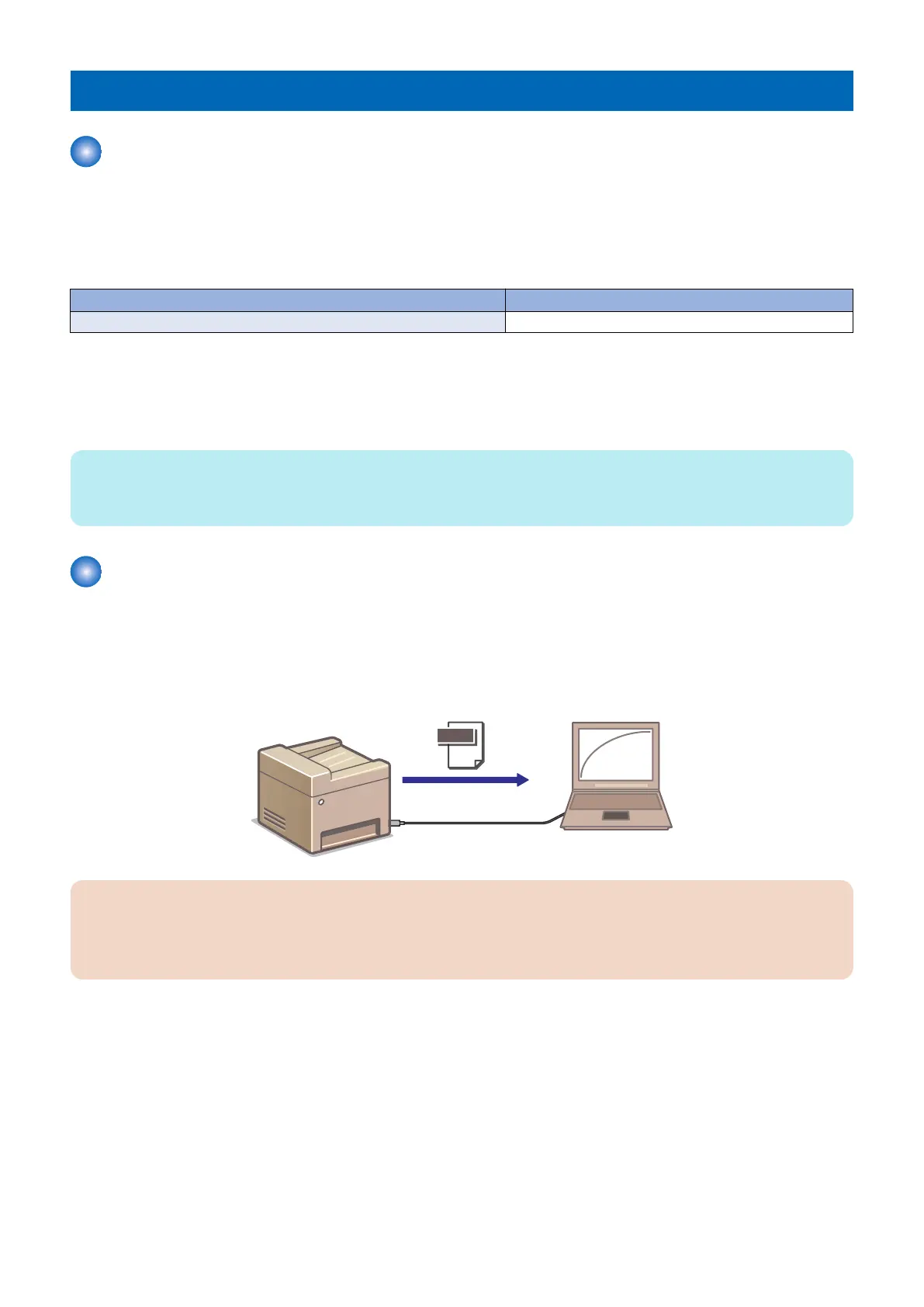
The log collection tool (LogCollector) is used to collect the firmware log of the machine.
This tool runs on a PC connected to the machine with a USB Cable and collects operational status log in the machine.
Operational status log
PC
USB cable
Data
CAUTION:
This tool does not recognize multiple machines at a time. Therefore, if multiple machines are connected to a PC with multiple
USB ports, the tool does not work.
Only one machine should be connected to a PC with a USB Cable to use the tool.
Log File
The specifications of the log file are shown below.
• Log file name: It is recorded as "usb_yyyymmdd_hhmmss.log". (yyyymmdd_hhmmss indicates year, month, date, and time
(hour, minute, second) when the log is collected.)
• A log file is generated in the folder where the execution file (CanonLogCollector.exe) exists.
Supported Languages
Languages supported by this tool are shown below.
• English
• Korean
• Japanese
6. Troubleshooting
228










 To Next Page