Removing the Reader Motor (DADF Model)
■ Preparation
1. “Removing the Cartridge” on page 77
2. “ Removing the Left Cover” on page 80
3. “Removing the DADF Unit + Reader Unit” on page 93
4. “Separating the DADF Unit + Reader Unit” on page 96
5. “Removing the Copyboard Glass (DADF Model)” on page 115
■ Procedure
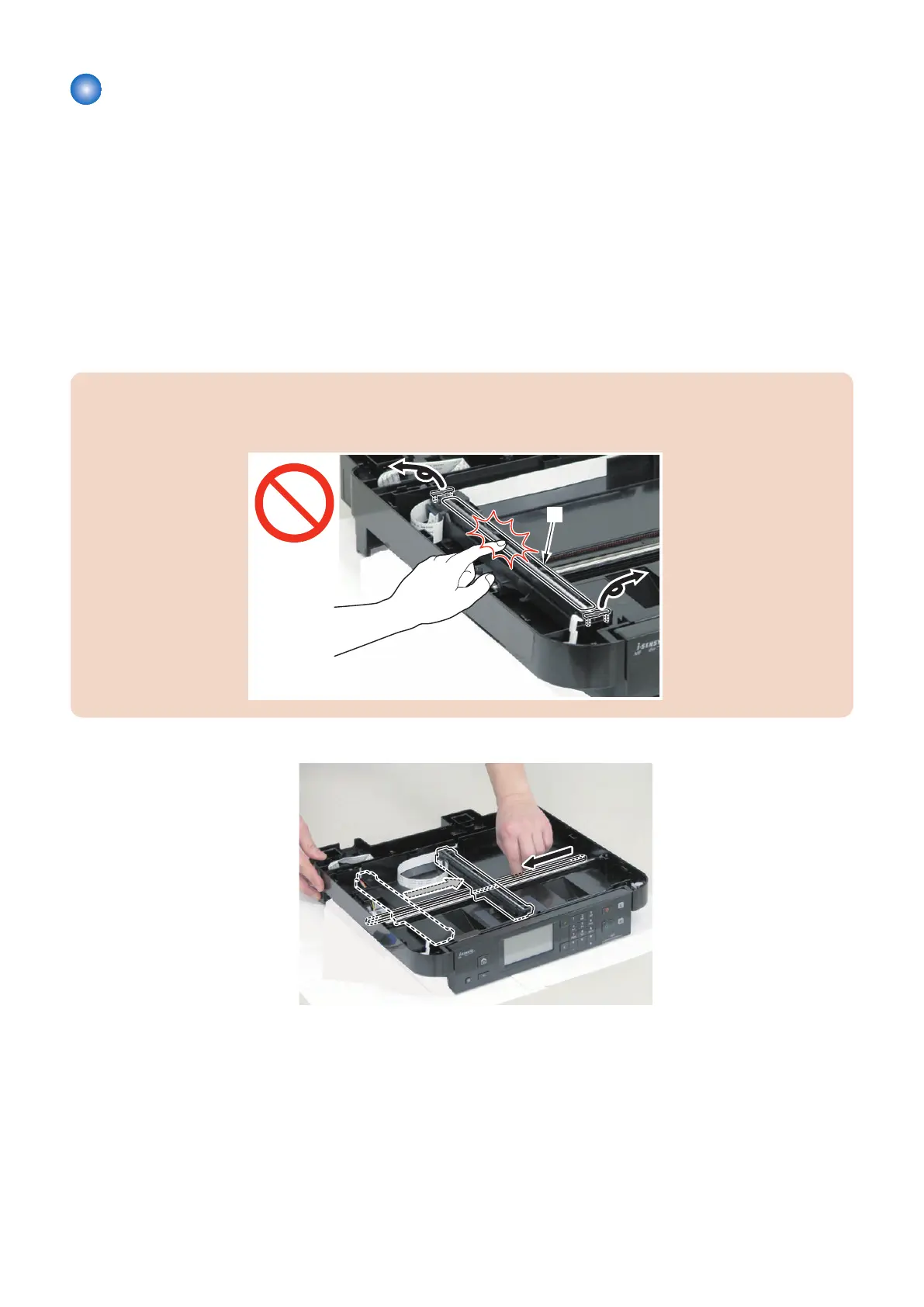
CAUTION:
• Do not lose the 2 spacers of the Contact Image Sensor Unit.
• Do not touch the document reading part [A] of the Contact Image Sensor Unit.
1.
4. Parts Replacement and Cleaning
122










 To Next Page