External Cover System
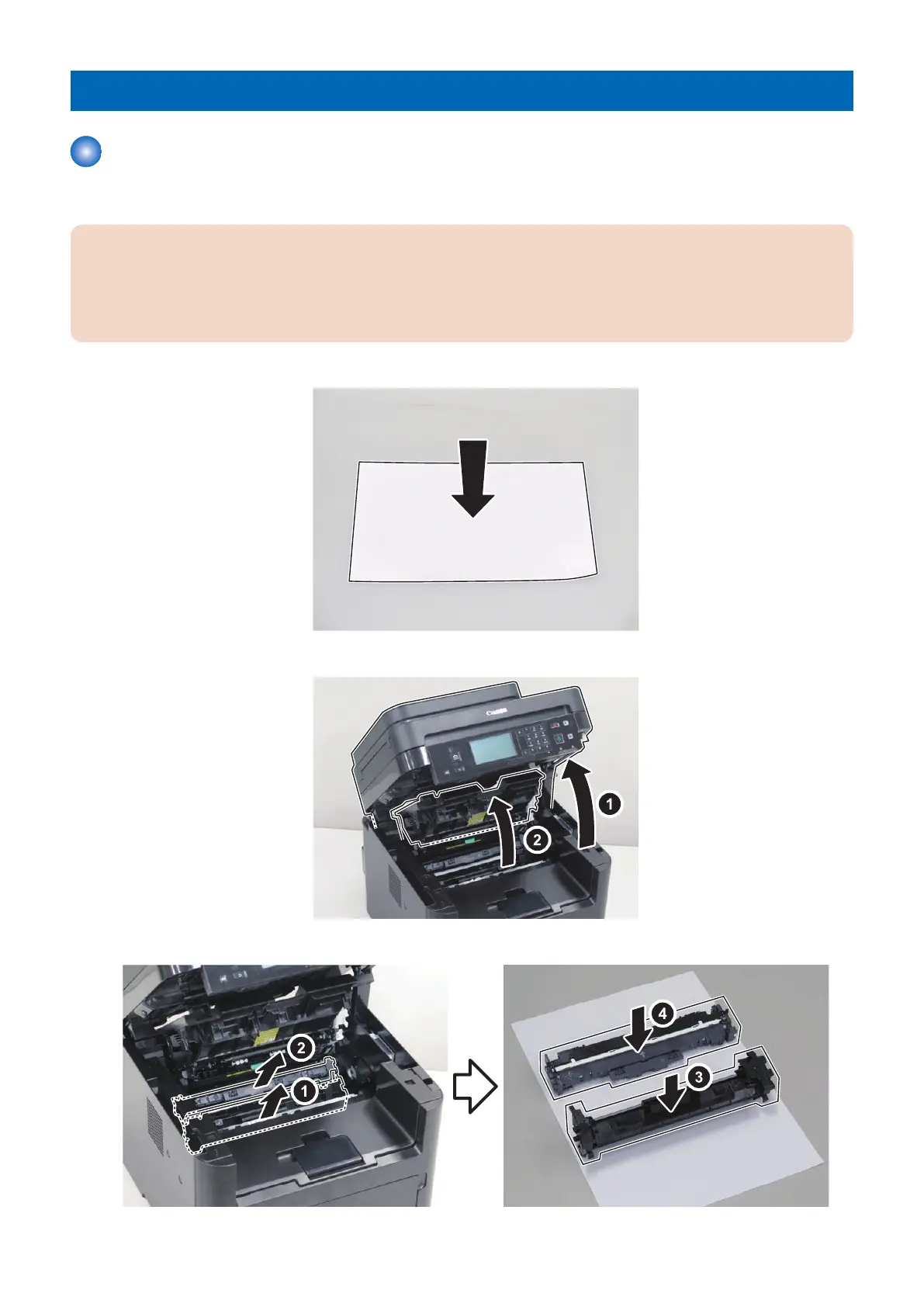
Removing the Cartridge
■ Procedure
CAUTION:
When handling the cartridge, be sure to follow the CAUTION shown below.
1. When removing the cartridge, be sure to block light to the Photosensitive Drum. Cover the removed drum with 5 or
more sheets of paper to block light.
2. Do not place the cartridge in a location where it is exposed to direct rays of the sun (e.g. near the window).
1.
2.
3.
4. Parts Replacement and Cleaning
77










 To Next Page