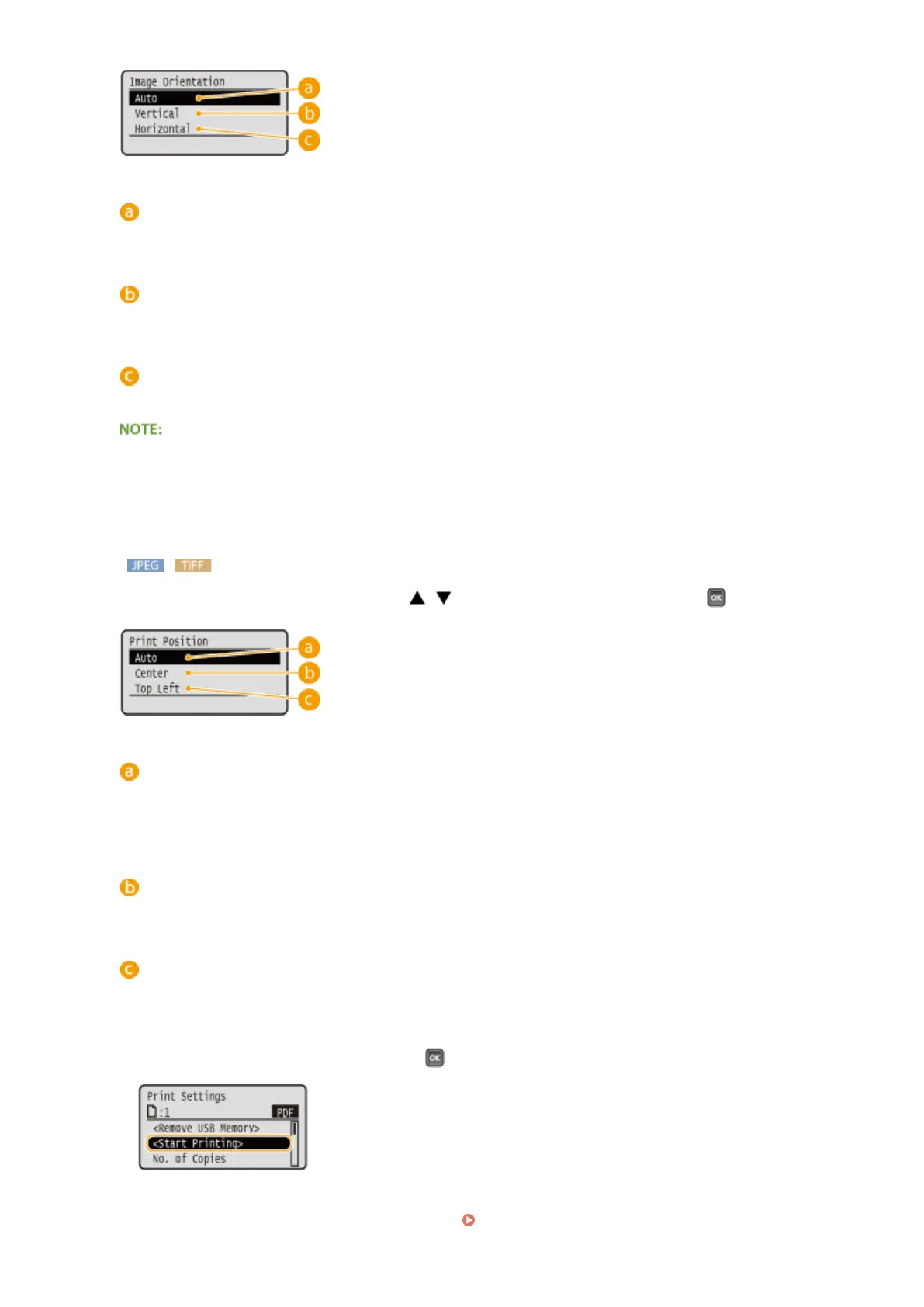
<Auto>
Automatically determines the print orientation based on the width and height of the image.
<Vertical>
Select when printing a vertically-long image.
<Horizontal>
Select when printing a horizontally-long image.
● If the specied setting of <Vertical> or <Horizontal> does not match the orientation of the image, the
reduced image is printed.
<Print Position>
Specify the position to print the image. Use / to select the print position, and press .
<Auto>
If the TIFF data contains the information that species the print position, the image is printed according to
the information, otherwise, it is printed at the center of paper. JPEG data is always printed at the center of
paper.
<Center>
Images are printed at the center of paper.
<Top Left>
Images are printed at the top left.
7
Select <Start Printing>, and press .
➠ Printing starts.
● To cancel printing, use the operation panel. Canceling Prints(P. 78)
Printing a Document
126



 To Next Page