8
Disconnect the USB memory device.
1
Select <Remove USB Memory>, and press .
2
Select <Yes>, and press .
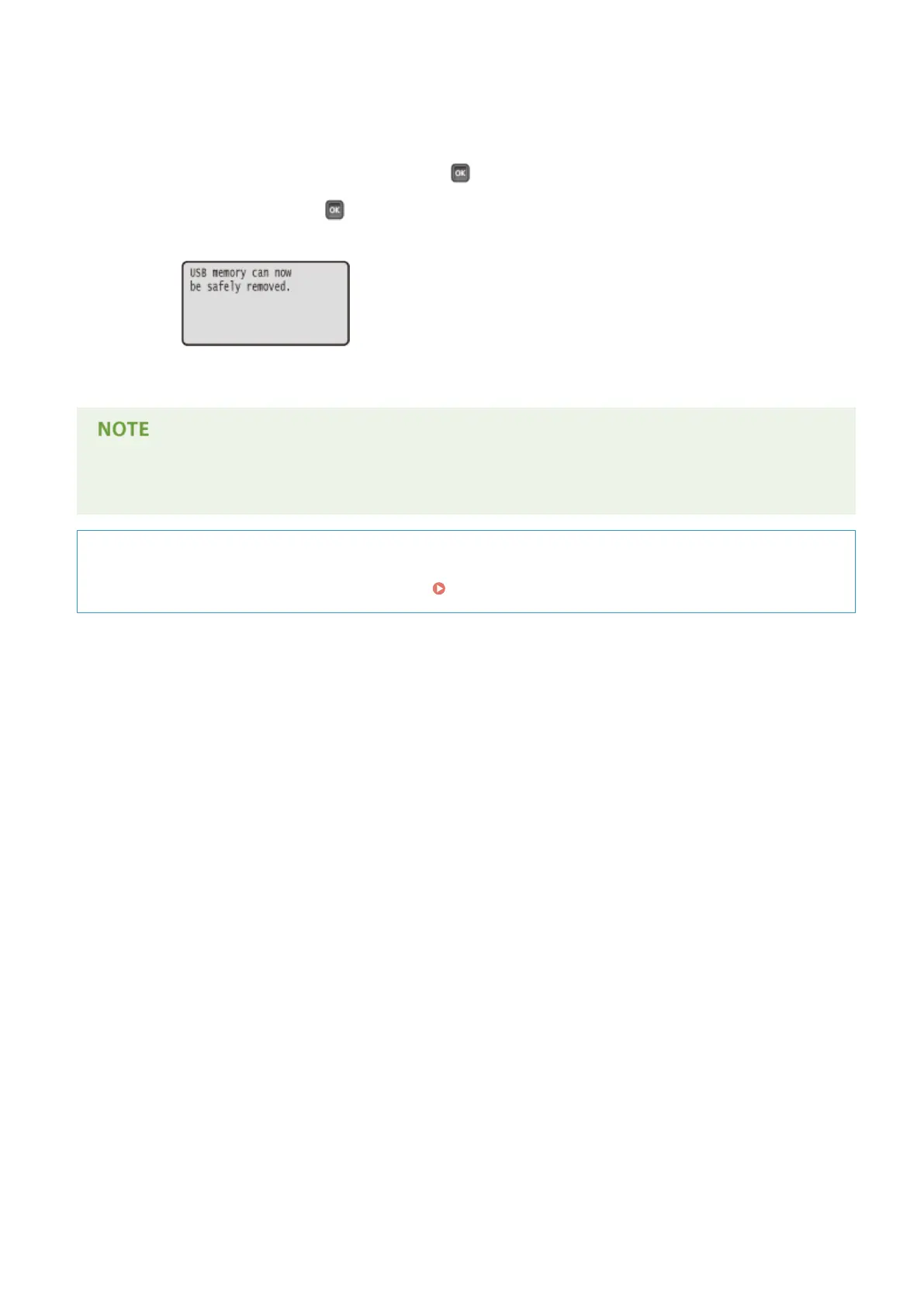
➠ Wait until the message shown below appears.
3
Disconnect the USB memory device.
● If you select <Sort Files> on the screen in step 1, you can change the order of displaying les when you select
the le to print.
TIPS
If you always want to print with the same settings: Changing Default Settings(P. 114)
Printing a Document
127



 To Next Page