3
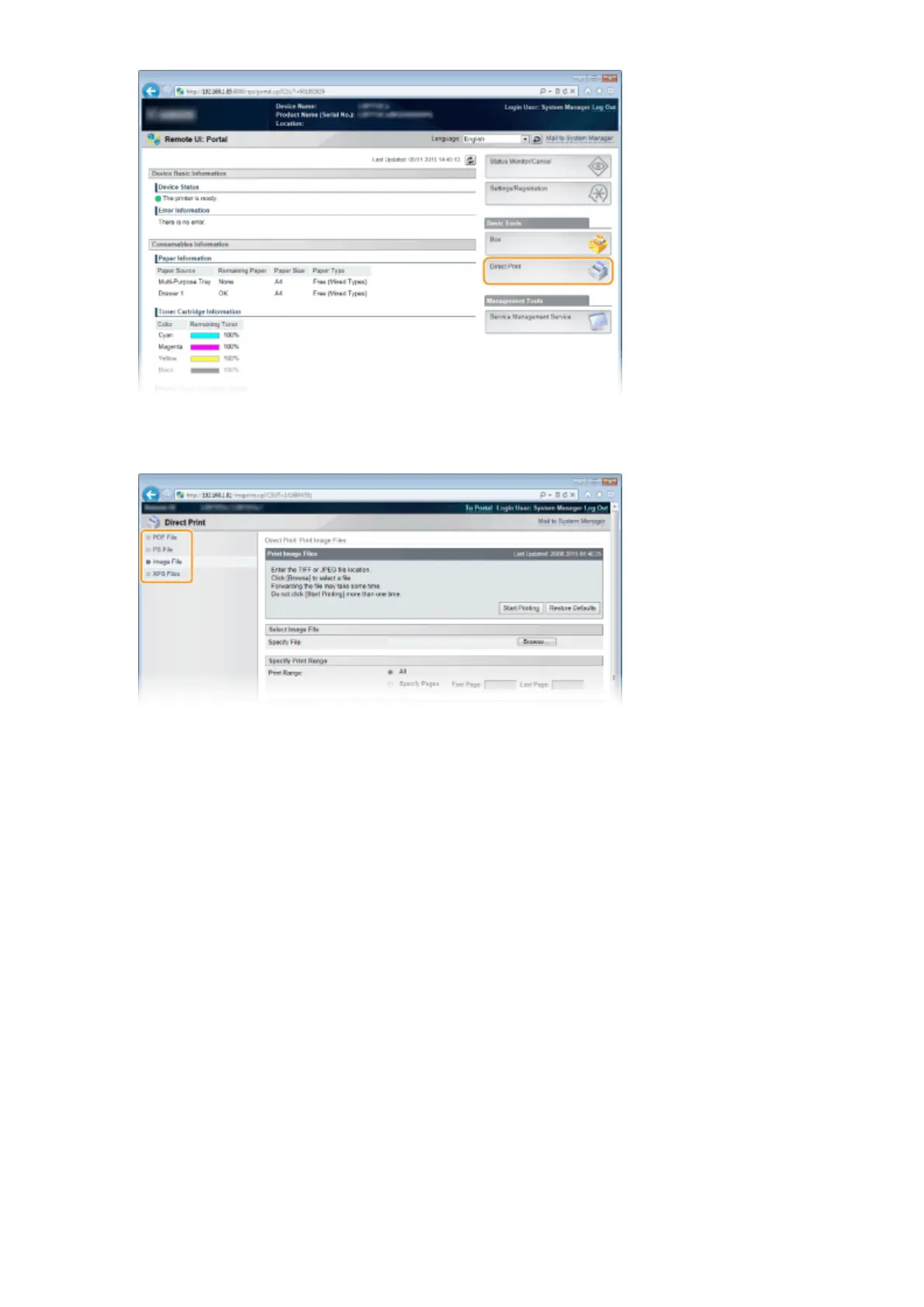
Click the type of the le to print.
[PDF File]
Click to print a PDF le.
[PS File]
Click to print a PS or EPS le.
[Image File]
Click to print a JPEG or TIFF le.
[XPS Files]
Click to print an XPS le.
4
Click [Browse].
● When the dialog box for selecting the le appears, select the le to print and click [Open].
● When you print a PDF le, select [File Path].
Printing a Document
146



 To Next Page