When you print a PDF le on the Web
● Select [URL], and enter the URL of the PDF le. If the user authentication is performed, enter the user
name and password.
When the PDF le is password-protected
● Enter the password in [Document Password].
When you print a PDF le linked to a policy server
● Specify the [Policy Server User Name] and [Policy Server Password] settings.
5
Specify the print settings as necessary. Print Settings for Direct Print(P. 149)
6
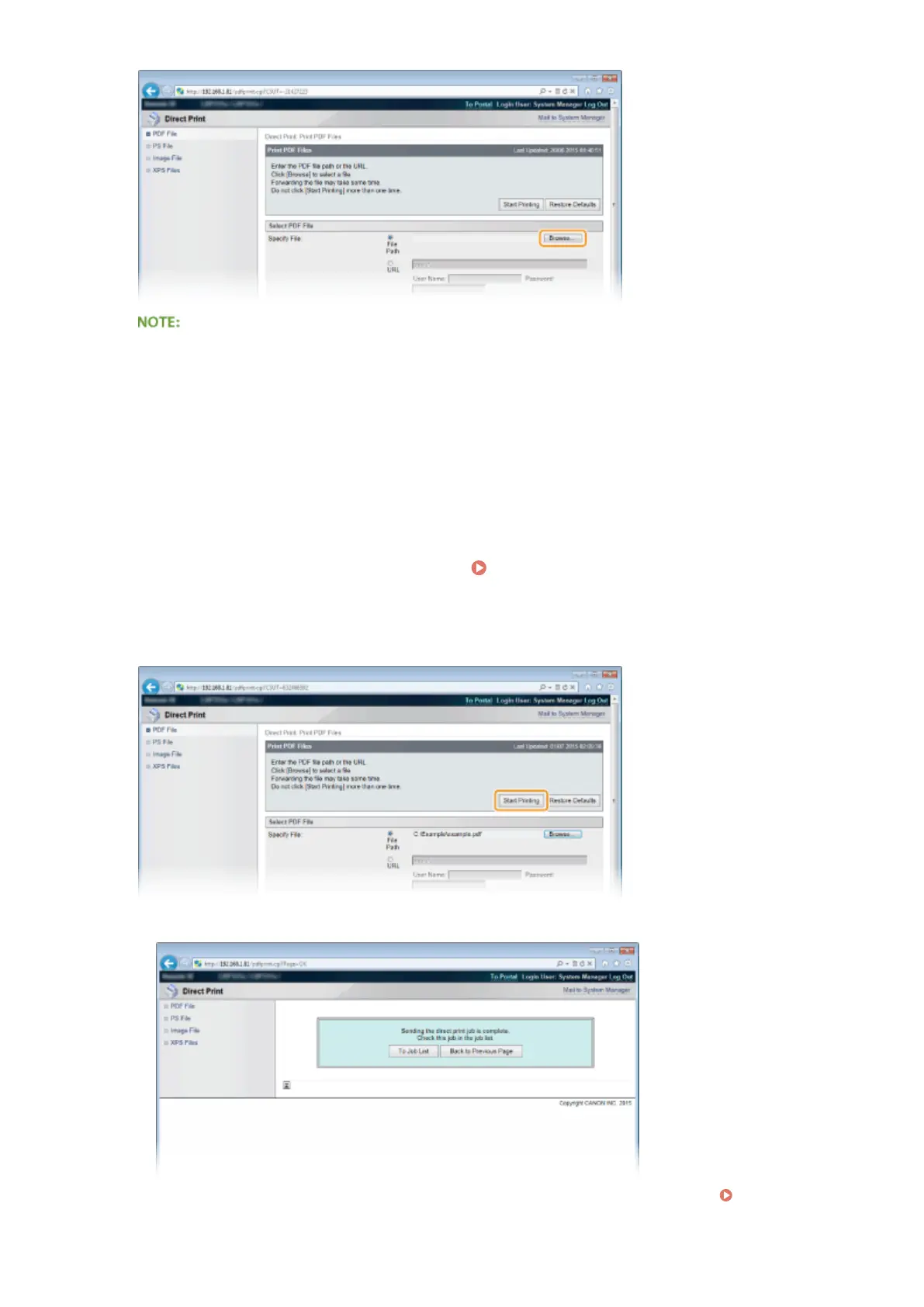
Click [Start Printing].
➠ The screen shown below is displayed and printing starts.
● If you click [To Job List], the [Job Status] page is displayed to show the print status. Checking Current
Status of Print Documents(P. 345)
Printing a Document
147



 To Next Page