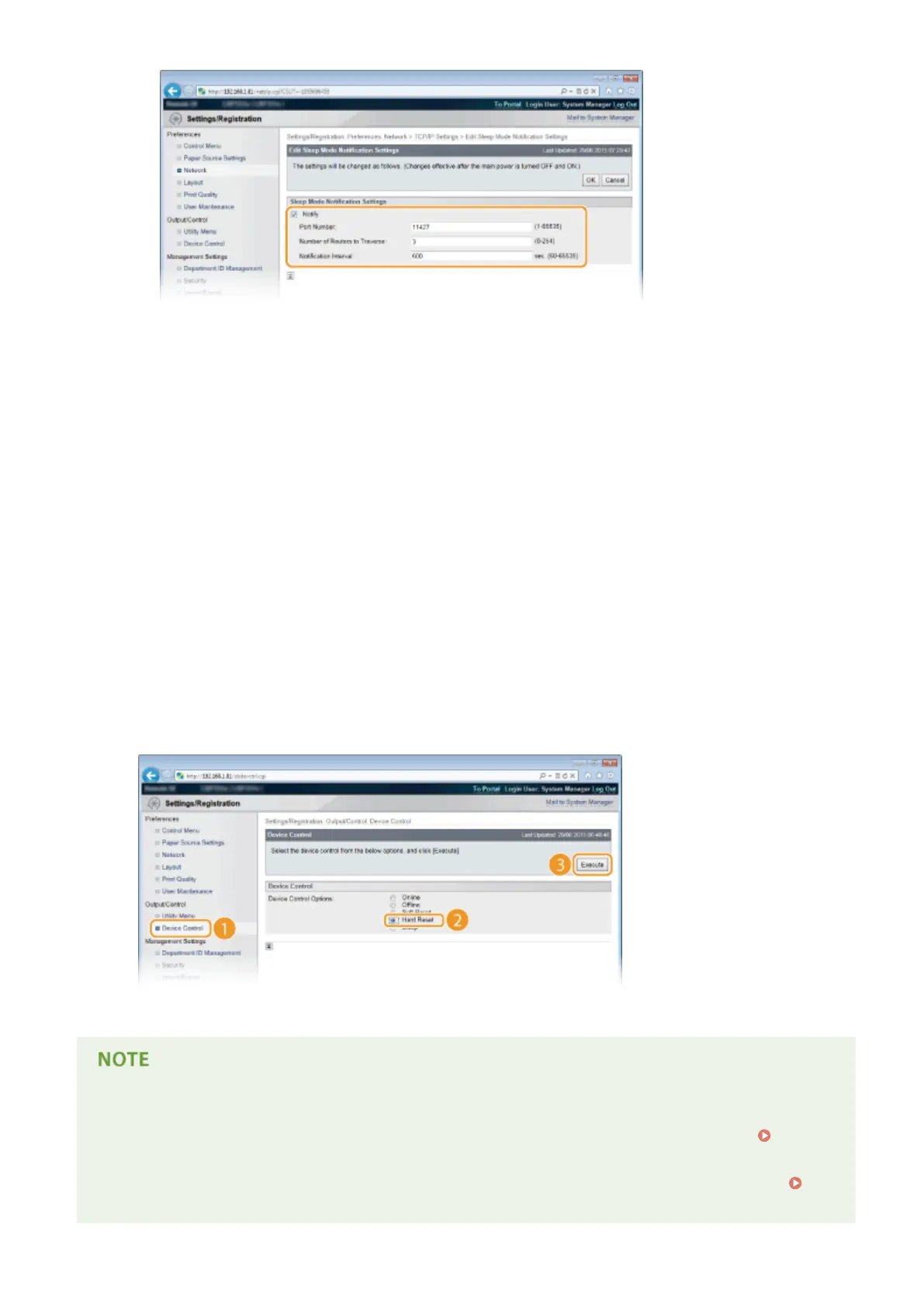
[Notify]
Select the check box to notify a device management software of the power status of the machine. When
[Notify] is selected, you can expect the machine to avoid unnecessary communication during sleep mode
and reduce the total power consumption.
[Port Number]
Change the port number for this function according to the network environment.
[Number of Routers to Traverse]
Specify how many routers the notication packets can pass. Enter a number from 0 to 254.
[Notication Interval]
Specify how often the machine noties a device management software of its power status. Enter a
number in seconds from 60 to 65535.
3
Click [OK].
5
Perform a hard reset.
● Click [Device Control], select [Hard Reset], and then click [Execute].
➠ The settings are enabled after the hard reset is performed.
Using the operation panel
● You can also enable or disable discovery response from the setting menu of the operation panel.
Discovery Response(P. 387)
● Power status notication settings can also be accessed from the setting menu of the operation panel.
Sleep Notif. Set.(P. 388)
Network
243



 To Next Page