1
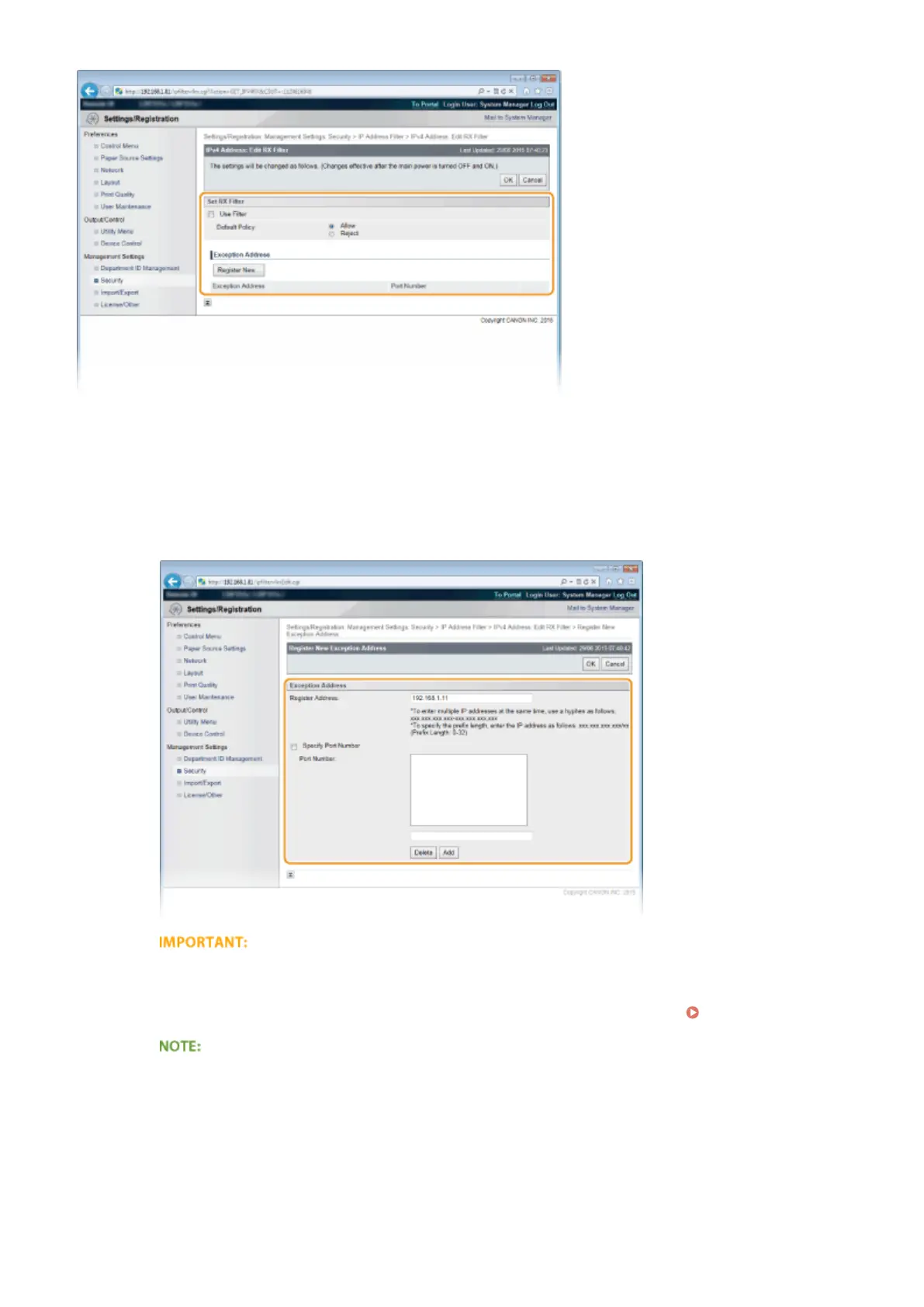
Click [Register New].
2
Specify address exceptions.
● Enter the IP address (or the range of IP addresses) in [Register Address].
● To specify a port number, select the [Specify Port Number] check box, enter a port number (1 to
65535) in [Port Number], and click [Add].
Check for entry errors
● If IP addresses or the port numbers are incorrectly entered, you may be unable to access the machine
from the Remote UI, in which case you need to set <Address Filter> to <Off>.
Address Filter(P. 395)
To delete a set port number
● Select the port number to delete, and click [Delete].
Security
271



 To Next Page