3
Click [OK].
4
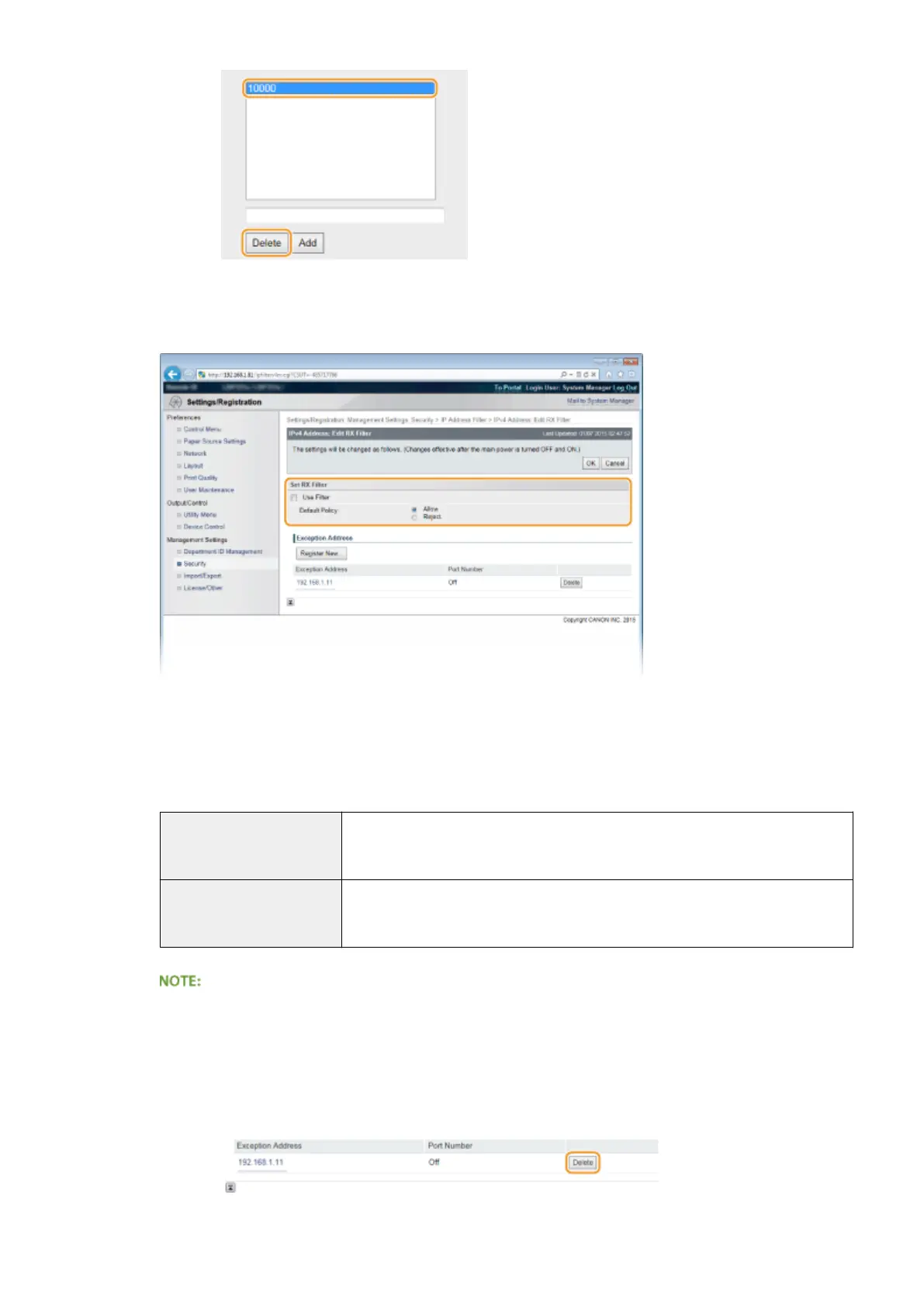
Select the [Use Filter] check box and click the [Reject] or [Allow] radio button for the [Default
Policy].
[Use Filter]
Select the check box to restrict communication. Clear the check box to disable the restriction.
[Default Policy]
Select the precondition to allow or reject the communication of other devices with the machine.
[Allow]
Select to block communication packets when they are sent to or received from
devices whose IP addresses are entered in [Exception Addresses]. Communications
with other devices are permitted.
[Reject]
Select to pass communication packets only when they are sent to or received from
devices whose IP addresses are entered in [Exception Addresses]. Communications
with other devices are prohibited.
Editing a set IP address from exceptions
● Click the corresponding text link under [Exception Addresses], in the screen that has been displayed
change settings as necessary, and click [OK].
Deleting an IP address from exceptions
● Select an IP address to delete, and click [Delete].
Security
272



 To Next Page