Secure Job Log
*
If the machine is turned OFF during printing, a print log may not be generated and the total number of printed pages
may not be calculated. If you set this function to <On>, print log generation and total printed page counting are surely
performed. However, the print speed will be slower.
Off
On
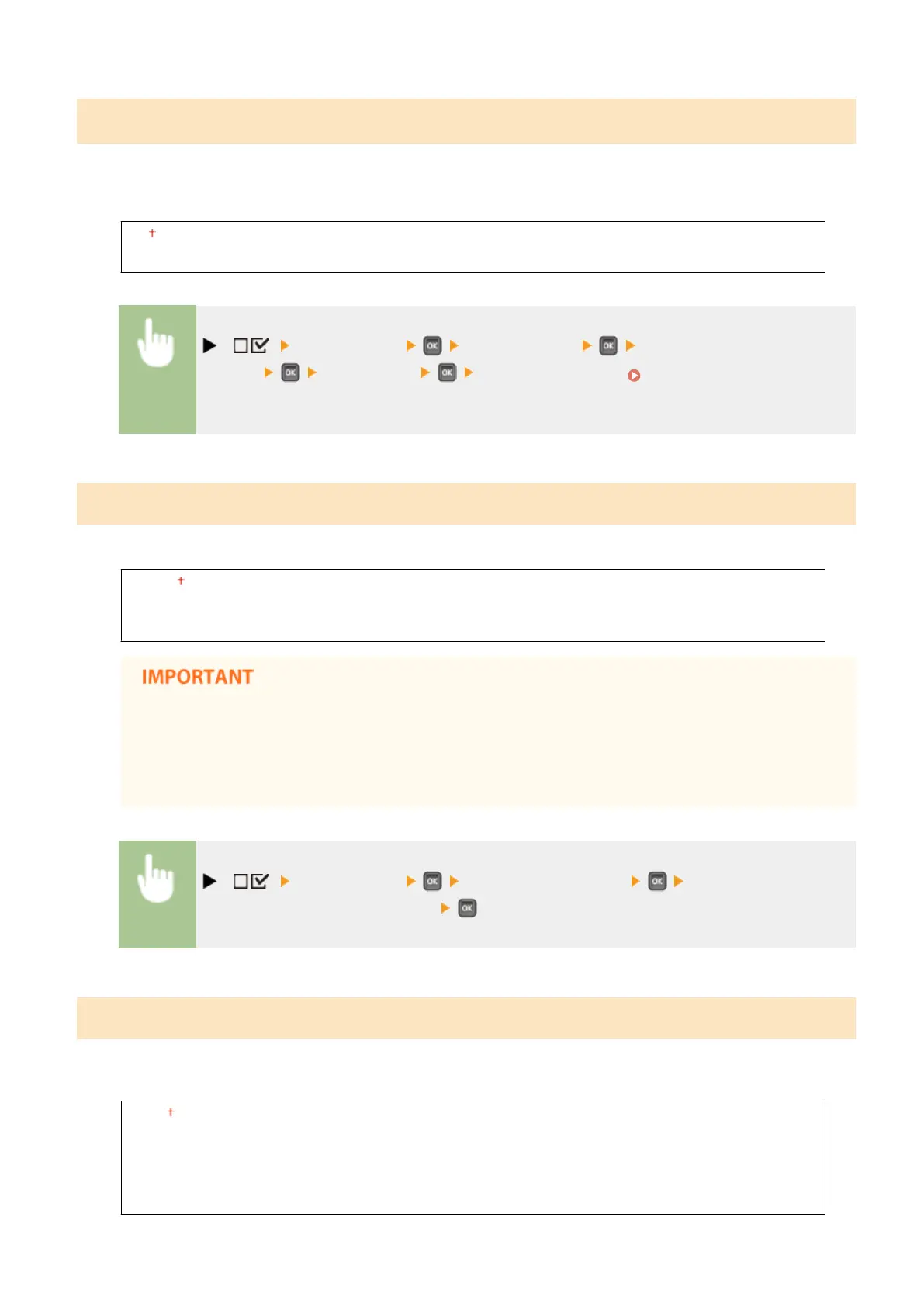
( ) <Control Menu> <Secure Job Log> Check the
message <Off> or <On> Perform a hard reset ( Performing a Hard
Reset(P. 498) )
USB-Connected PC OS
Select the OS of your computer connecting to the machine via USB.
Mac OS
Windows
Other
● Be sure to match the machine settings to the OS of your computer. If not matched, the computer will
not correctly recognize the machine.
● If the OS of your computer is Mac OS X 10.10 or earlier and if you want to print from a printer driver
via USB, set this item to <Other>.
( ) <Control Menu> <USB-Connected PC OS> Select the OS of the
computer to connect to the machine
PDL Selection (PnP)
Specify a printer driver to be installed when the machine is connected to a computer via USB or it is searched over the
WSD network.
UFR II
UFR II (V4)
PCL6
PS3
XPS (Direct)
Setting Menu List
373



 To Next Page