4
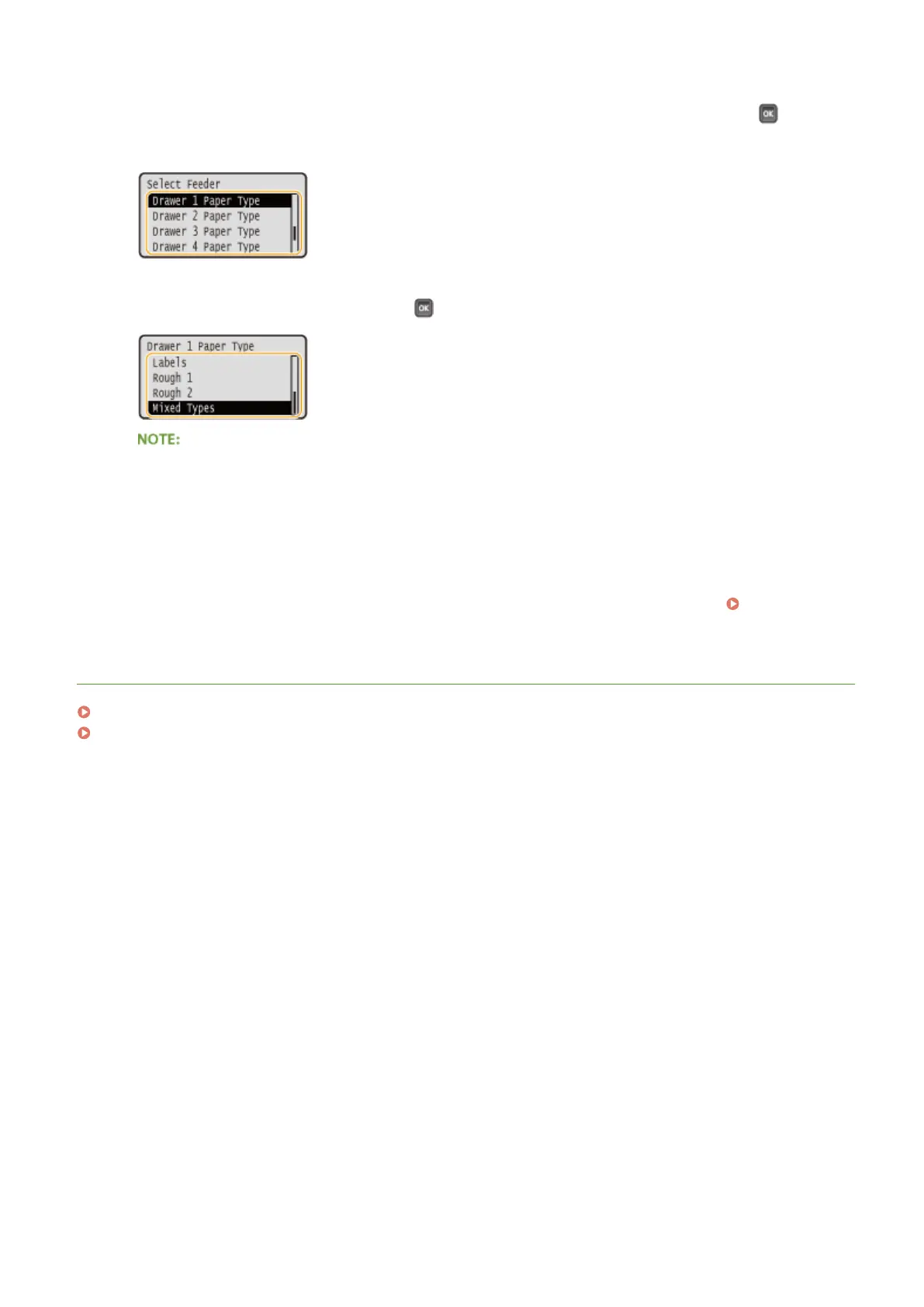
Select one of <Drawer 1 Paper Type> to <Drawer 4 Paper Type>, and press .
● <Drawer 2 Paper Type> to <Drawer 4 Paper Type> are displayed when the optional paper feeder is installed.
5
Select the paper type, and press .
About <Mixed Types>
● If you frequently change sizes of paper to load, you can specify <Mixed Types>, which saves you the
trouble of changing the paper type setting each time you print. However, note that the paper type
specied on the printer driver is not checked before printing in this case.
Automatic detection of paper type
● The machine is provided with a function for automatic paper type detection. If this function is enabled, it is
not necessary to change paper type settings when you load plain or heavy paper.
Auto Detect Ppr
Type(P. 504)
LINKS
Loading Paper in the Paper Drawer(P. 40)
Paper(P. 620)
Basic Operations
59



 To Next Page