4
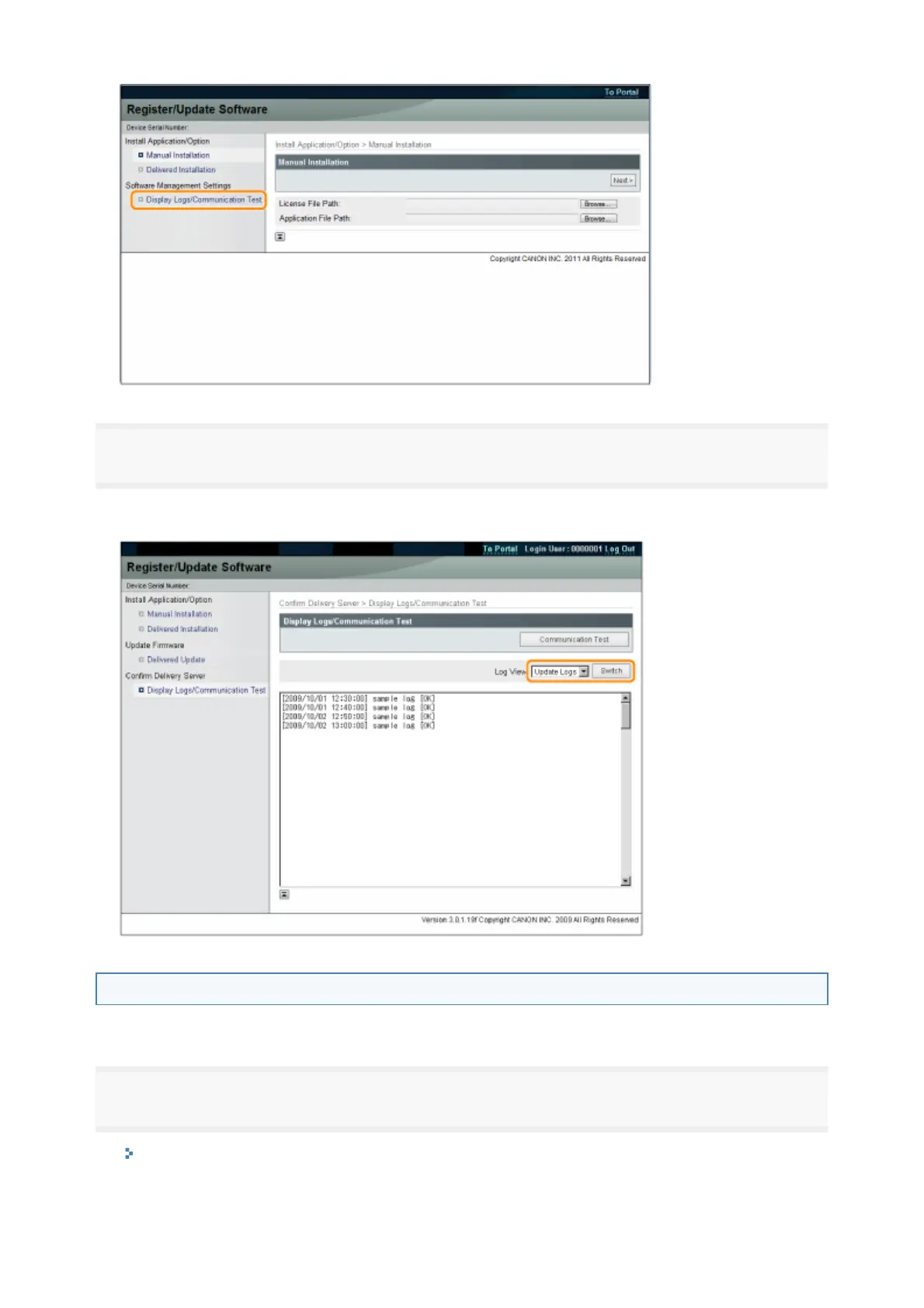
From the Log View drop-down list, select [Update Logs] → click [Switch].
The installation logs of the system options/MEAP applications and the update log of the firmware are
displayed.
Testing Communication Using the Remote UI
You can check whether the printer can properly communicate with the delivery server.
1
Start the Remote UI, and then log in as Administrator.
"e-Manual"
2



 To Next Page