246
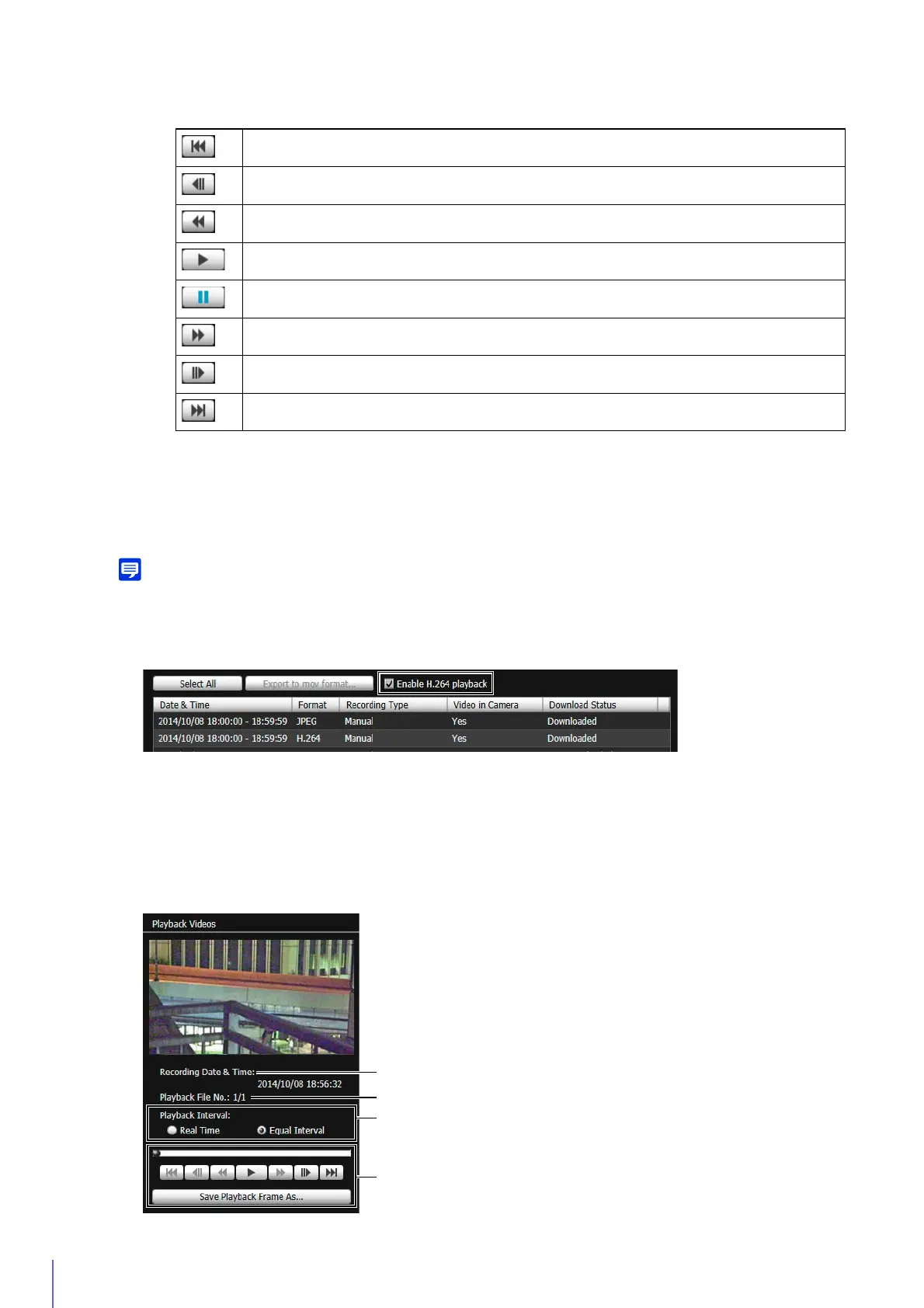
(2) Control Buttons
The function of each button is as follows:
(3) [Save Playback Frame As]
Video frames that are being played back can be saved as a separate file.
Play Back H.264 Video
When you are using Internet Explorer 11 in a 64-bit operating system and the camera is registered as a trusted site and protected
mode is enabled, playback of H.264 video will be disabled.
The Software Product License Agreement dialog box appears.
The H.264 decoder is downloaded from the camera.
The first frame and information for the selected video will appear in [Playback Videos].
Move to first frame
Move to previous frame
Fast reverse
Playback
Pause
Fast forward
Move to next frame
Move to last frame
1
Select [Enable H.264 playback].
2
Click [Yes].
3
Select H.264 video in the video list for playback.



 To Next Page