332
19-9 Deleting a Program
There are two different ways to delete a file name and its program.
• Specific program delete
• All program delete
uu
uu
uTo delete a specific program
1. While the program list is on the display, use f and c to move the highlighting
to the name of the program you want to delete.
2. Press 4 (DEL).
4(DEL)
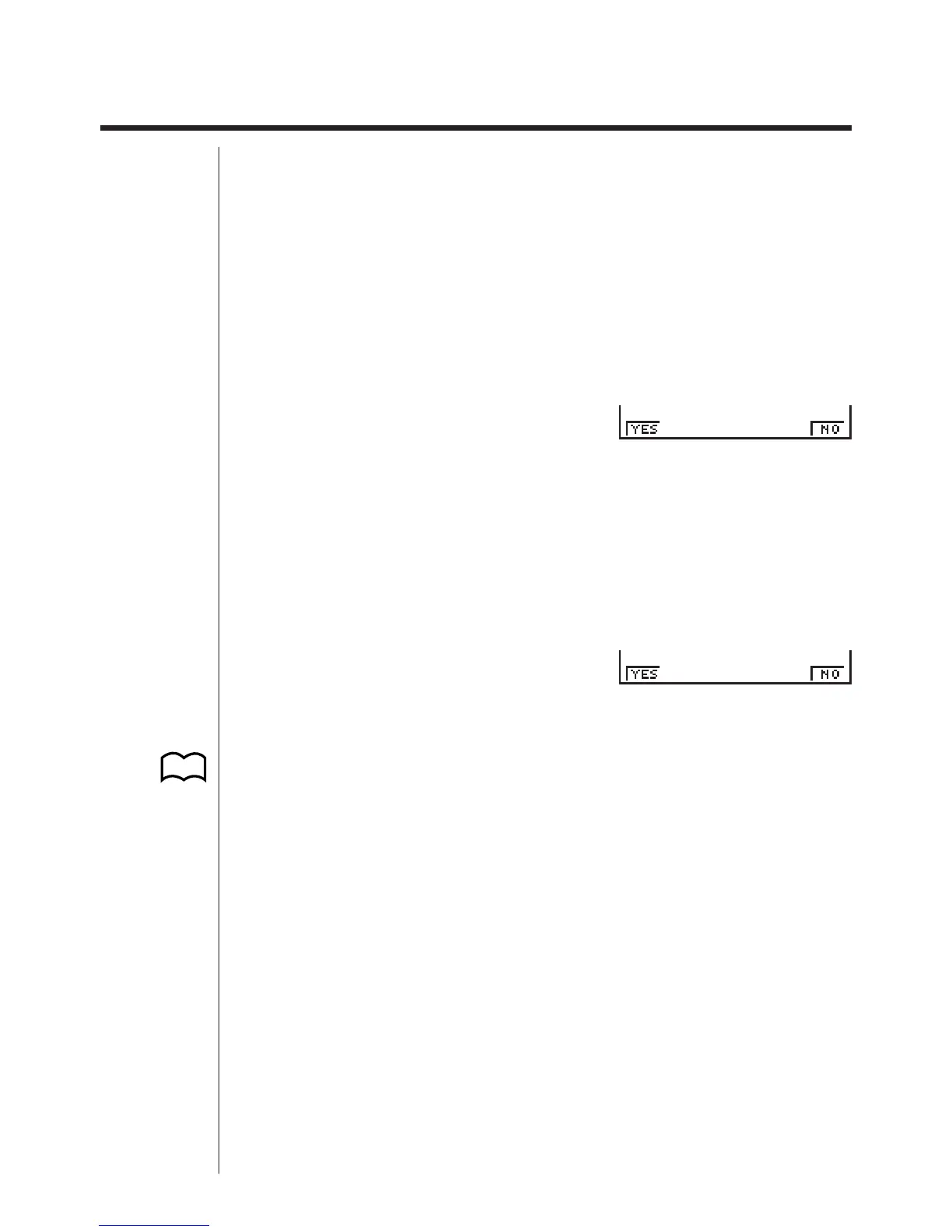
3. Press 1 (YES) to delete the selected program or 6 (NO) to abort the opera-
tion without deleting anything.
uu
uu
uTo delete all programs
1. While the program list is on the display, press 5 (DEL•A).
5(DEL•A)
2. Press 1 (YES) to delete all the programs in the list or 6 (NO) to abort the
operation without deleting anything.
• You can also delete all programs using the MEM Mode. See “Clearing Memory
Contents” for details.
1 23456
1 23456
P.30



 To Next Page