114 00 0293 210 2 - BA DOMINATOR 150/140/130 - 12/09
7 Overview of controls
7.2 Cab / Operator's platform
67083
82299
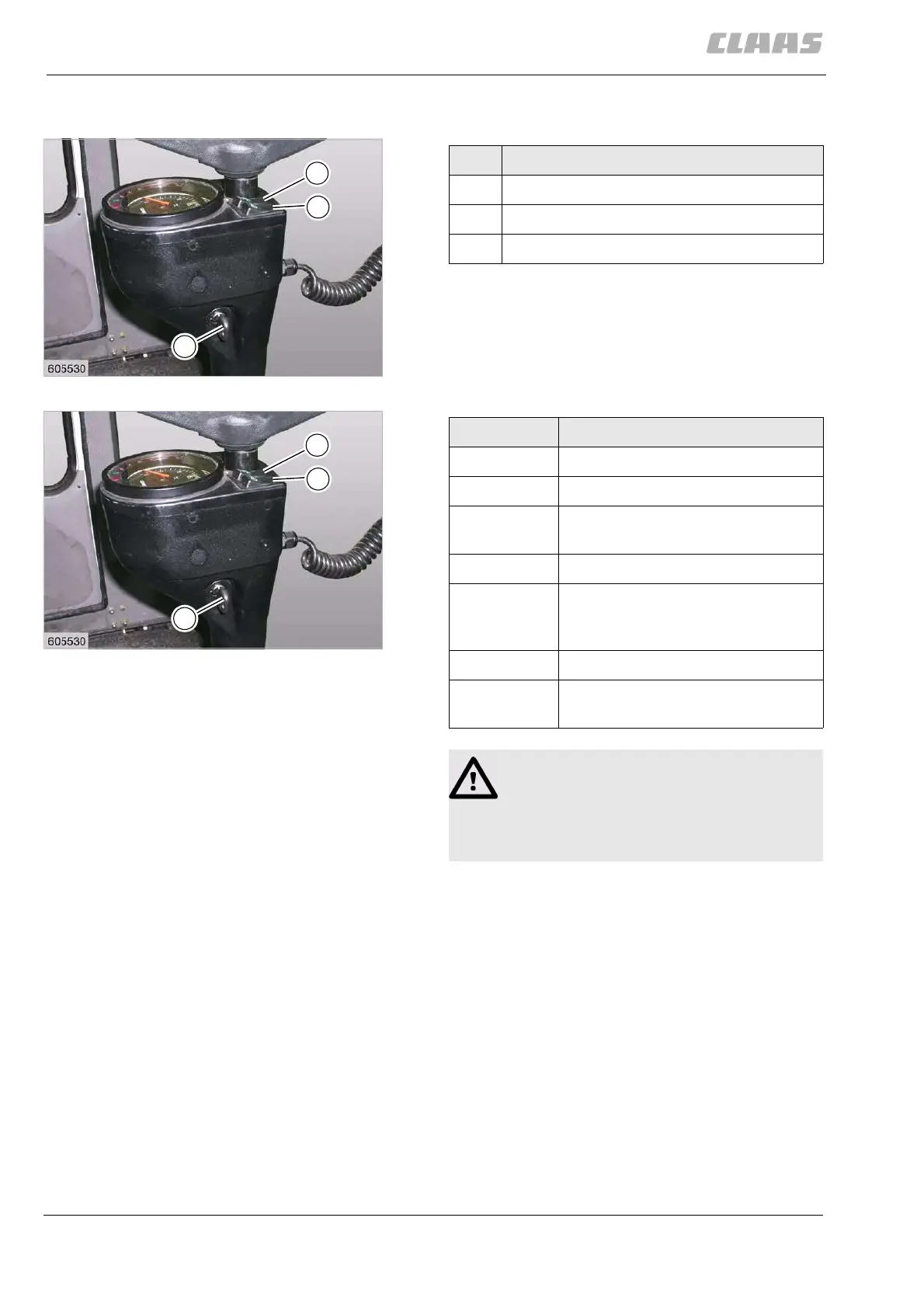
7.2.12 Overview of steering column
Repeating the starting procedure:
– Should a second attempt be necessary to start the
engine, then turn the key back to the “0” position
and wait for a short moment.
– Then repeat the starting procedure.
11
19363
S
C
B
Designation
S Ignition key
C Windscreen wiper switch (only with cab)
B Lighting switch
12
19363
S
C
B
Position Function
0 Ignition OFF
1 Ignition ON
– Turn ignition key (S) up to the
first stop.
2 Preheating the engine
– Turn ignition key (S) up to the
second stop and hold it there
for 15 seconds max.
3 Starting the engine
– Turn the ignition key (S) up to
the limit stop
Attention!
– Only operate the starter for a max. of
10 to 15 seconds.
– Once the engine has started, release the
key immediately.



 To Next Page
 Loading...