LPOD Outdoor Amplifier / Block Up Converter Revision 9
Ethernet-based Remote Product Management MN-LPOD
4–14
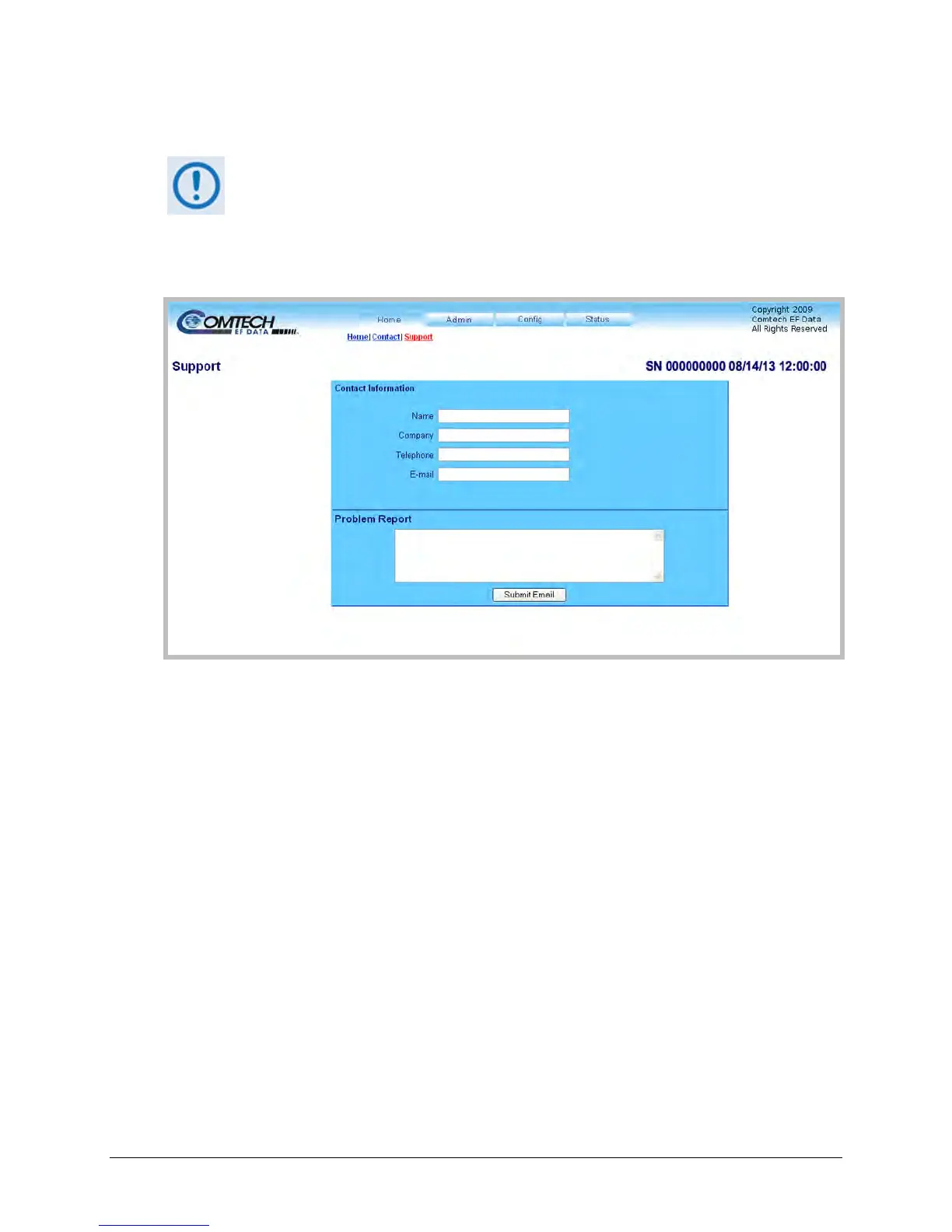
4.5.4.1.3 Home | Support
For this page to operate correctly, the Administrator must define the SMTP server,
domain name, and destination on the Admin | Access page (see Sect.4.5.4.2.1
).
This page uses SMTP (Simple Mail Transport Protocol) to compose and send an e-mail message
to Comtech EF Customer Support (techsupport@comtechefdata.com). Use this communications
portal for questions about or problems with the unit.
Figure 4-3. Home | Support Page
Contact Information
Provide your contact information – Name, Company, Telephone, and E-mail – to Comtech EF
Data here.
Problem Report
Use this section to compose the required message of up to a maximum of 256 characters.
Provide your Contact Information; compose your message in the Problem Report box, and then
click [Submit Email] to send the message.



 To Next Page