LPOD Outdoor Amplifier / Block Up Converter (BUC) Revision 9
Updating Firmware MN-LPOD
3–2
3.2 Getting Started: Preparing for the Firmware Download
1. First, identify the firmware number and its version number.
A. User-supplied items needed:
• A Microsoft Windows-based PC equipped with available serial and Ethernet ports, a
compatible Web browser (e.g., Internet Explorer), and a terminal emulator program
(e.g., Tera Term or HyperTerminal) if needed. Optionally, Comtech EF Data’s optional
LPODnet (part of M&C Netbook Accessory Kit CEFD Kit KT-0000203).
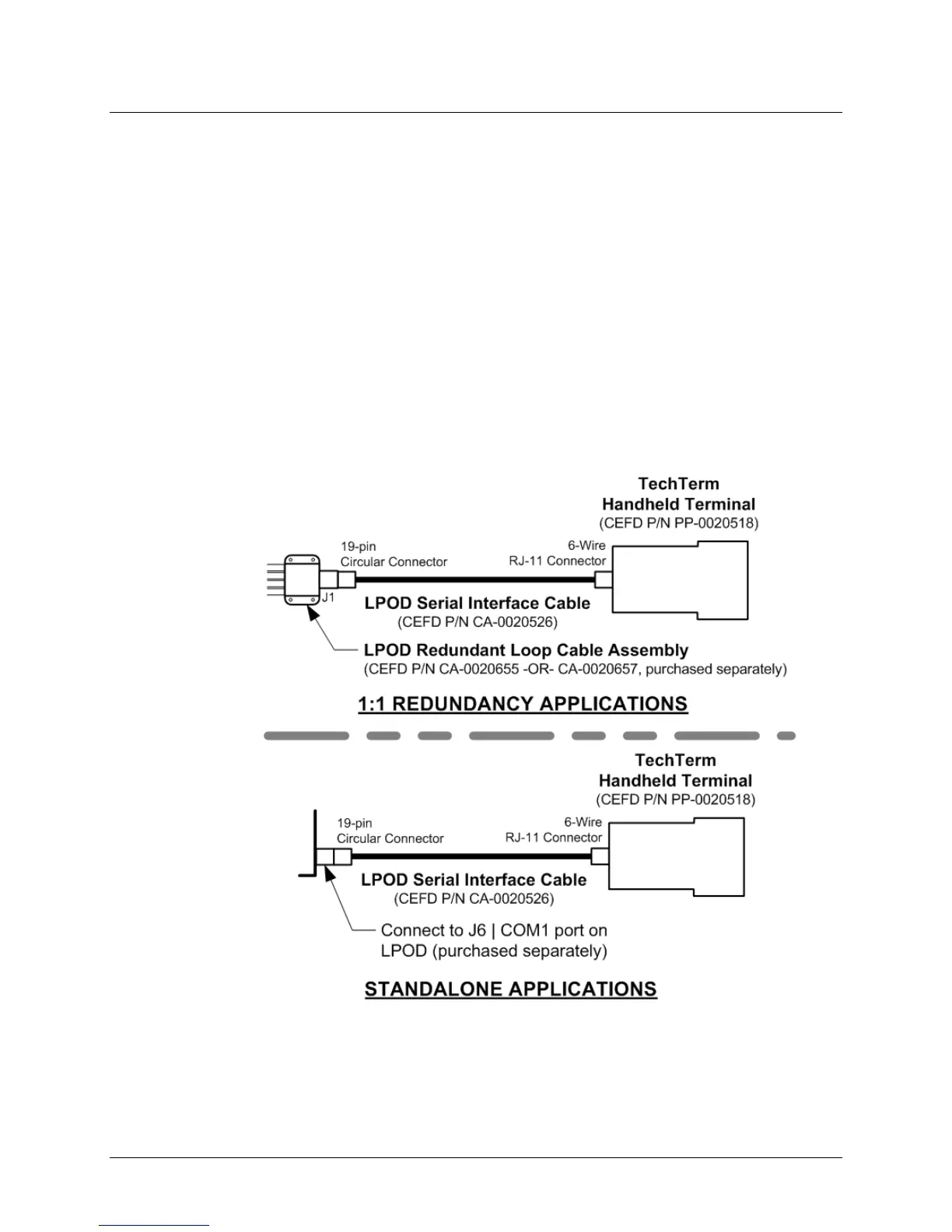
o Your serial connection may use either an user-fabricated adapter cable to
connect the PC serial port to the LPOD, or the optional CLC-10 Handheld
Terminal (part of M&C Accessory Kit (CEFD Kit KT-0020518). The following
example depicts use of the CLC-10 for 1:1 Redundant or Standalone serial
connection:



 To Next Page