GE Voluson E10 Training Manual
© 2017 Conquest Imaging
On Board VGA and Graphic Card
LAN
USB 2.0
USB 3.0
Sound
CPU: 3.1 GHz at 4 cores
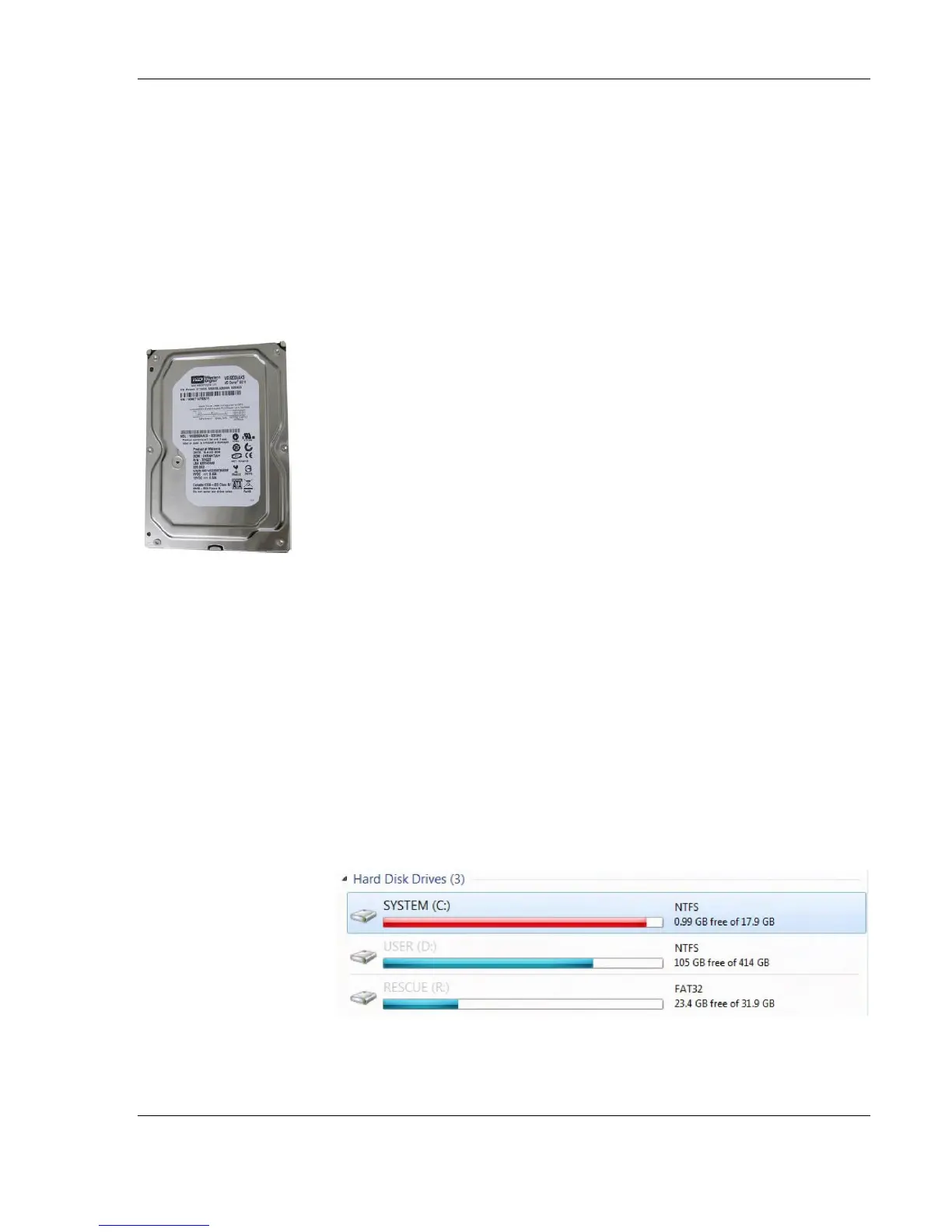
Hard Disk Drive (HDD)
The 500GB Hard Disk is the main storage device of the Voluson E-
Series ultrasound system. The Voluson E-Series Hard disk drive (HDD)
is divided into four different partitions:
C: System partition:
Operating System (Windows 7) including all Windows settings
(IP-address, Network Name, etc.)
US-Application Software (UISAPP)
Global Service Platform Software
Software Options
D: User partition:
User Presets (Backup) database
Images (Archive), Patient-ID´s and Reports database
Service and System settings databases
R: Rescue partition:
Factory Images of the C: Partition for System recovery after
HDD (Windows) crash.
Printer Drivers
LINUX partition: (not visible in Windows)
Linux operating system for rescue functionality.
Distribution of
partitions at 500
Gbyte HDD



 To Next Page