GE Voluson E10 Training Manual
© 2017 Conquest Imaging
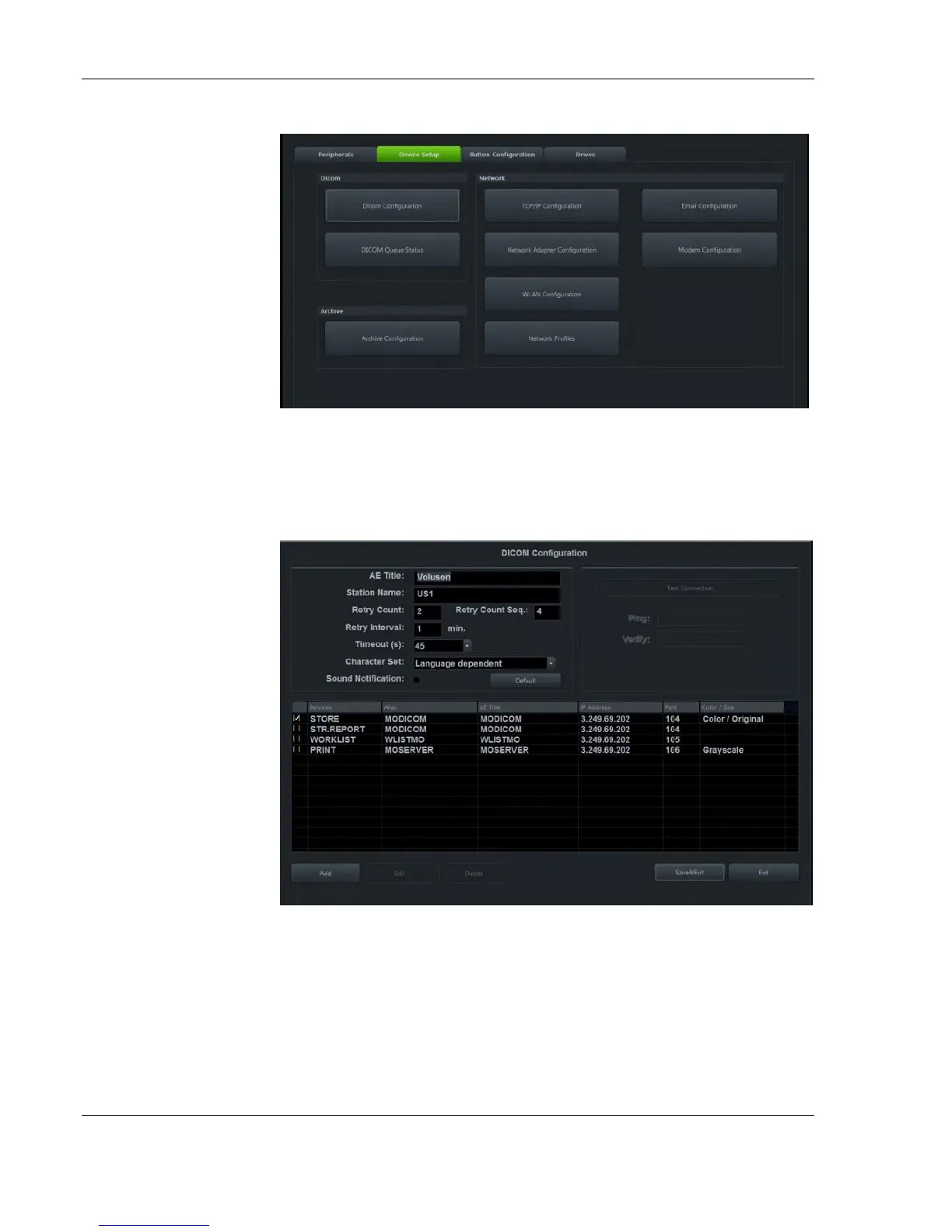
DICOM Configuration
The dialog section is where you set up details of all of your DICOM
target nodes (image servers).
AE Title - Enter the AE (Application Entity) Title under which your
DICOM application is known to other DICOM applications (required).
Obtain the correct AE Title from contact your DICOM network
administrator.
Station Name - Enter the name of the hospital or institute.
Retry Count - Number of retries to establish a successful DICOM



 To Next Page